IMAX Infosoft
What you get

Included with this course

Live SAP sandbox access (ECC & S/4HANA)
Real-time business scenario case studies
IMAX certificate + SAP C_* exam guidance
Placement cell access & mock interviews
Resume + LinkedIn profile building
Project internship for experience-level readiness
What you'll learn

Skills you walk away with

Design InfoObjects, InfoCubes, DSO and InfoSets
Configure data extraction from SAP and flat file sources
Build BEx queries and reports with analytics features
Create interactive dashboards using BEx Web Designer
Set up BEx information broadcasting & alerts
Design and implement BW planning models
Optimise BW performance using process chains
Manage authorisations in BW/BI
Curriculum

6 modules, start to finish

  • Data warehousing concepts & DW modelling
  • InfoObjects — definitions, texts, attributes, hierarchies
  • InfoProviders — InfoCubes, DSOs, InfoSets, Virtual providers
  • Data Warehousing Workbench & Metadata Repository
  • BI Content & Remodelling Toolbox
  • Source systems & DataSources
  • Transformations & data acquisition from SAP systems
  • LO extraction — standard, delta & generic
  • Flat file & database connectivity
  • Data transfer processes (DTP)
  • InfoPackage scheduling & monitoring
  • Error handling & data quality checks
  • BEx Query Designer — definitions & key figure structure
  • Analytical Engine features
  • Calculated & restricted key figures
  • Variables — characteristic, hierarchy, text, formula
  • Conditions, exceptions & cell editing
  • Query performance optimisation
  • BEx Web Analyzer — ad-hoc analysis
  • BEx Analyzer — Excel integration & workbook design
  • BEx Web Application Designer — web items & charts
  • BEx Report Designer — pixel-perfect formatting
  • Printing, export & information broadcasting
  • BEx Broadcaster with BI alerts & data bursting
  • Planning model design
  • Planning functions & sequences
  • Input-enabled queries
  • Analysis Process Designer & data mining
  • Planning applications & implementation
  • BW statistics & performance monitoring
  • Administrator Cockpit & BI Accelerator
  • Process chains — scheduling & monitoring
  • User management & analysis authorisations
  • Visual Composer & model-driven development
  • Backend portal & BI kit tools integration
  • ERP integration patterns
Get the full syllabus & fees
Training structure

Two levels, one job-ready profile

Level 12 Months

Core Training

Instructor-led training across the full curriculum — concepts, tools and hands-on exercises on live systems, building from fundamentals to job-ready skill.

Level 21 Month

Project Internship

  • Real-time project on a live client scenario
  • Business scenarios mapped end-to-end
  • Ticket handling on an actual support queue
  • Documentation — specs, test scripts, handover
  • Interview preparation with mock rounds

Included with this course — no extra fee.

Tools & technologies

What you'll work with

SAP BWSAP BI 7.xBEx Query DesignerBEx AnalyzerSAP BW/4HANA
Who should attend

Is this course right for you?

Fresh Graduates

B.E / B.Com / MBA graduates with no SAP experience — most modules are business-logic driven.

Working Professionals

IT and non-IT professionals wanting to pivot into high-paying SAP consultant roles.

Domain Experts

Accountants, supply chain, or HR professionals who want to convert domain knowledge to SAP skills.

SAP Beginners

Candidates with basic SAP exposure looking for structured, deep-dive training.

Student proof

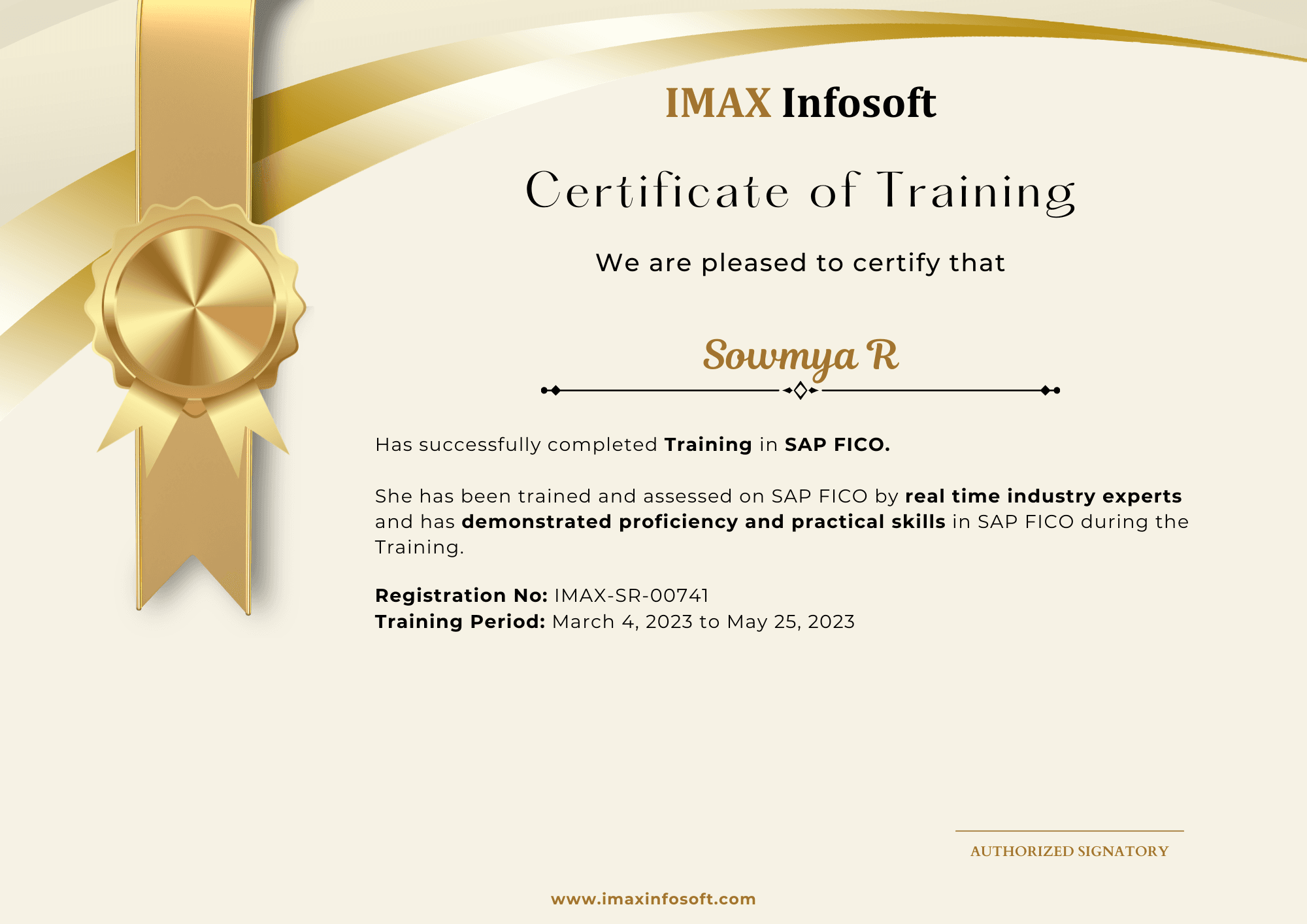
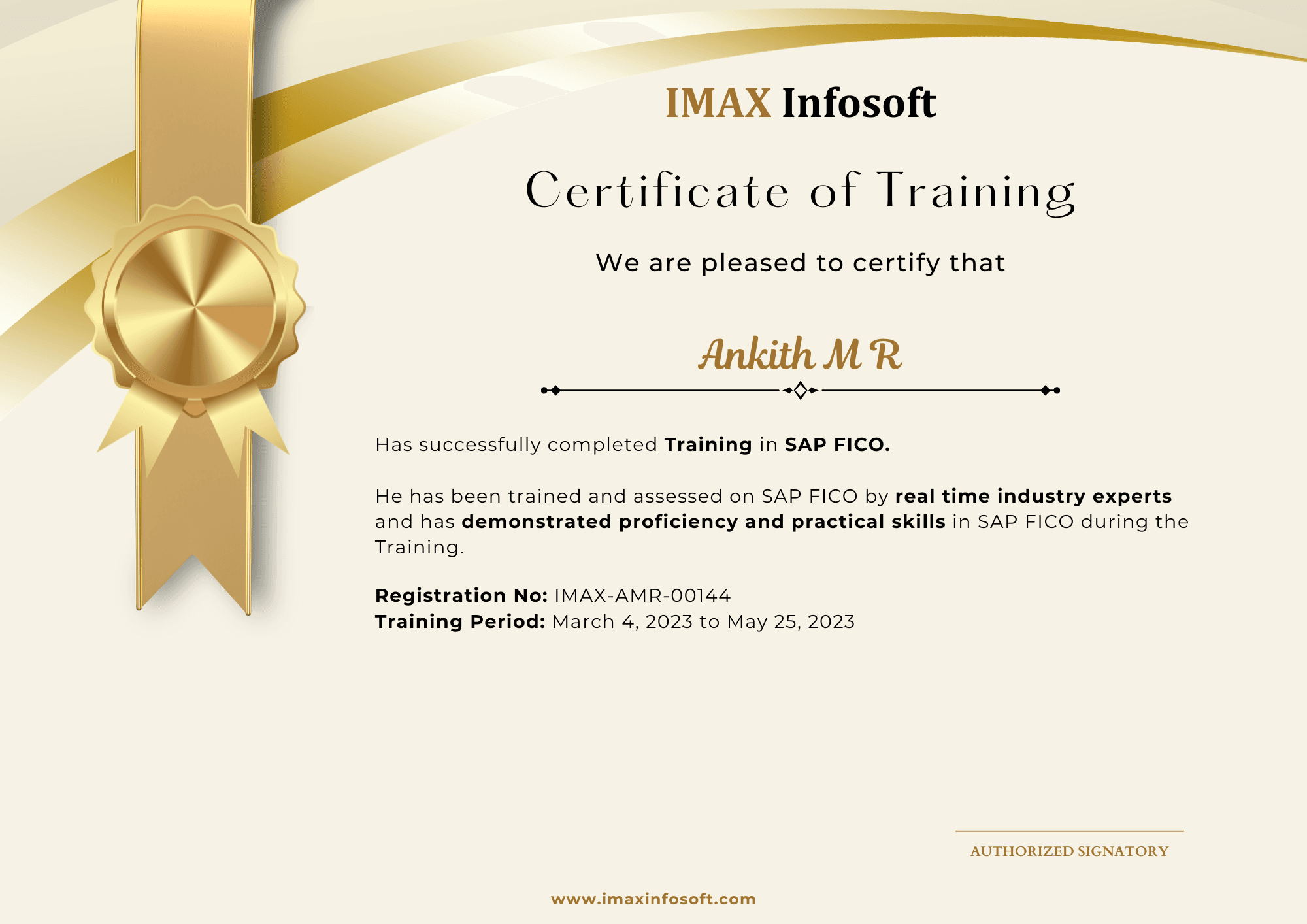
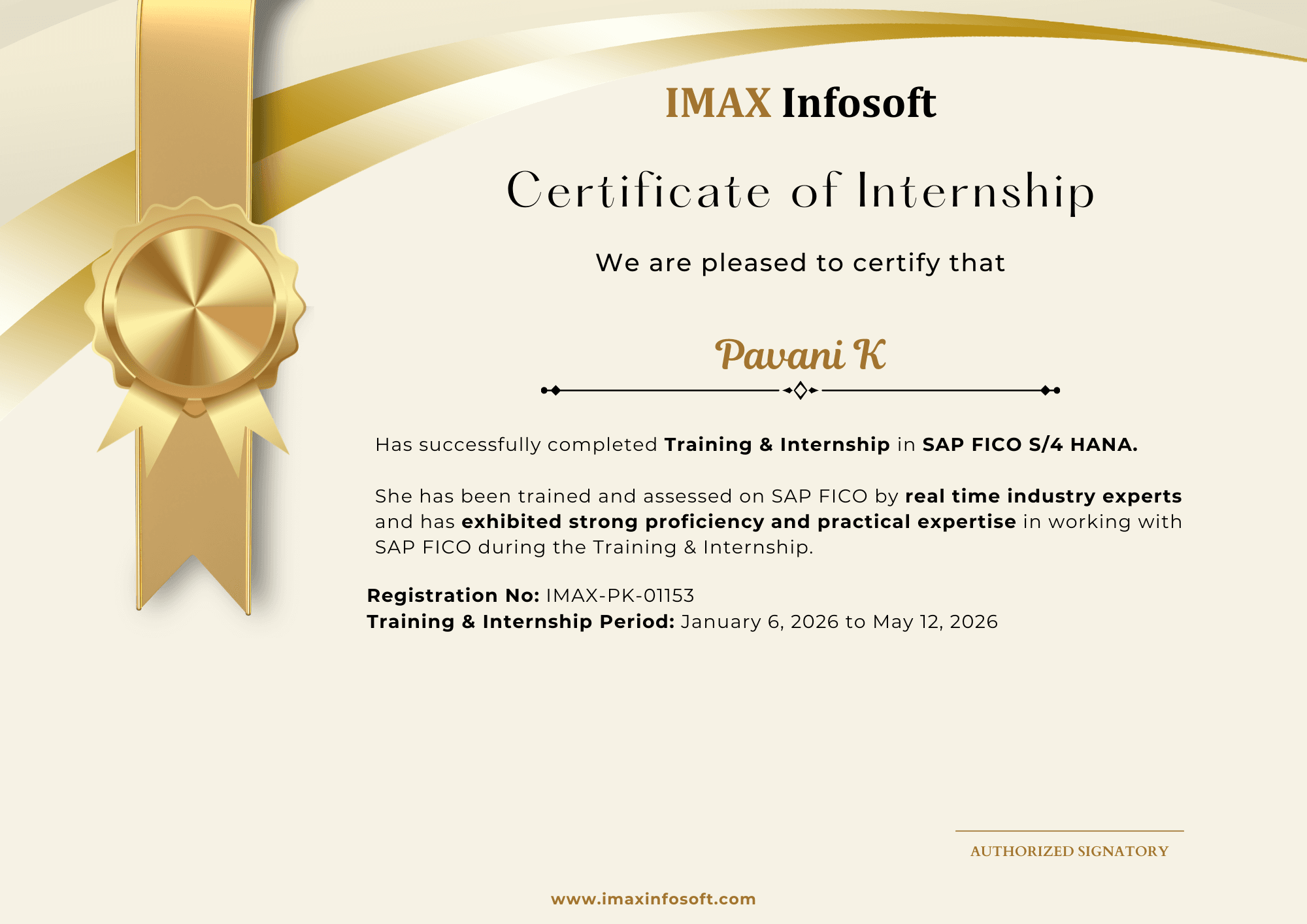
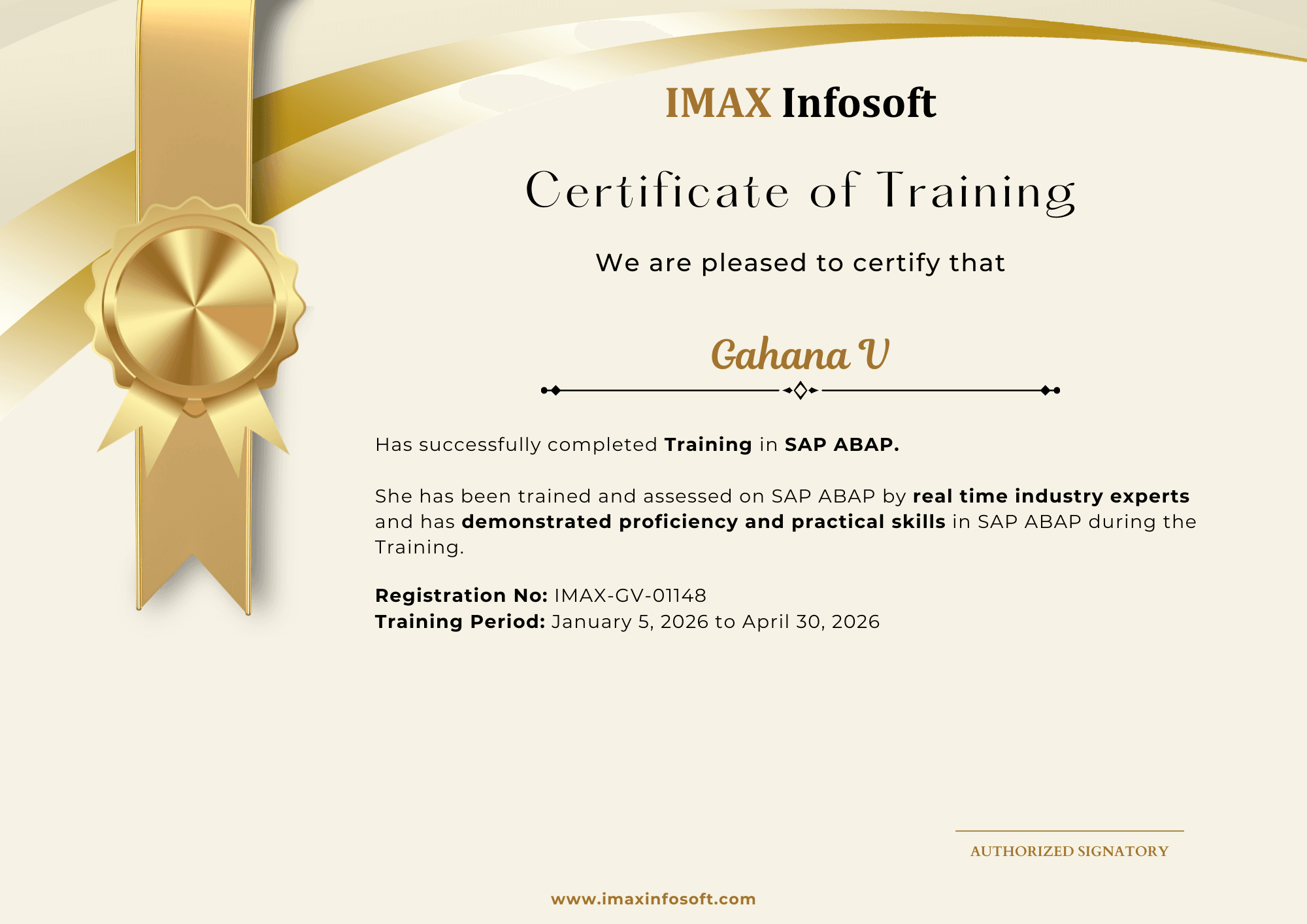
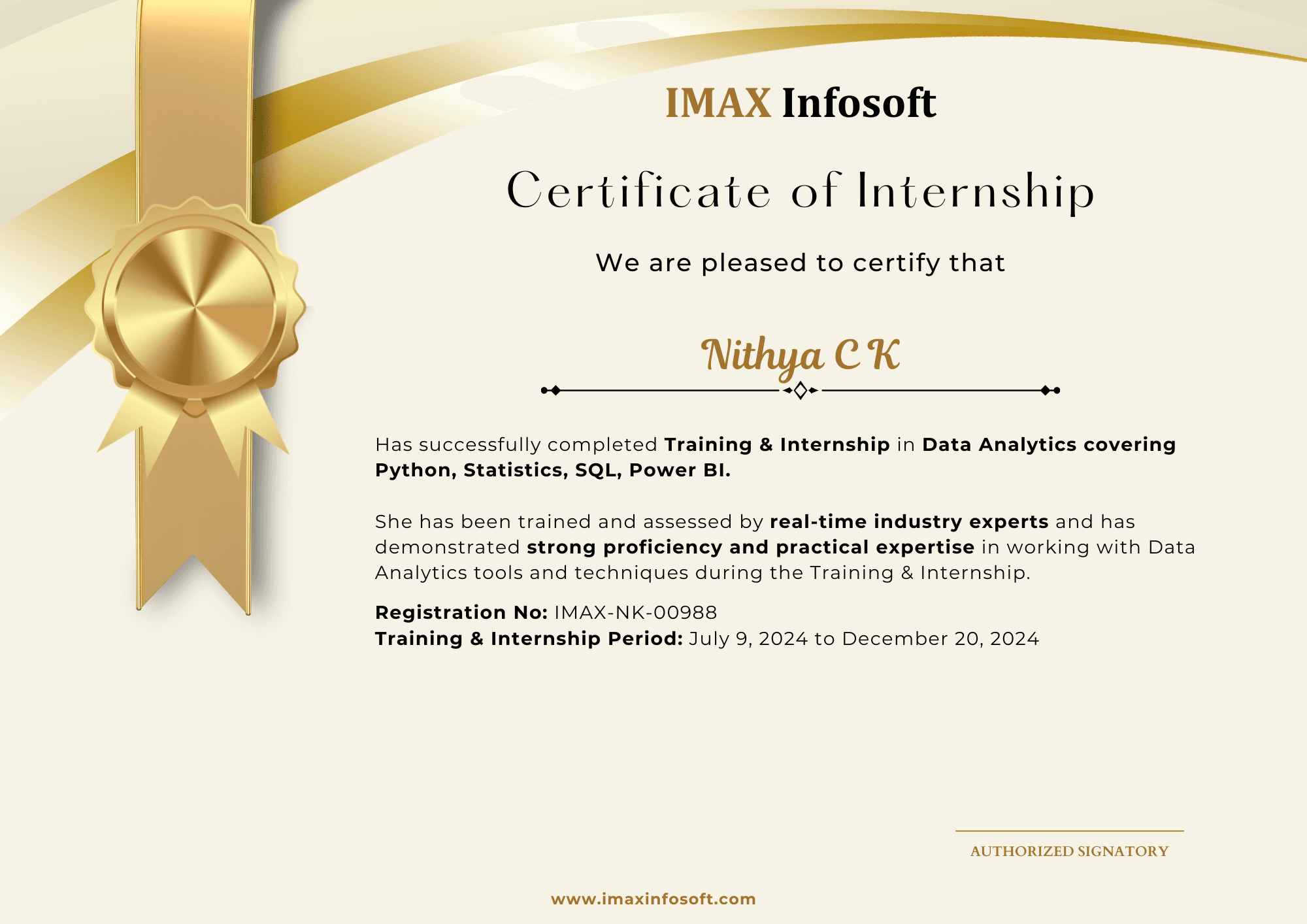
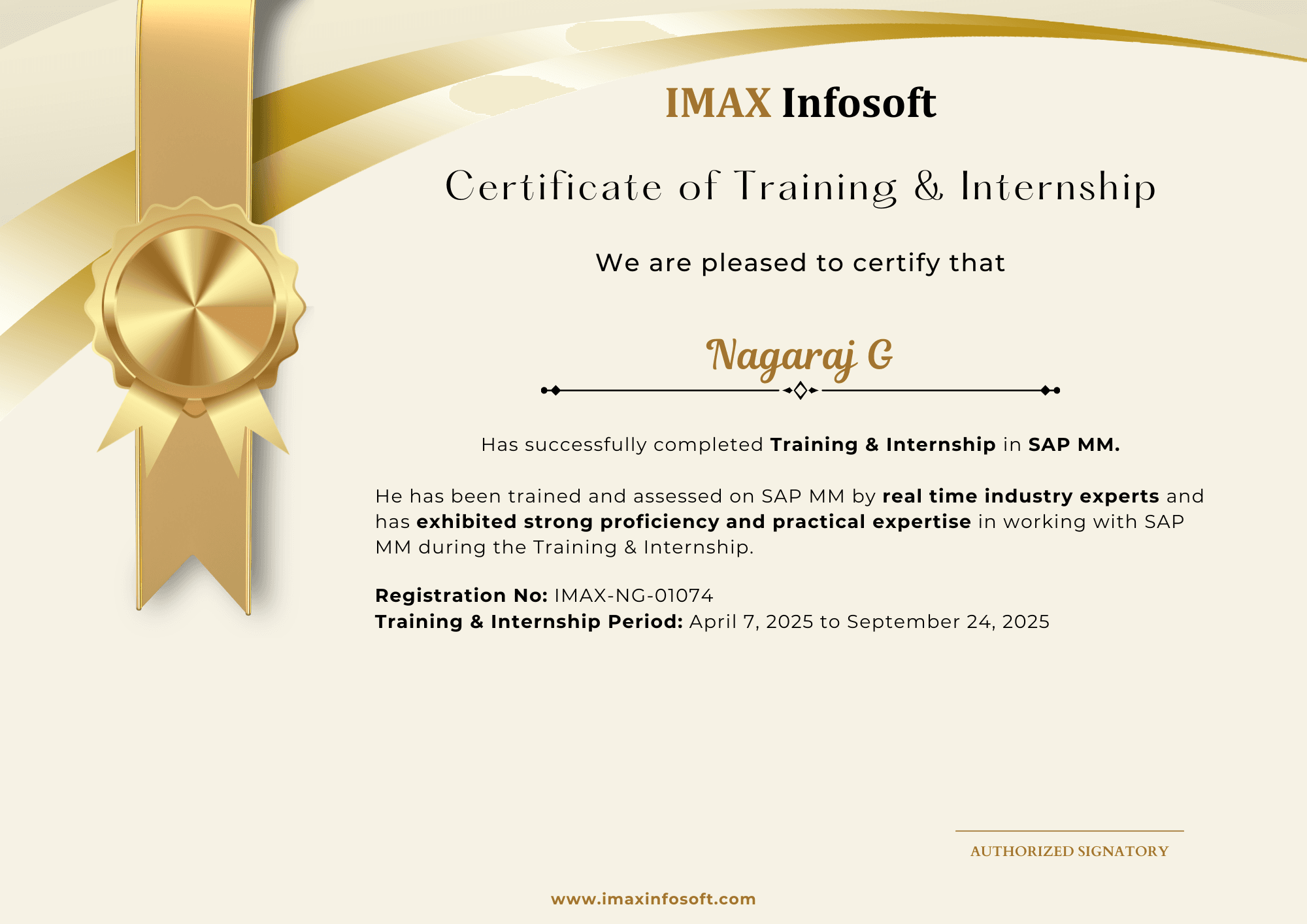
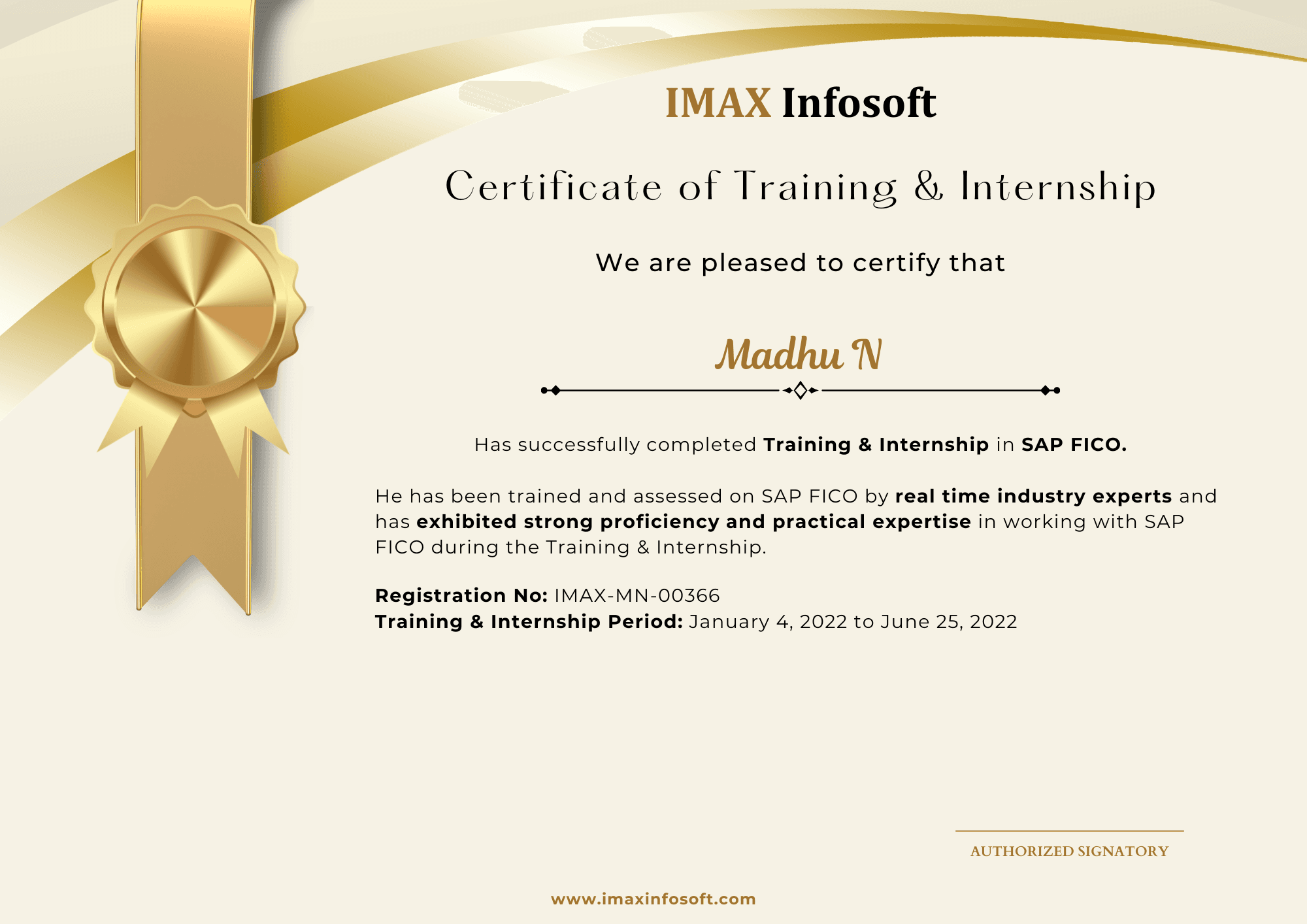
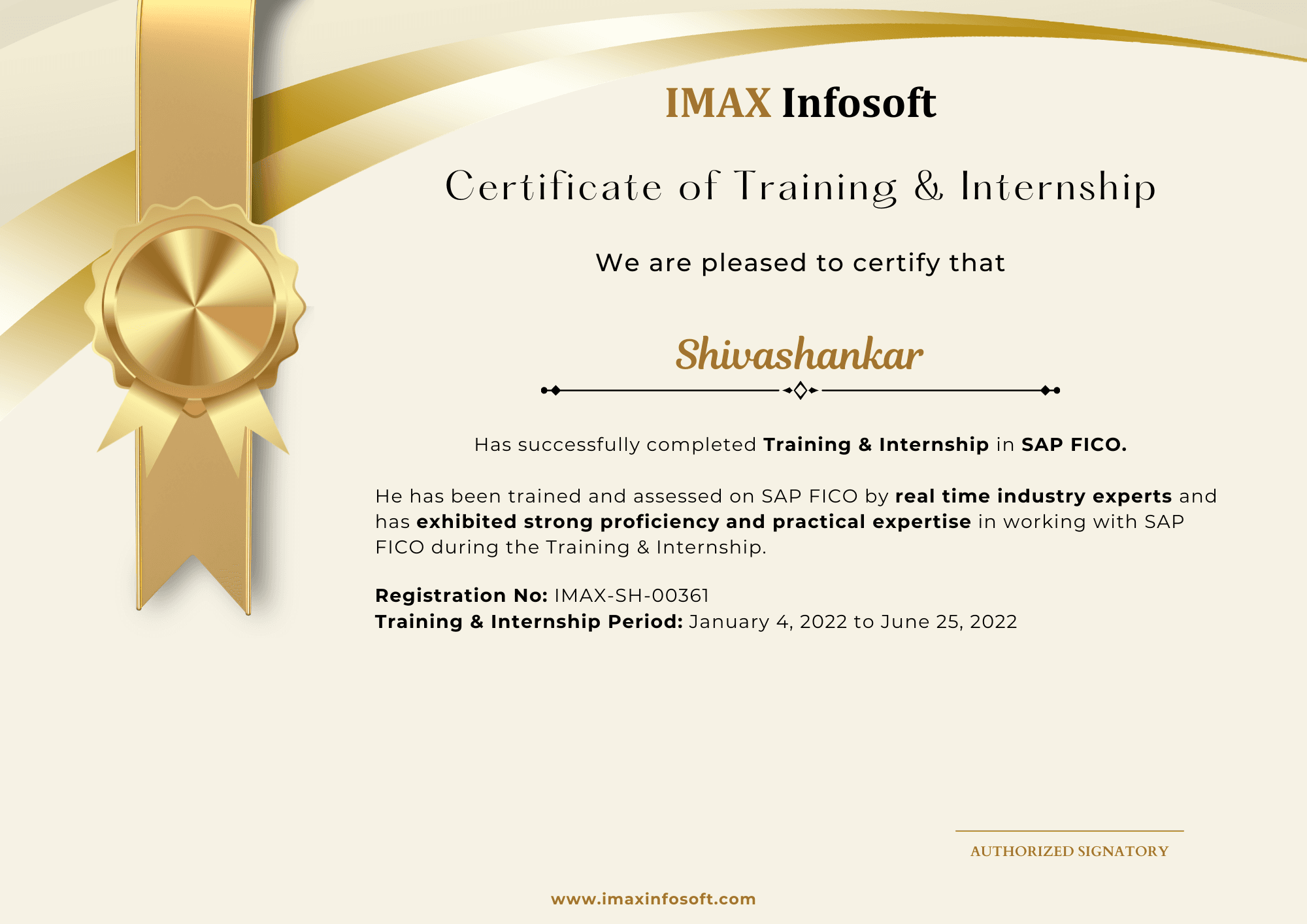
Recent certificates from IMAX batches

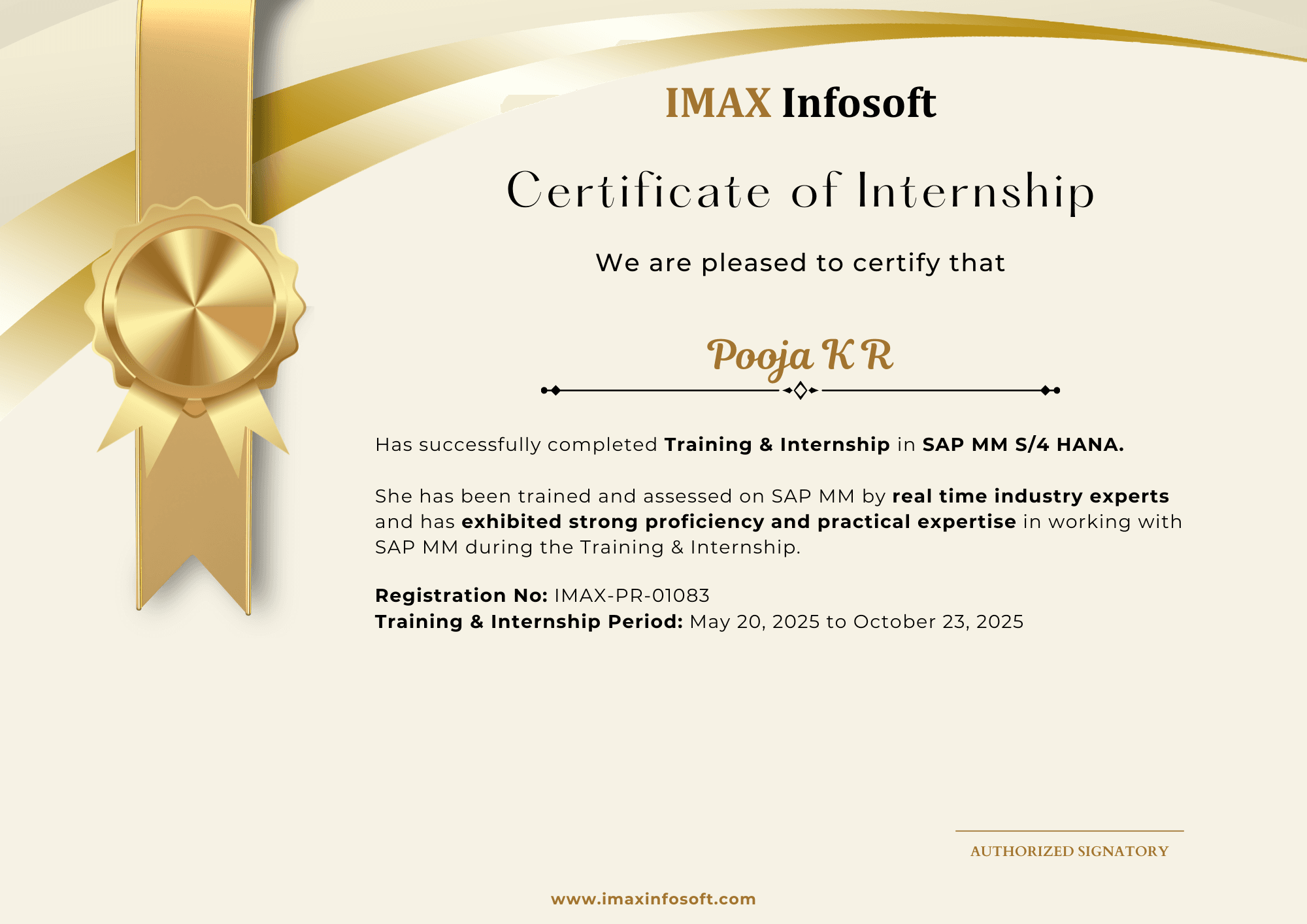
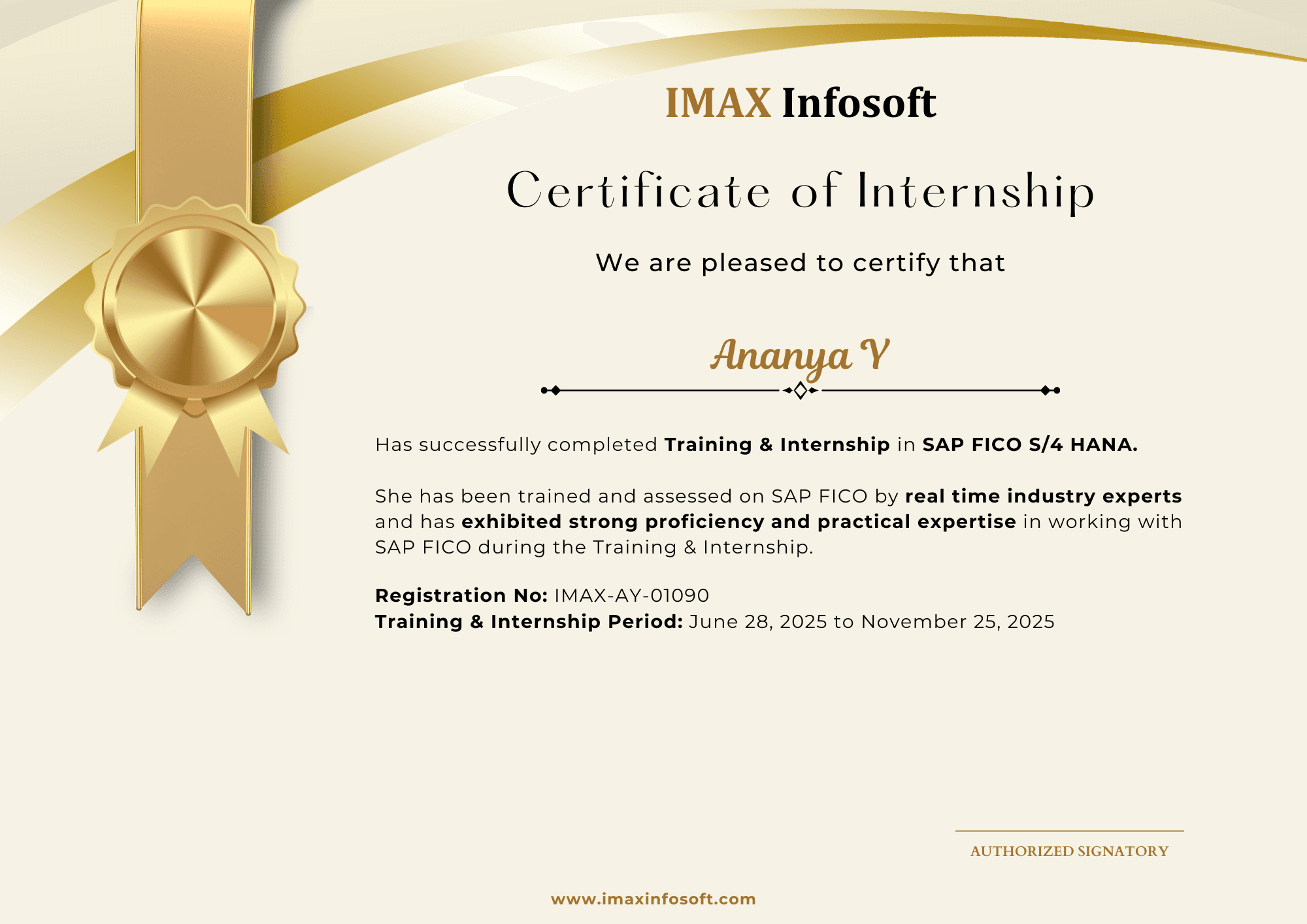
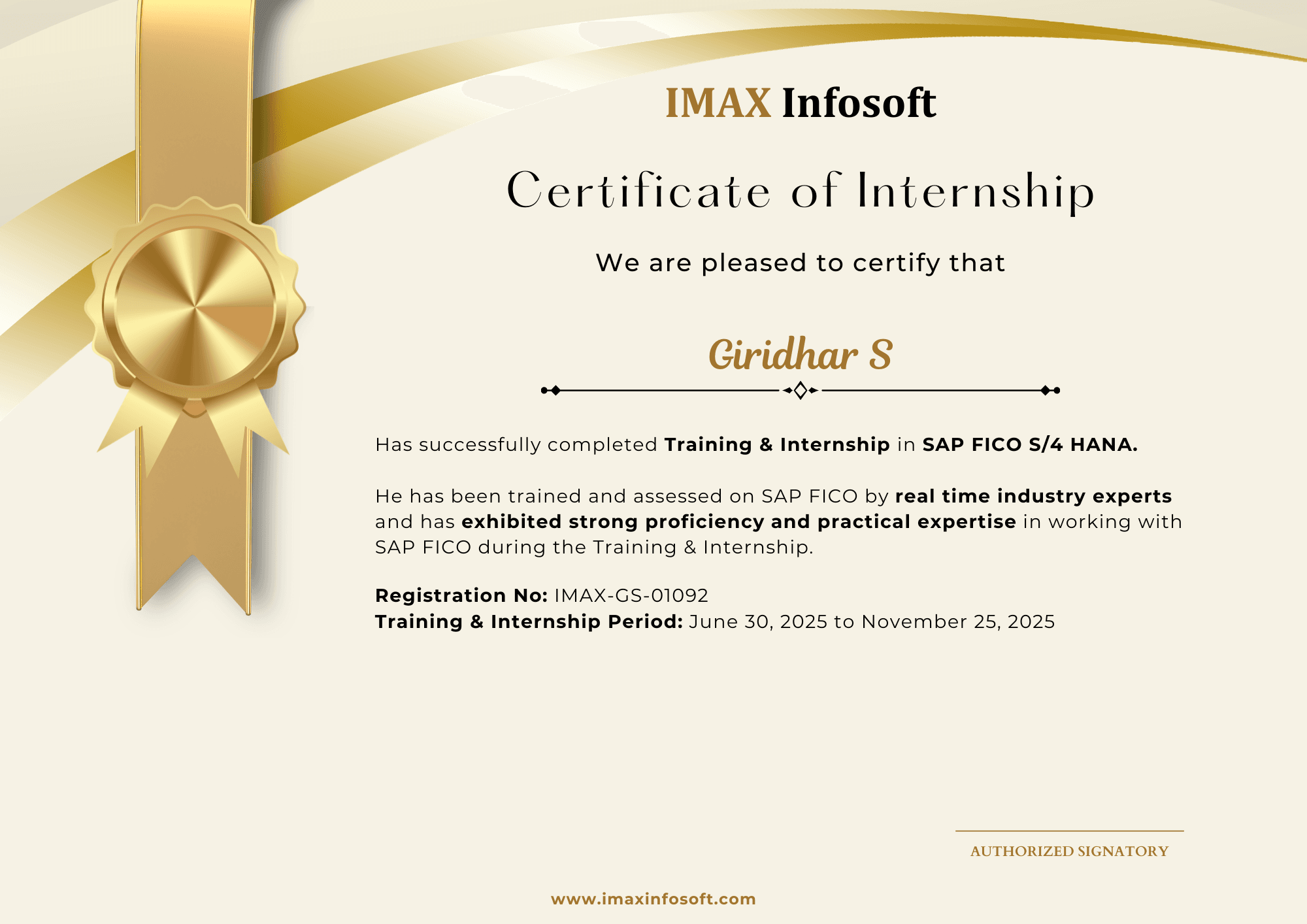
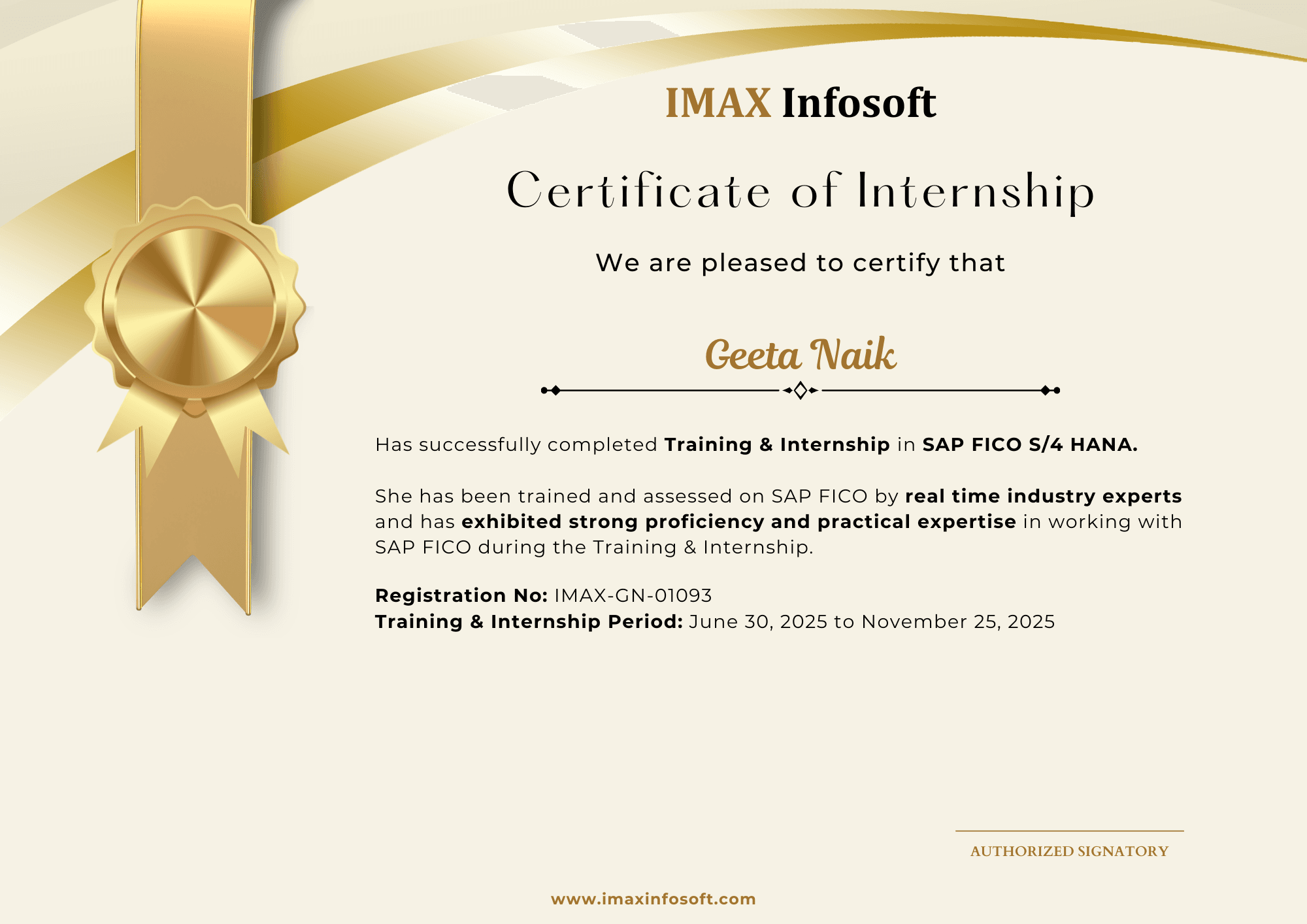
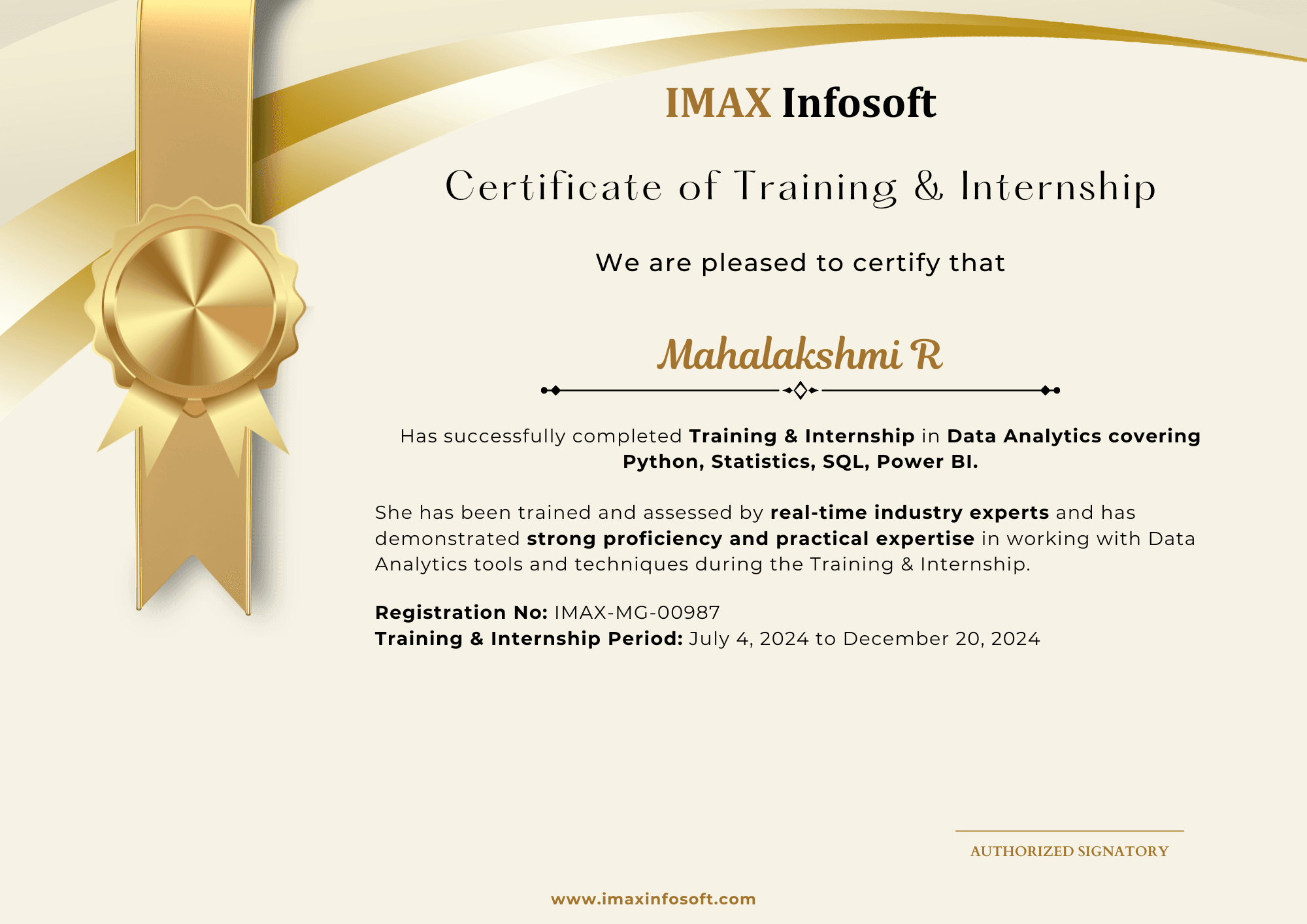
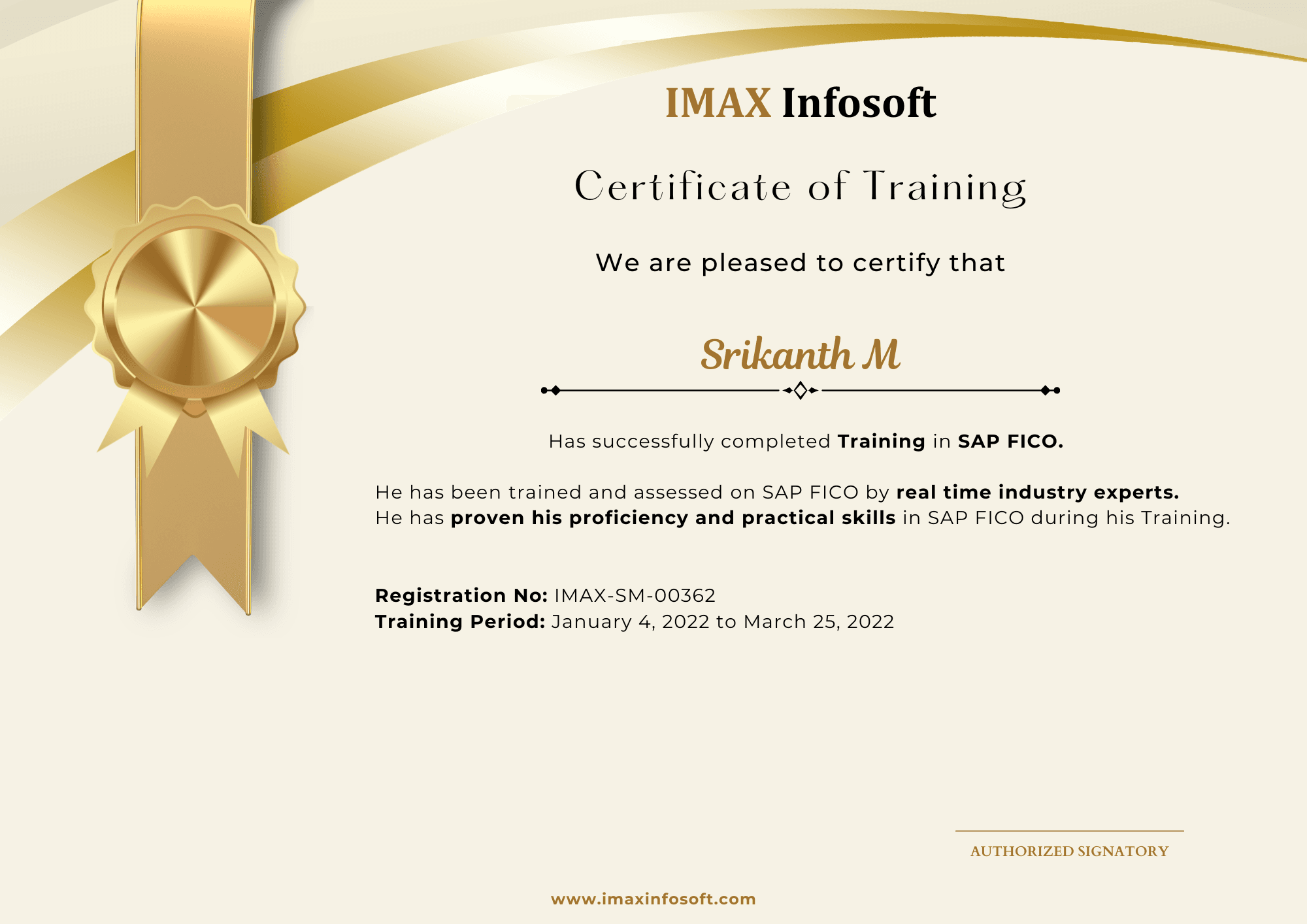
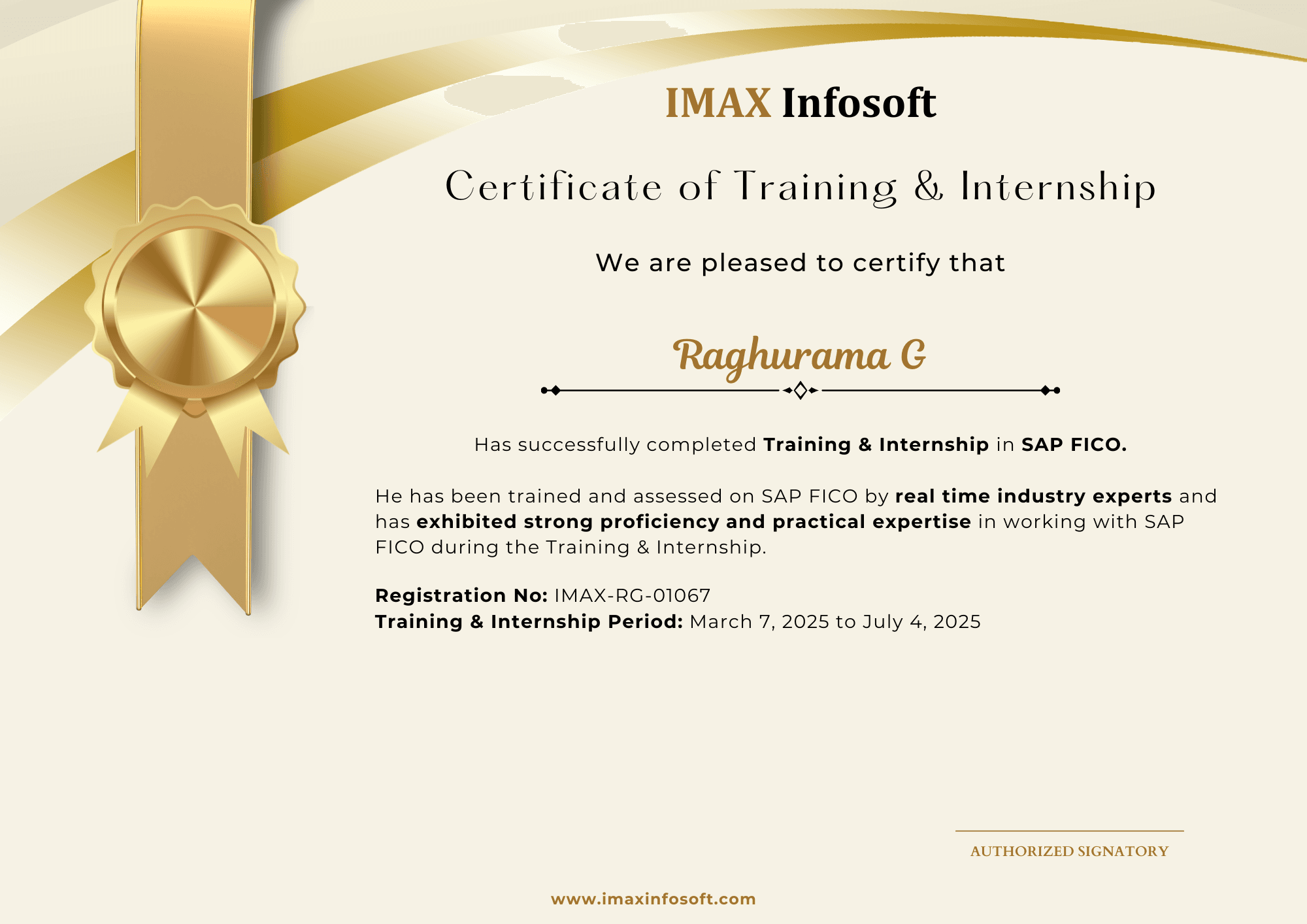
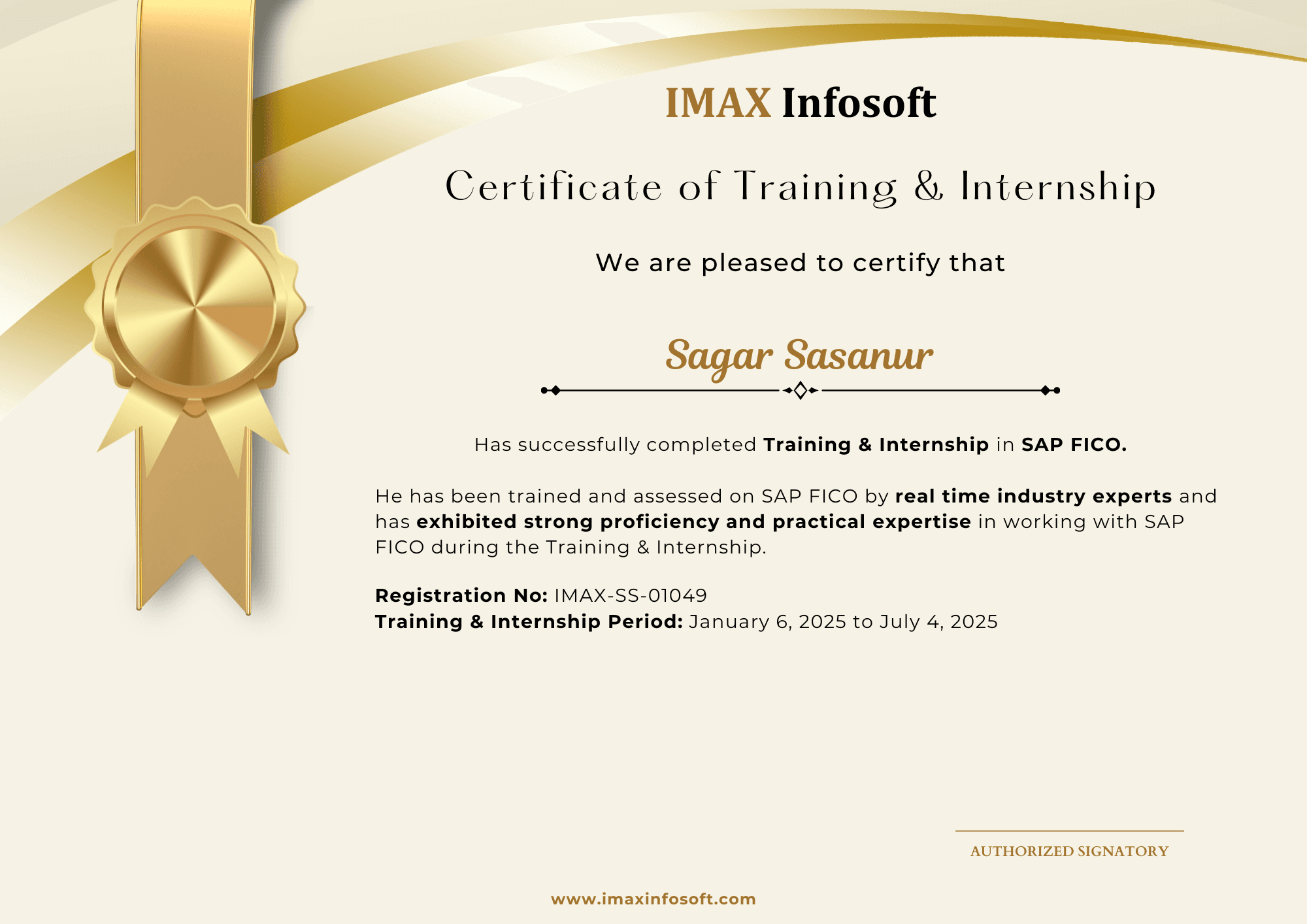
Completion certificates from the June 2026 and October 2025 batches give students a real preview of the outcome they receive after training and project work.

20

certificates shown

150–200

hiring tie-ups

4.8/5

Google rating

Certificates are issued by IMAX Infosoft after course completion.

June 2026

Most recent student certification batch.
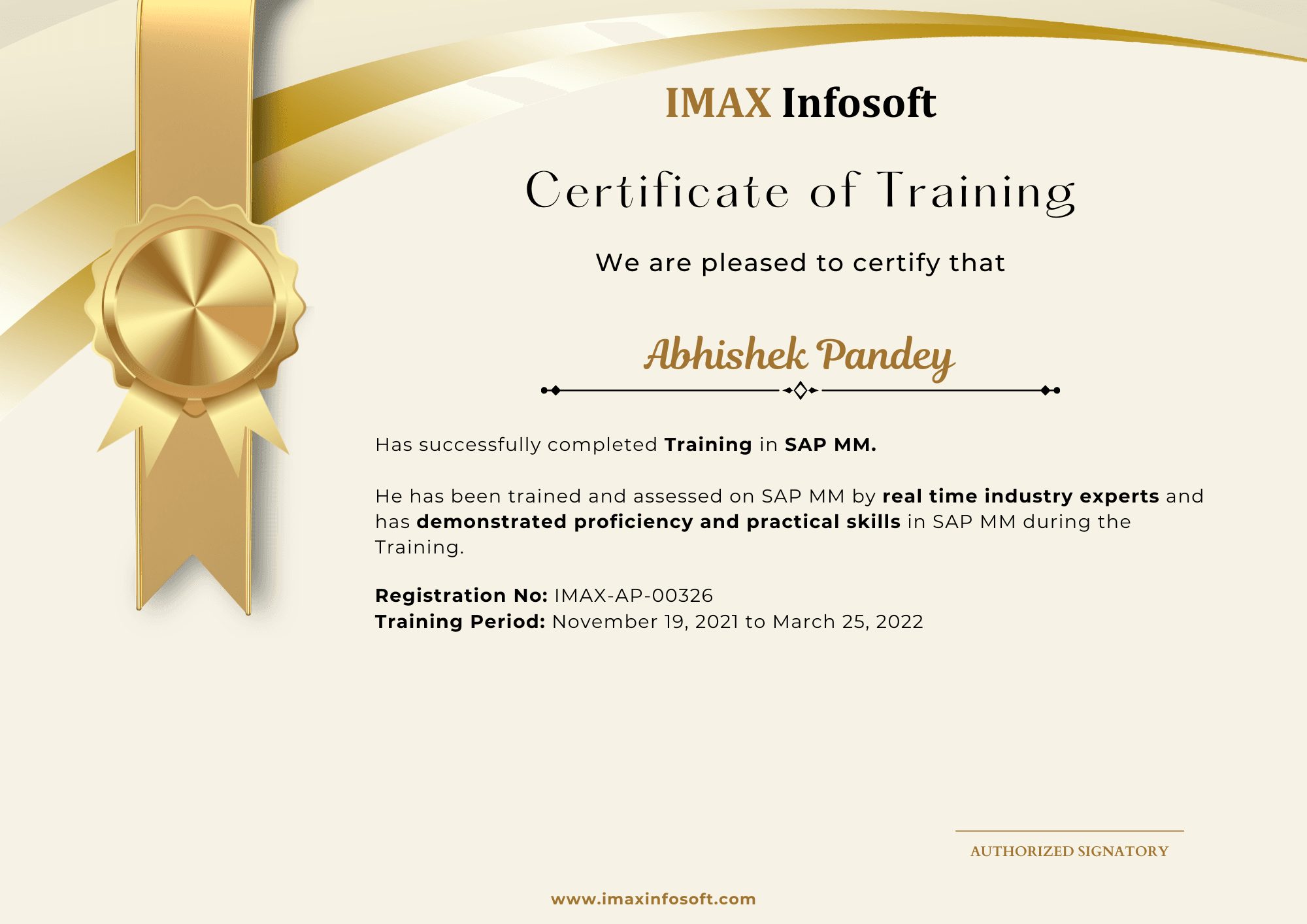
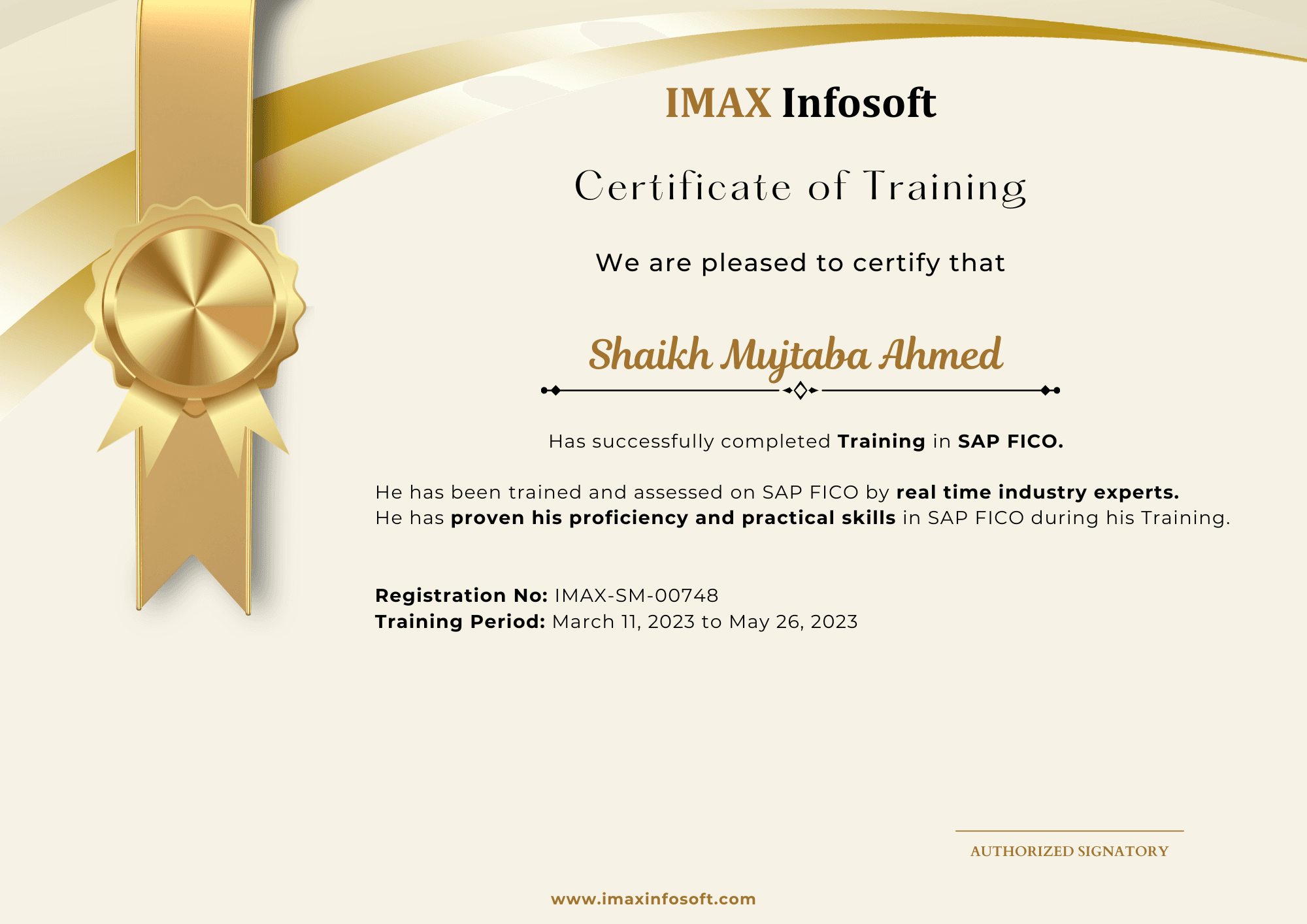
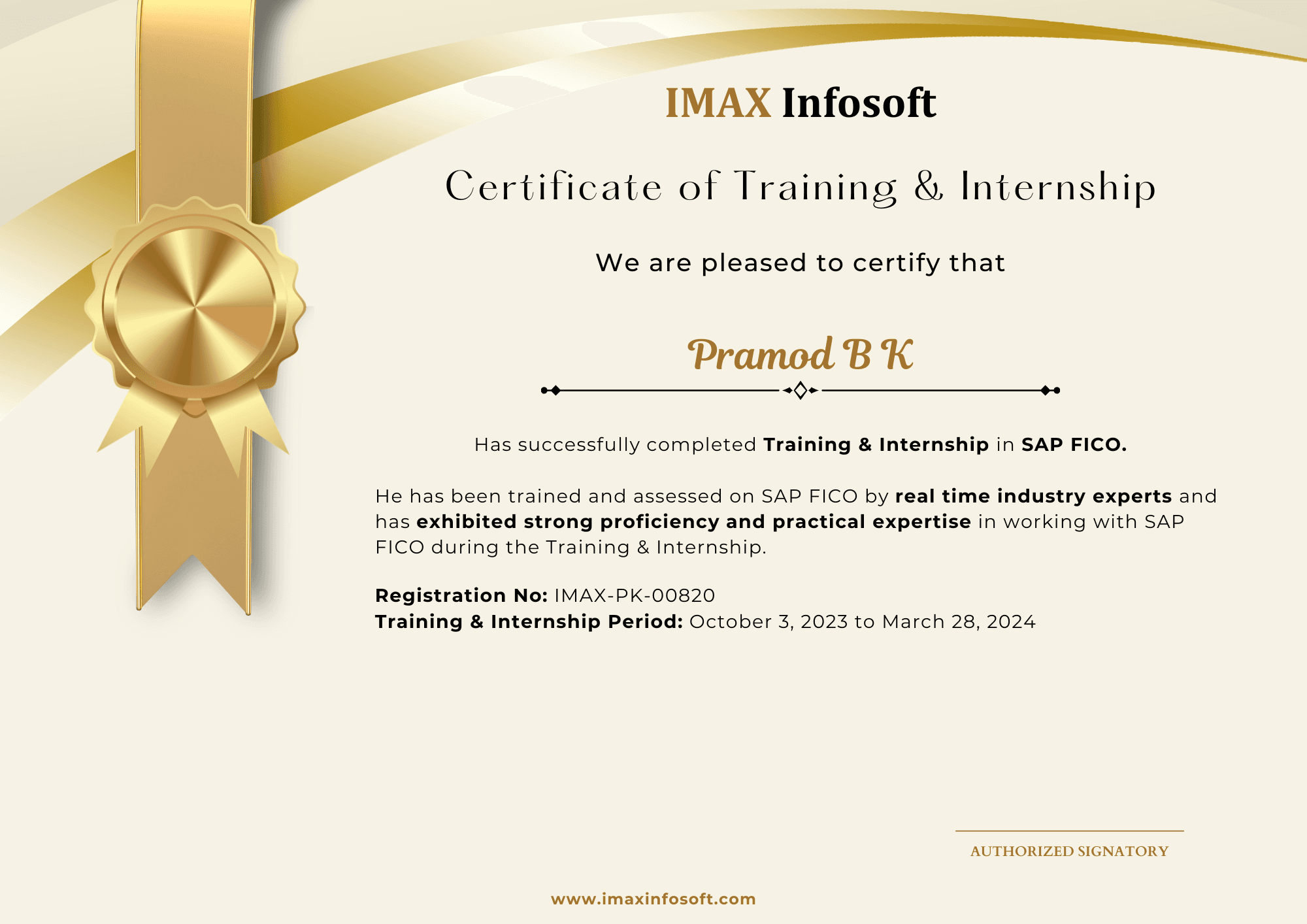
IMAX Infosoft completion certificate from the June 2026 batch, sample 1
IMAX Infosoft completion certificate from the June 2026 batch, sample 2
IMAX Infosoft completion certificate from the June 2026 batch, sample 3
IMAX Infosoft completion certificate from the June 2026 batch, sample 4
IMAX Infosoft completion certificate from the June 2026 batch, sample 5
IMAX Infosoft completion certificate from the June 2026 batch, sample 6
IMAX Infosoft completion certificate from the June 2026 batch, sample 7
IMAX Infosoft completion certificate from the June 2026 batch, sample 8
IMAX Infosoft completion certificate from the June 2026 batch, sample 9
IMAX Infosoft completion certificate from the June 2026 batch, sample 10

October 2025

Previous student certification batch.
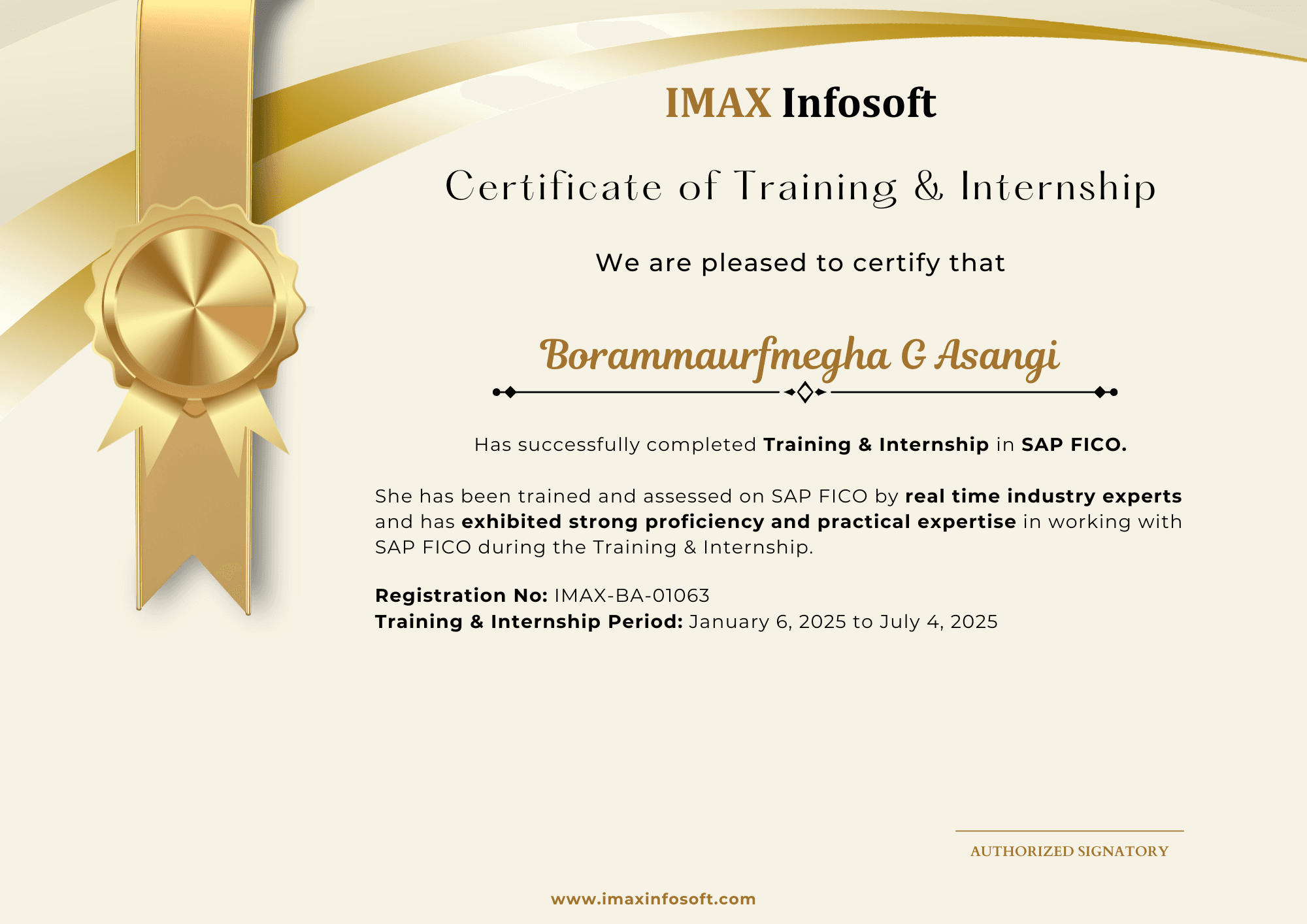
IMAX Infosoft completion certificate from the October 2025 batch, sample 1
IMAX Infosoft completion certificate from the October 2025 batch, sample 2
IMAX Infosoft completion certificate from the October 2025 batch, sample 3
IMAX Infosoft completion certificate from the October 2025 batch, sample 4
IMAX Infosoft completion certificate from the October 2025 batch, sample 5
IMAX Infosoft completion certificate from the October 2025 batch, sample 6
IMAX Infosoft completion certificate from the October 2025 batch, sample 7
IMAX Infosoft completion certificate from the October 2025 batch, sample 8
IMAX Infosoft completion certificate from the October 2025 batch, sample 9
IMAX Infosoft completion certificate from the October 2025 batch, sample 10
FAQs

Frequently asked questions

Basic SAP navigation and understanding of business processes (any module) is helpful. A strong analytics or reporting background is a plus.

SAP BW is the data warehouse layer, increasingly running on SAP HANA (called BW/4HANA). HANA is the in-memory database engine. They are complementary.

Yes. IMAX provides dedicated SAP sandbox access (ECC & S/4HANA) for the entire course duration — included in the fee.

You receive the IMAX industry certificate on completion, plus study material and mock exams for SAP C_* official certification.

Fees vary by batch type and mode. Call 93435 65658 or 80739 22743 for current pricing — EMI options also available.

Both. Attend in-person at our Vijayanagar or BTM Layout centres, or join live via Zoom. All sessions are recorded.

6 months of active placement support — referrals through our 150–200 hiring tie-ups, mock interviews, and dedicated HR round preparation.

Ready to start?

Talk to a counsellor about SAP BW / BI

Get the current fee, EMI options, the next batch date and an honest view of whether this module fits your background.

Vijayanagar

BTM Layout

Request a call back

One counsellor, one honest conversation.

+91
or
Enquire on WhatsApp

By submitting you agree to be contacted about IMAX Infosoft courses.

WhatsAppEnquire