IMAX Infosoft
What you get

Included with this course

Lifetime access to recorded sessions
Real MNC project datasets & case studies
Industry-recognised IMAX certificate
Placement cell access & mock interviews
Resume + LinkedIn profile building
Doubt-clearing sessions & mentorship
What you'll learn

Skills you walk away with

Connect Tableau to databases, Excel, and cloud sources
Build bar, line, scatter, pie, map & heat map charts
Create interactive dashboards with filters and actions
Blend data from multiple sources
Write calculated fields and LOD expressions
Publish and share dashboards via Tableau Server/Online
Apply visual best practices for business reporting
Clear Tableau Desktop Specialist certification
Curriculum

6 modules, start to finish

  • Why Tableau & data visualisation
  • Tableau Desktop interface & workspace
  • Connecting to data sources — Excel, CSV, databases
  • Dimensions vs Measures
  • Creating your first visualisation
  • Saving and sharing workbooks
  • Connecting to multiple data sources
  • Joining tables — inner, left, right joins
  • Data blending from different sources
  • Custom SQL queries in Tableau
  • Data extracts vs live connections
  • Publishing data sources
  • Bar, line, scatter, pie & area charts
  • Geographic maps & filled maps
  • Heat maps, tree maps & density charts
  • Dual-axis & combination charts
  • Small multiples & page trails
  • Sorting, filtering & quick filters
  • Basic calculations — arithmetic & string functions
  • Date calculations
  • Conditional logic — IF / CASE
  • Table calculations — running totals, % of total
  • Level of Detail (LOD) expressions — FIXED, INCLUDE, EXCLUDE
  • Statistical trendlines & reference lines
  • Dashboard layout and design principles
  • Adding multiple sheets to a dashboard
  • Dashboard actions — filter, highlight, URL actions
  • Mobile-responsive dashboard design
  • Tooltips and context filters
  • Best practices for dashboard UX
  • Parameters & dynamic visualisations
  • Story points for narrative analytics
  • Publishing to Tableau Server / Tableau Online
  • Performance optimisation tips
  • Tableau Desktop Specialist exam prep
  • Portfolio project & interview prep
Get the full syllabus & fees
Training structure

Two levels, one job-ready profile

Level 12 Months

Core Training

Instructor-led training across the full curriculum — concepts, tools and hands-on exercises on live systems, building from fundamentals to job-ready skill.

Level 21 Month

Project Internship

  • Real-time project on a live client scenario
  • Business scenarios mapped end-to-end
  • Ticket handling on an actual support queue
  • Documentation — specs, test scripts, handover
  • Interview preparation with mock rounds

Included with this course — no extra fee.

Tools & technologies

What you'll work with

Tableau DesktopTableau PrepTableau PublicExcelSQLGoogle Sheets
Who should attend

Is this course right for you?

Business Analysts

Analysts replacing Excel charts with interactive Tableau dashboards.

Data Professionals

Data analysts & scientists adding visualisation to their skill set.

MNC Employees

Professionals whose companies use Tableau for reporting.

Fresh Graduates

Students entering analytics or BI roles.

Student proof

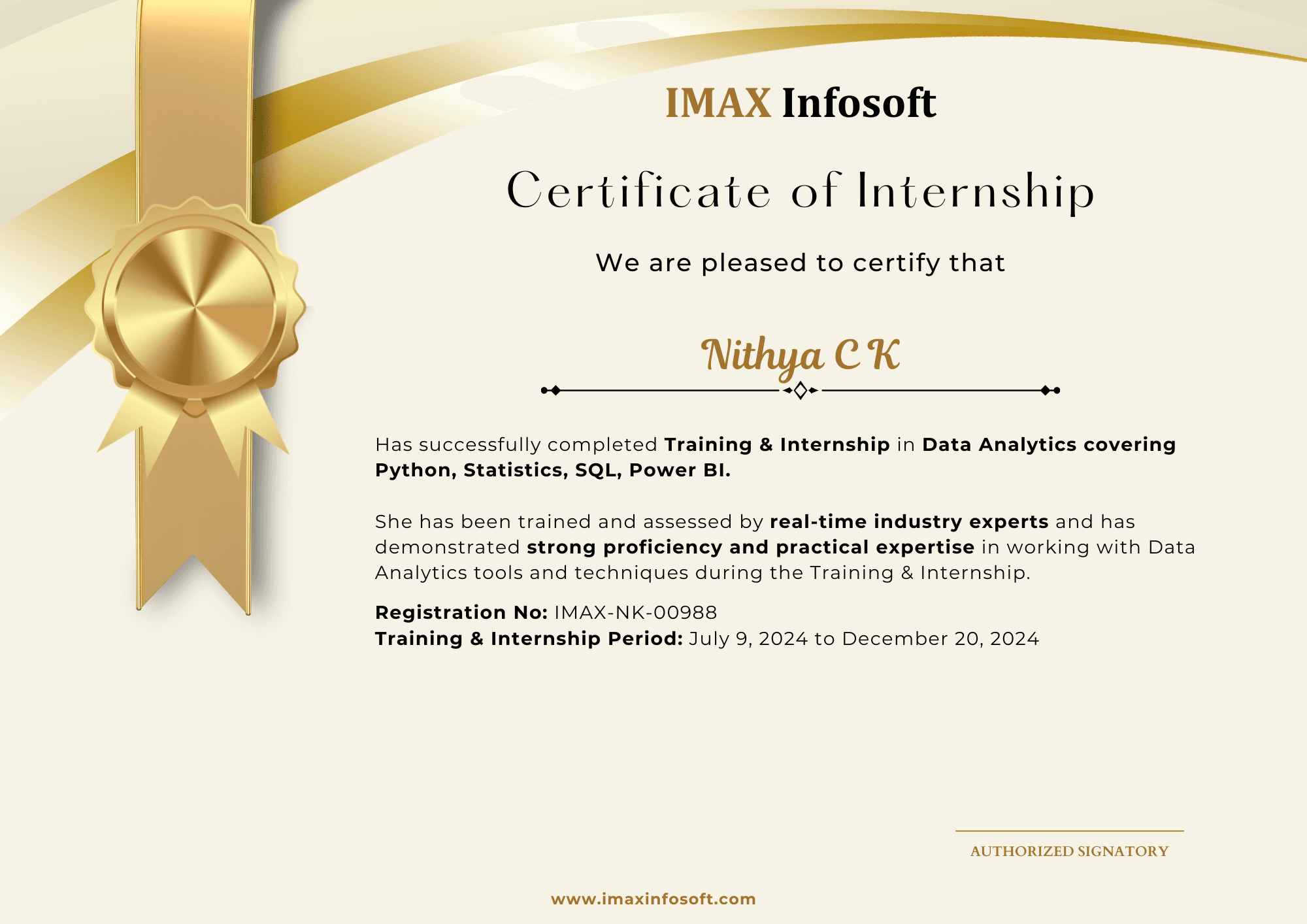
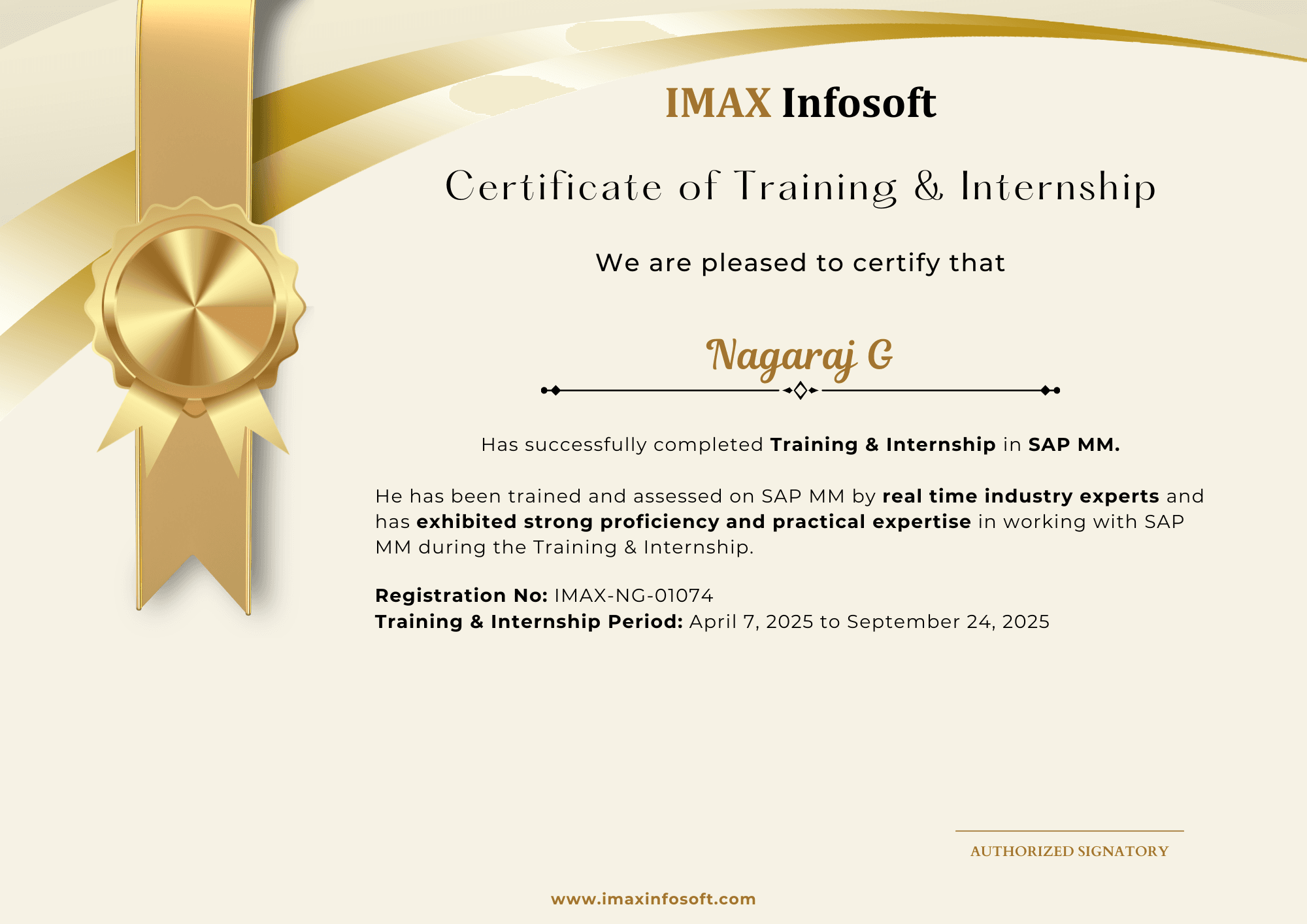
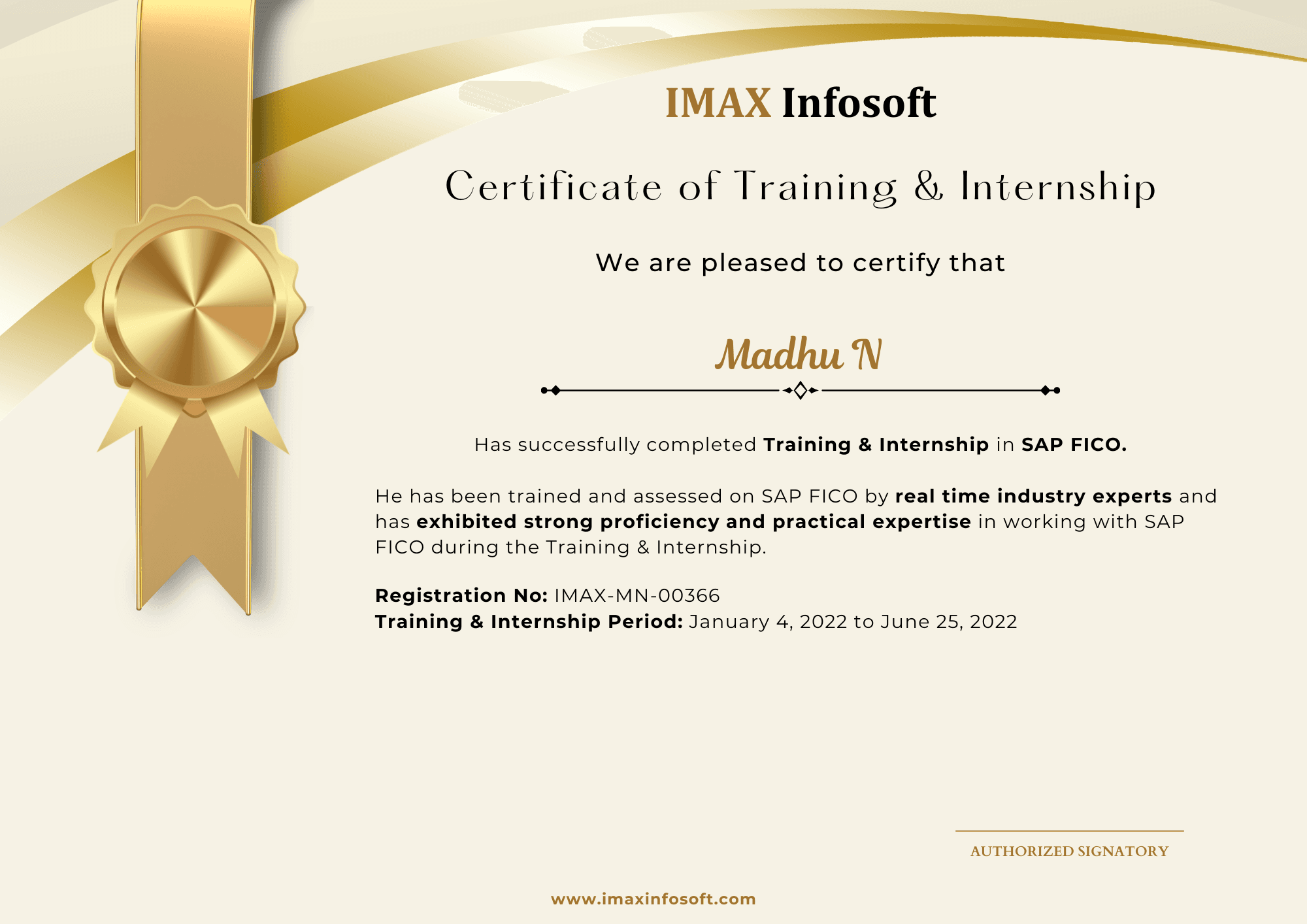
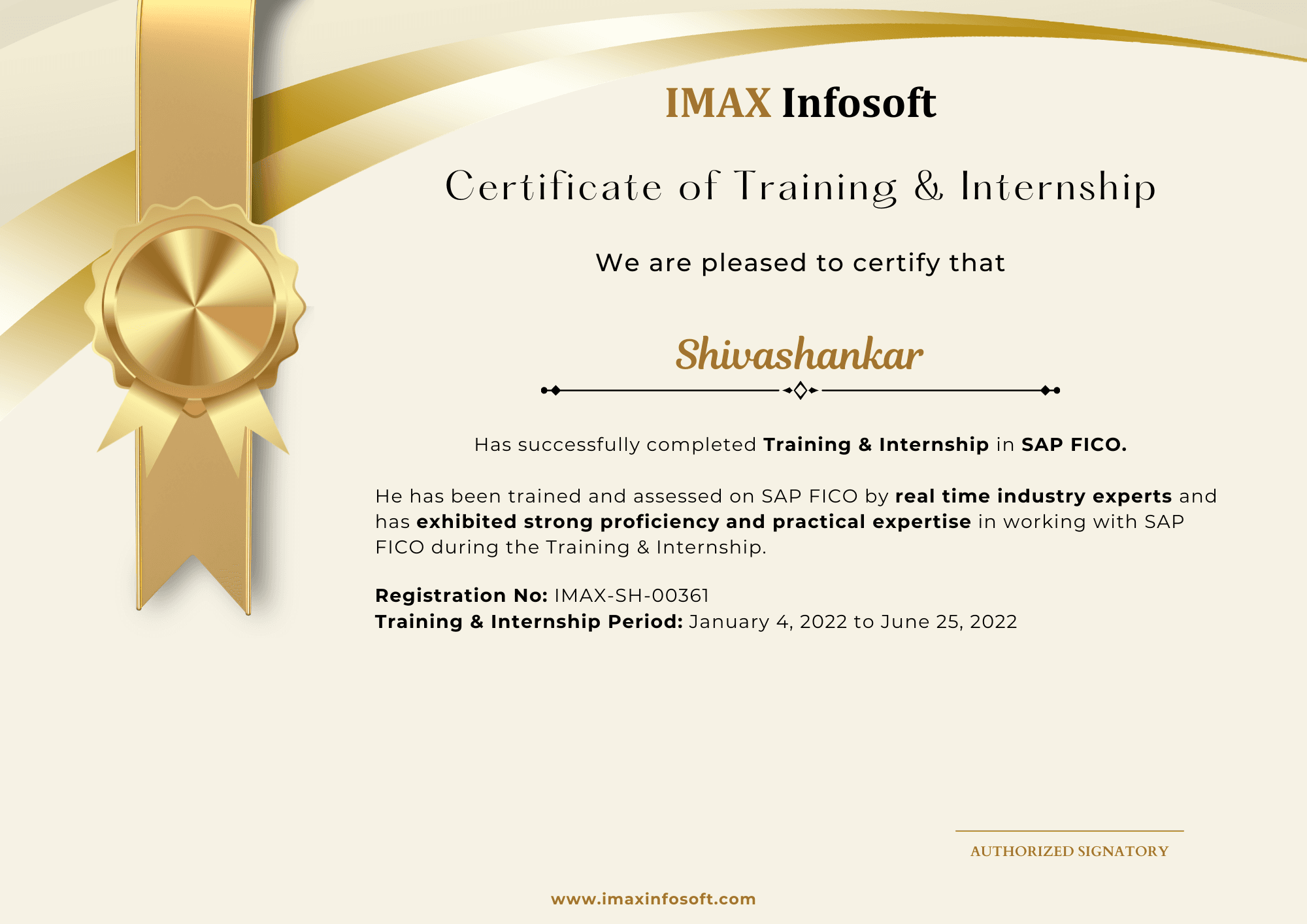
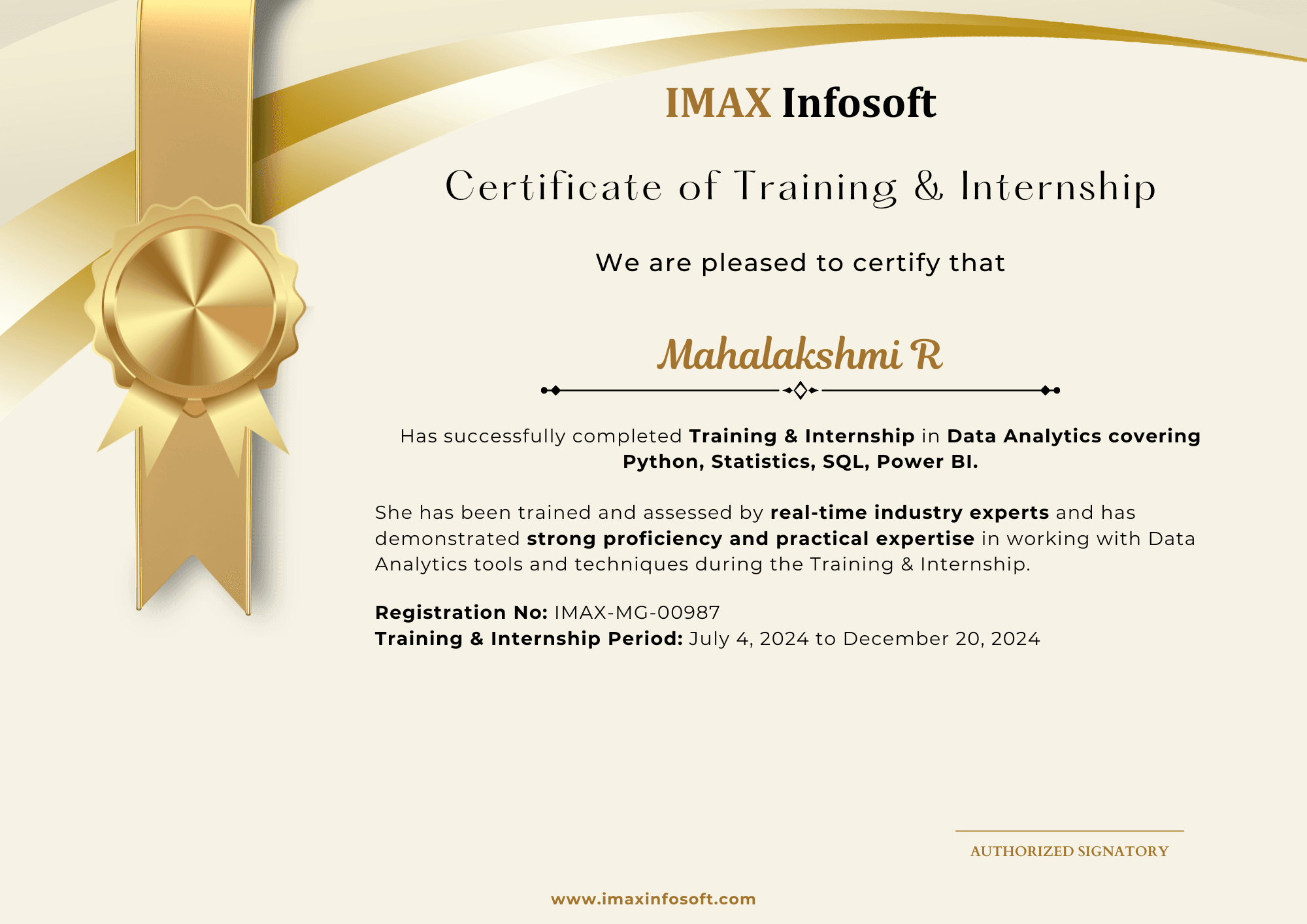
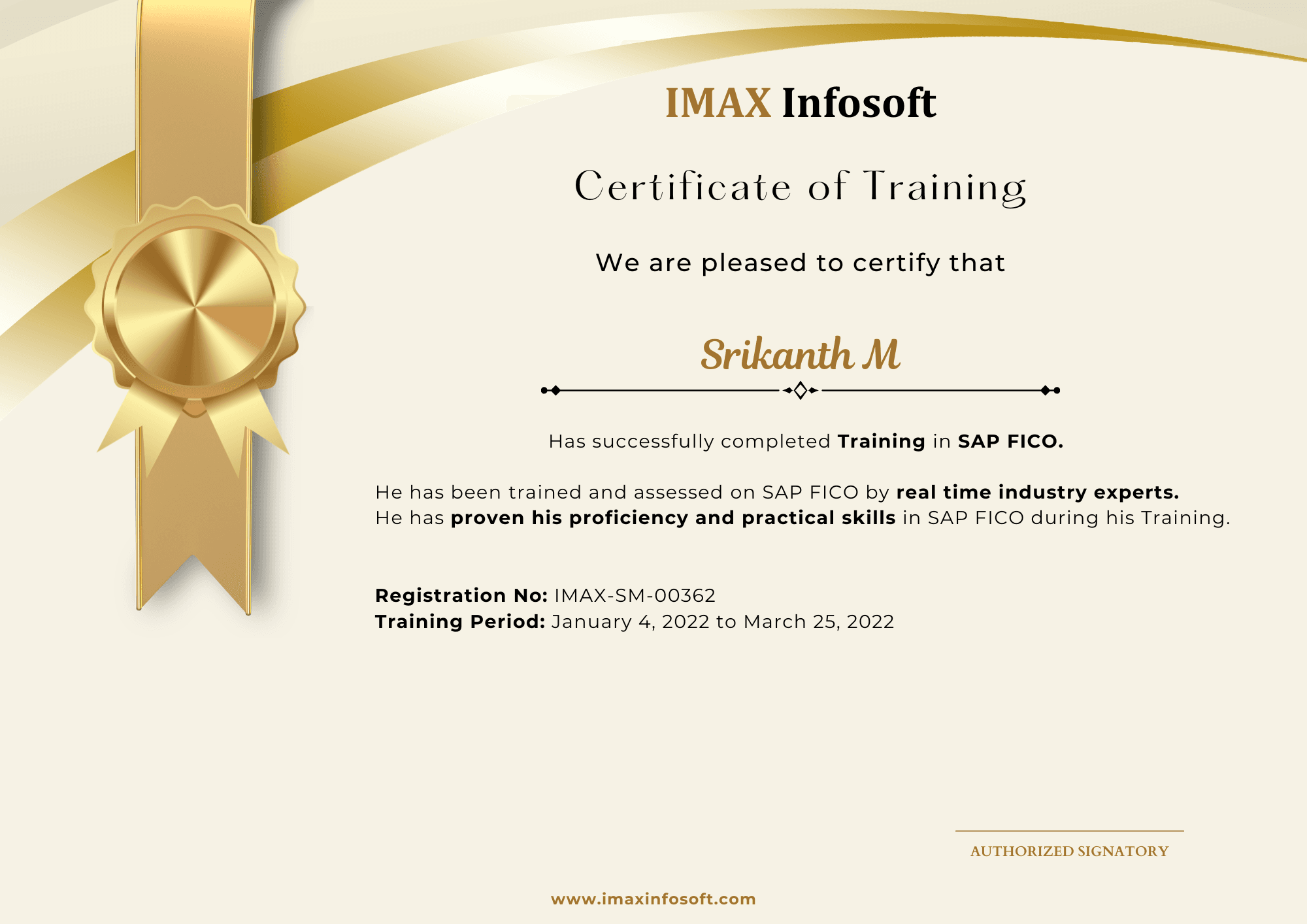
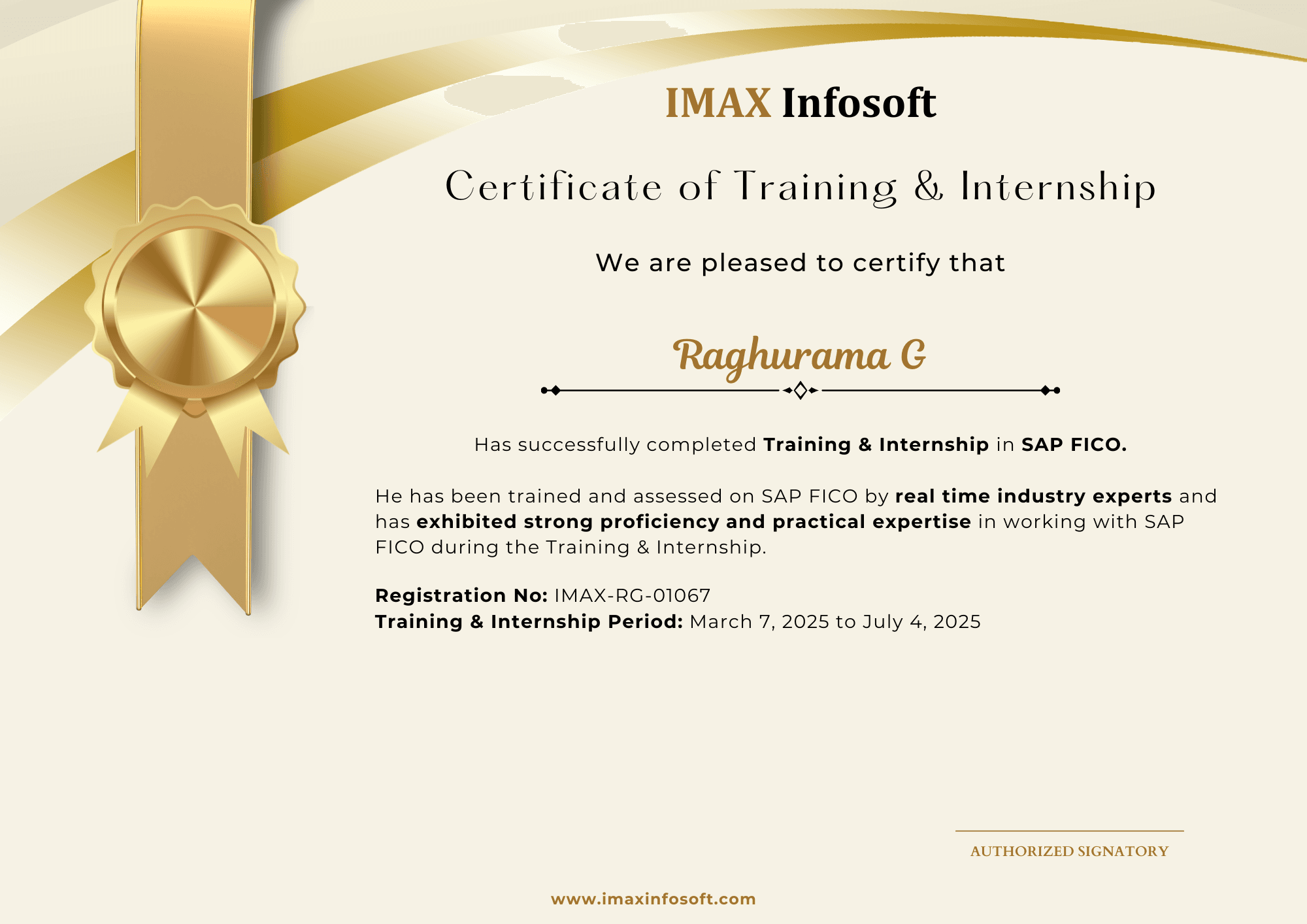
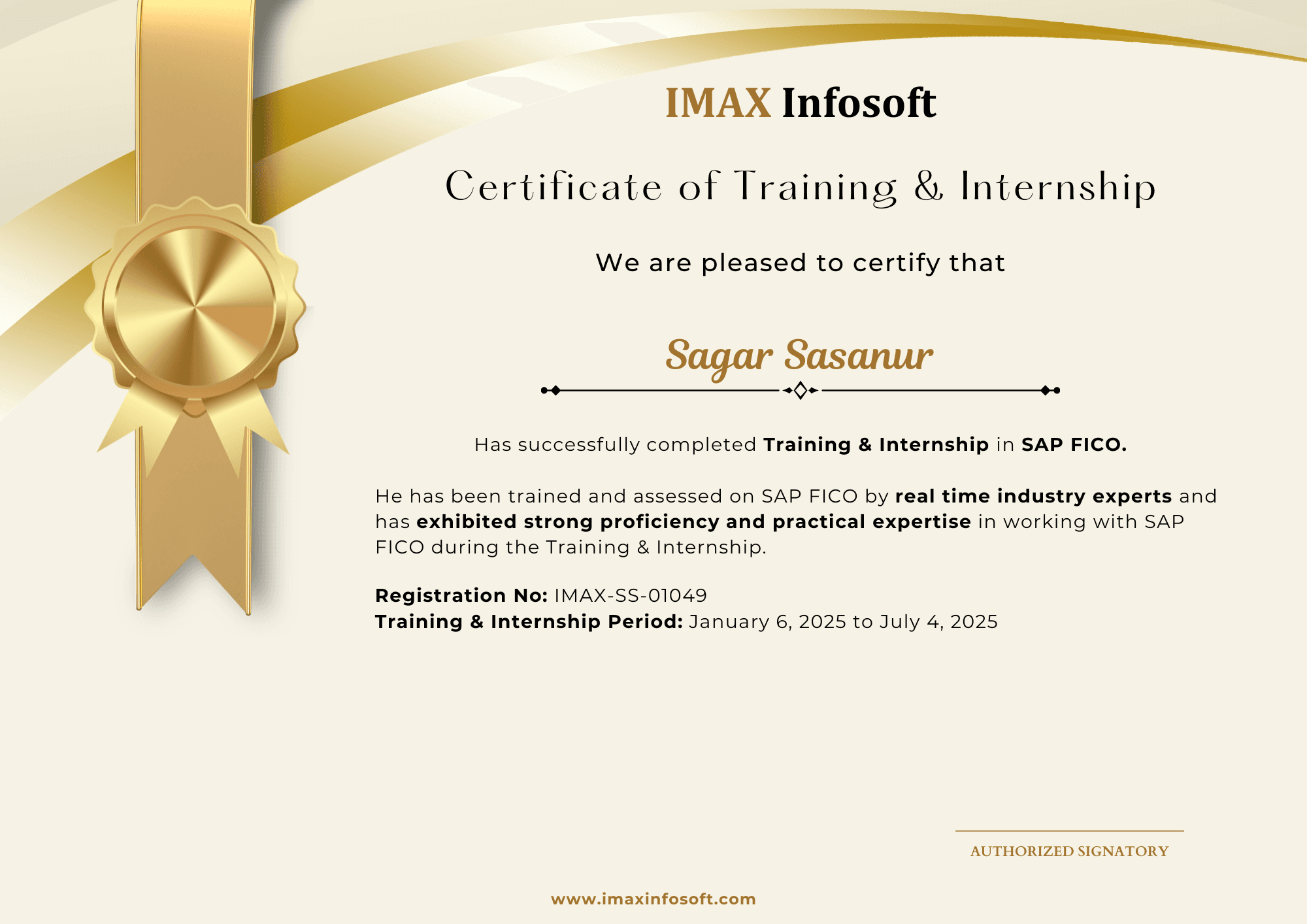
Recent certificates from IMAX batches

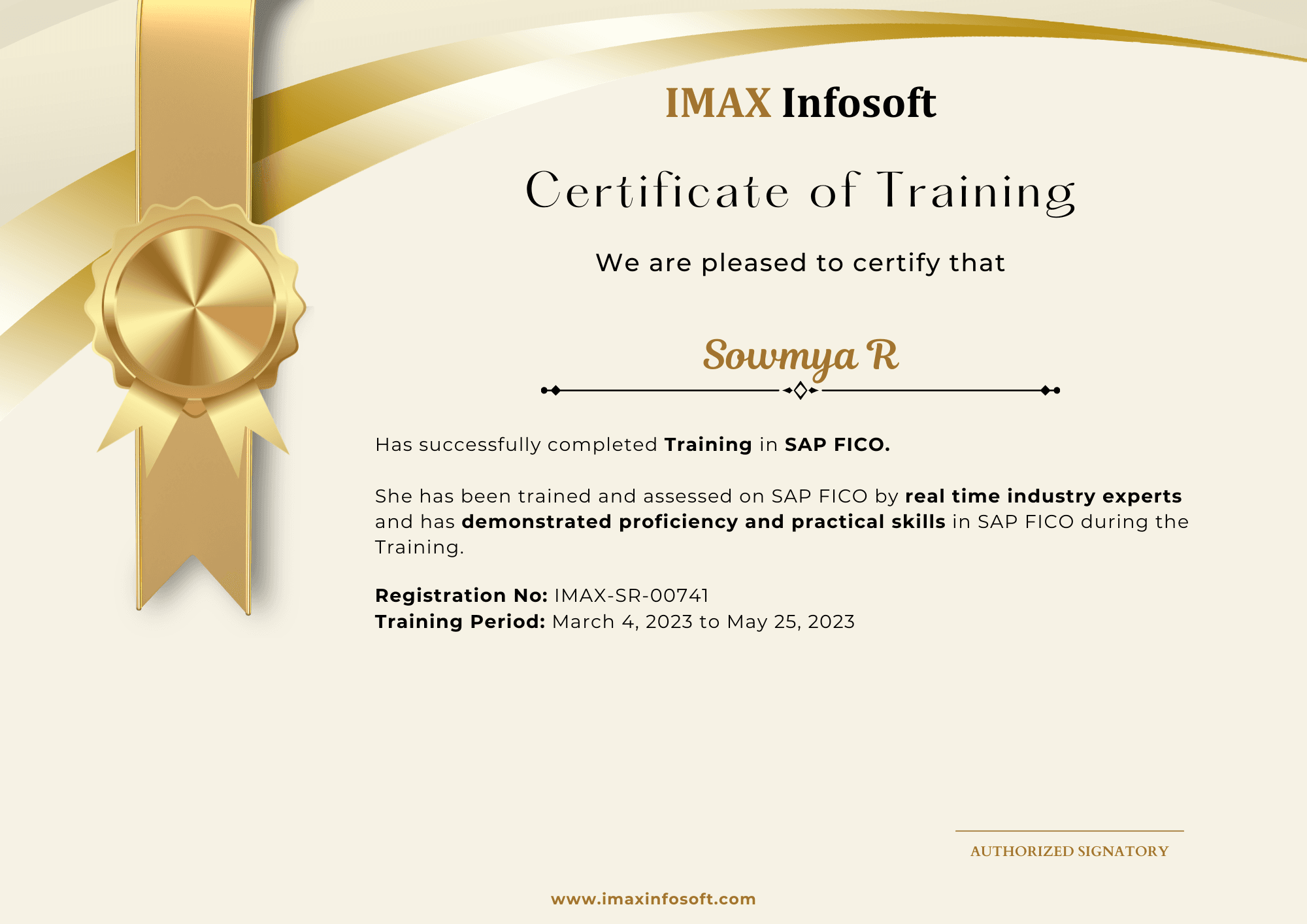
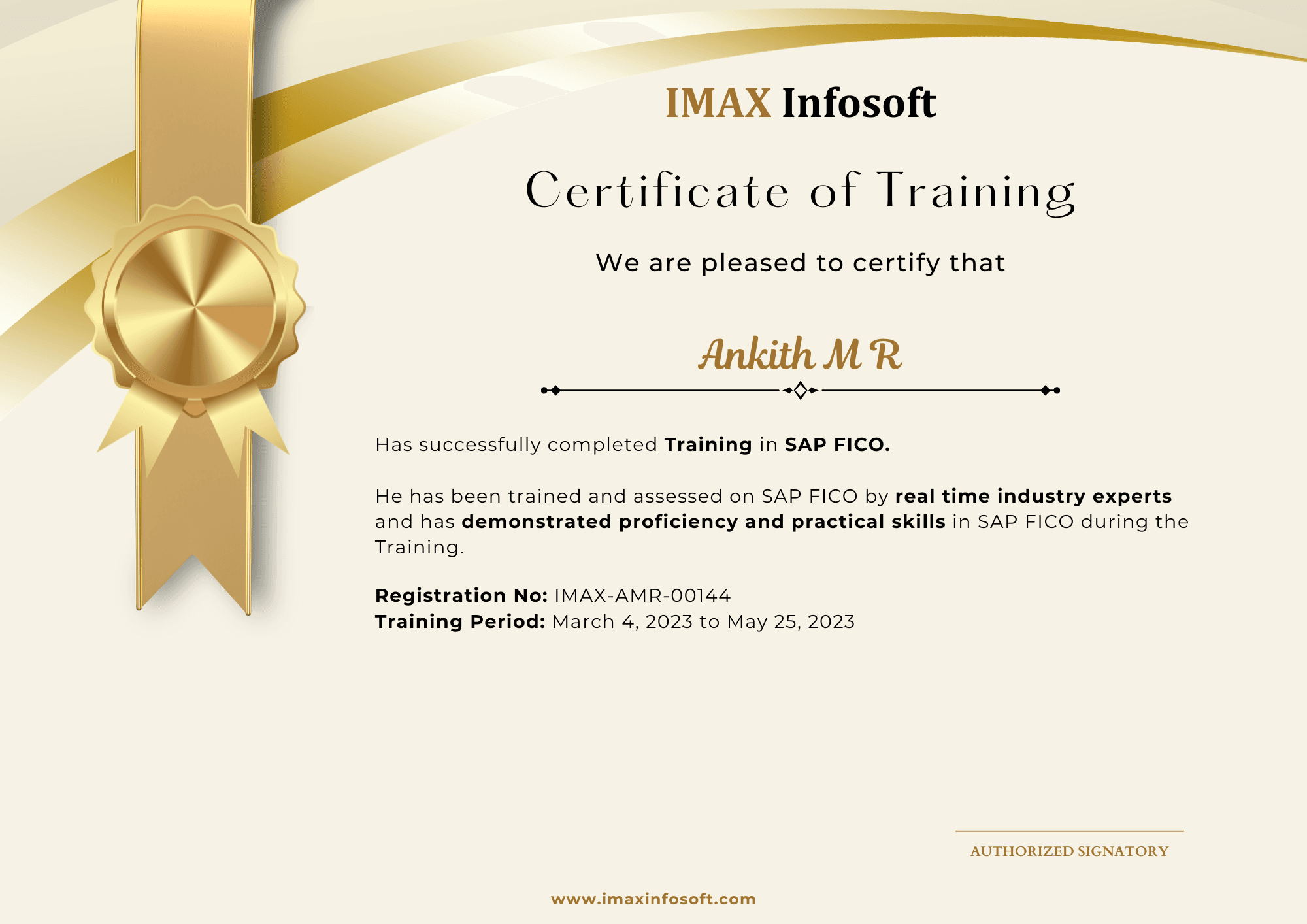
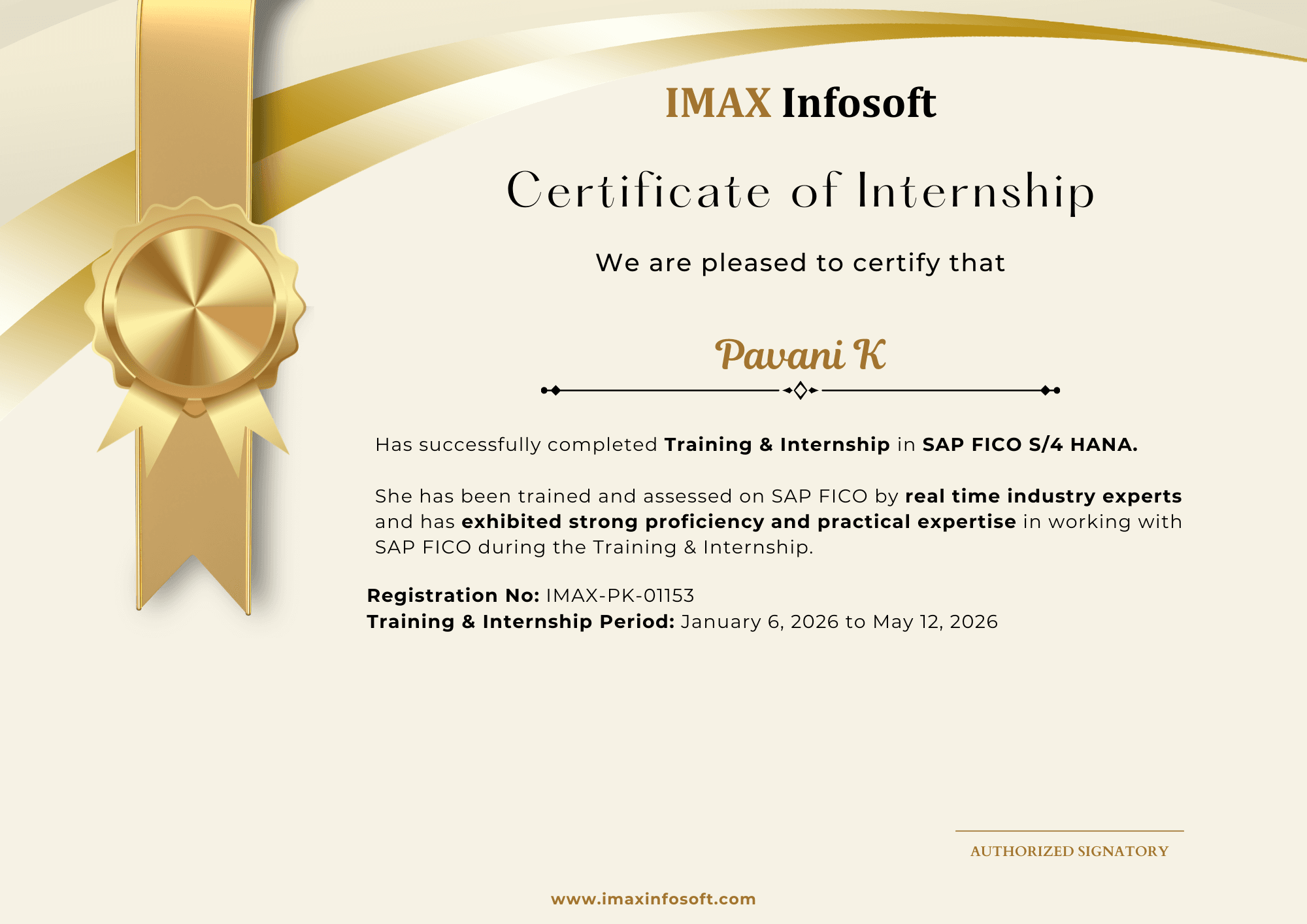
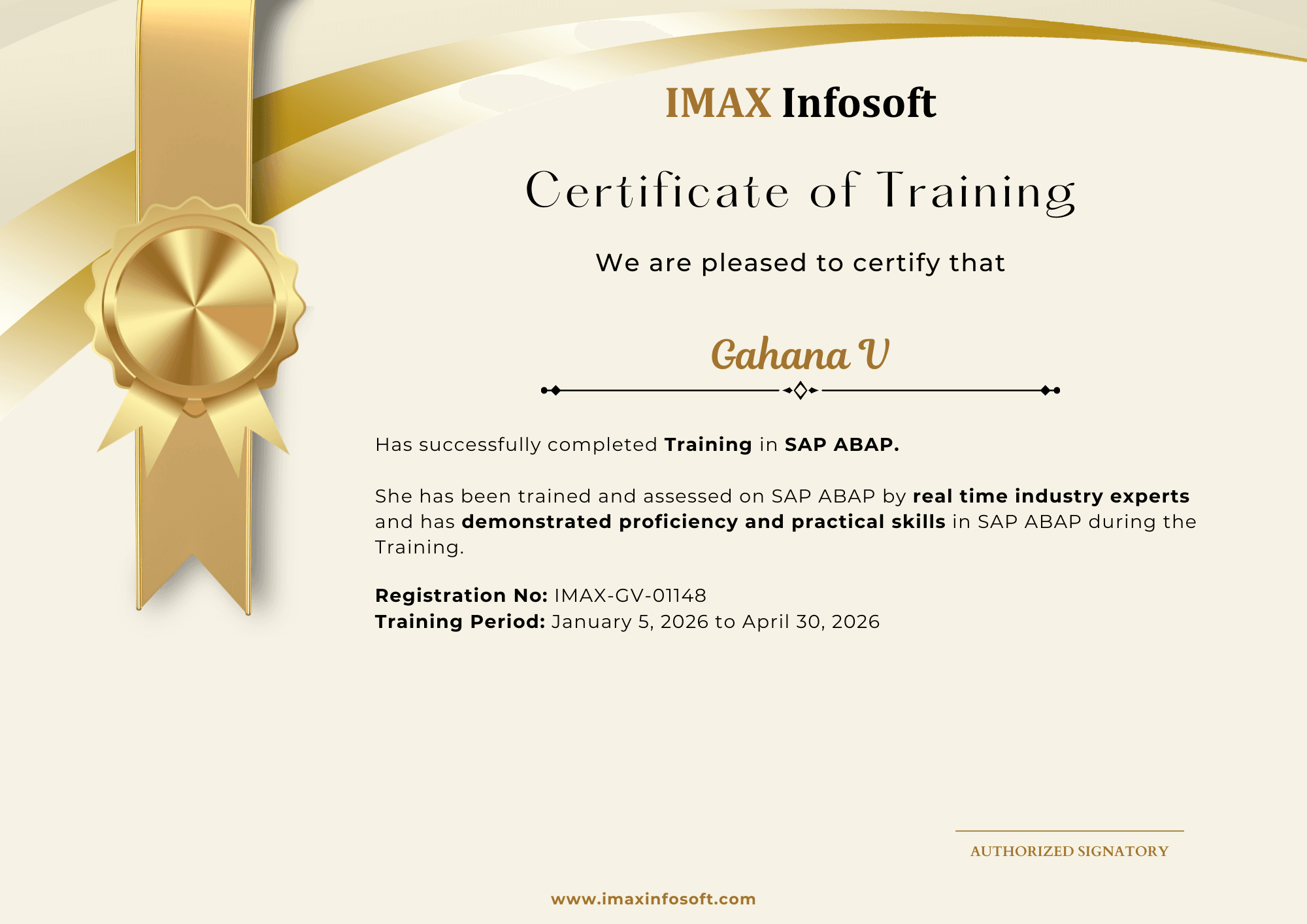
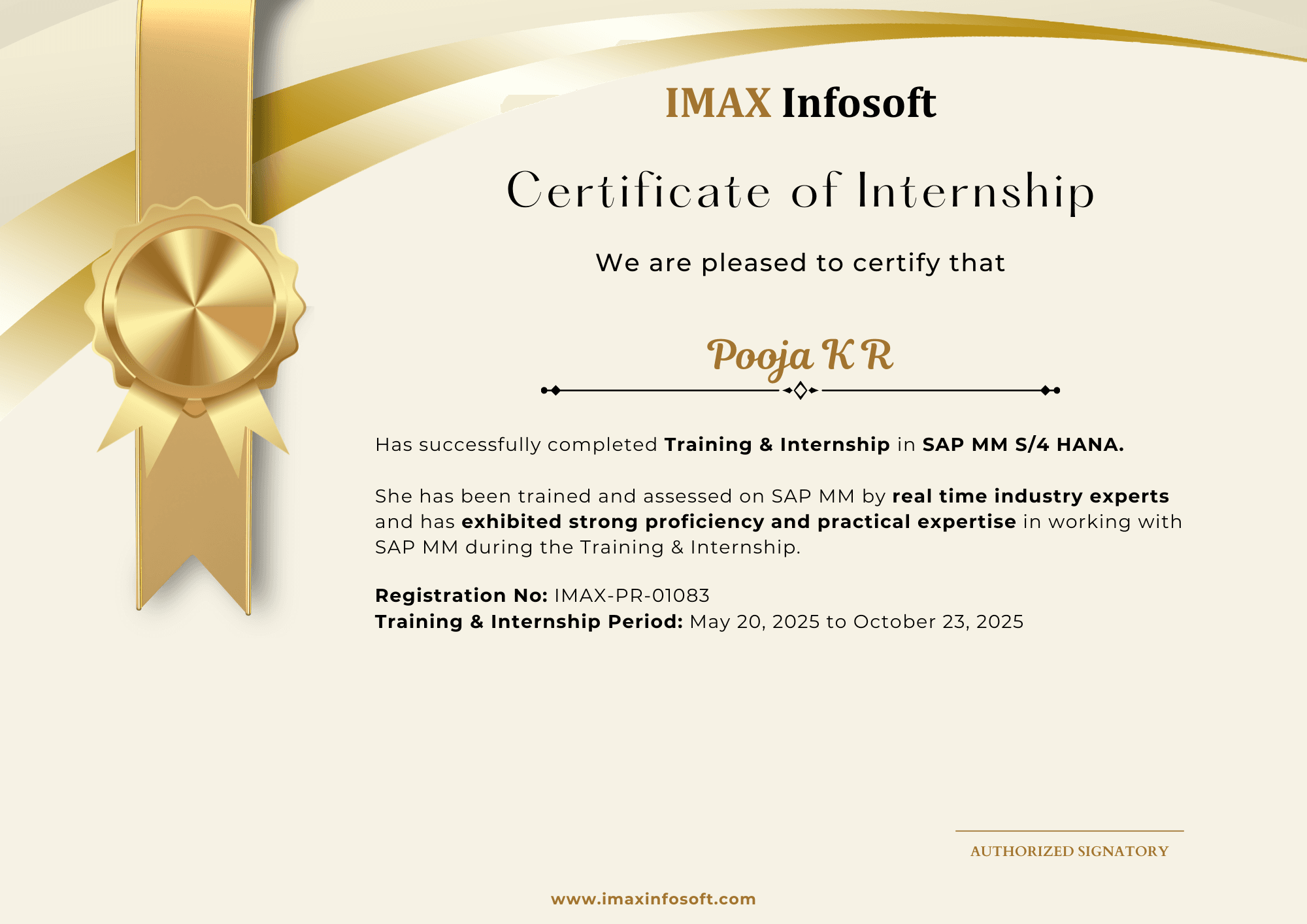
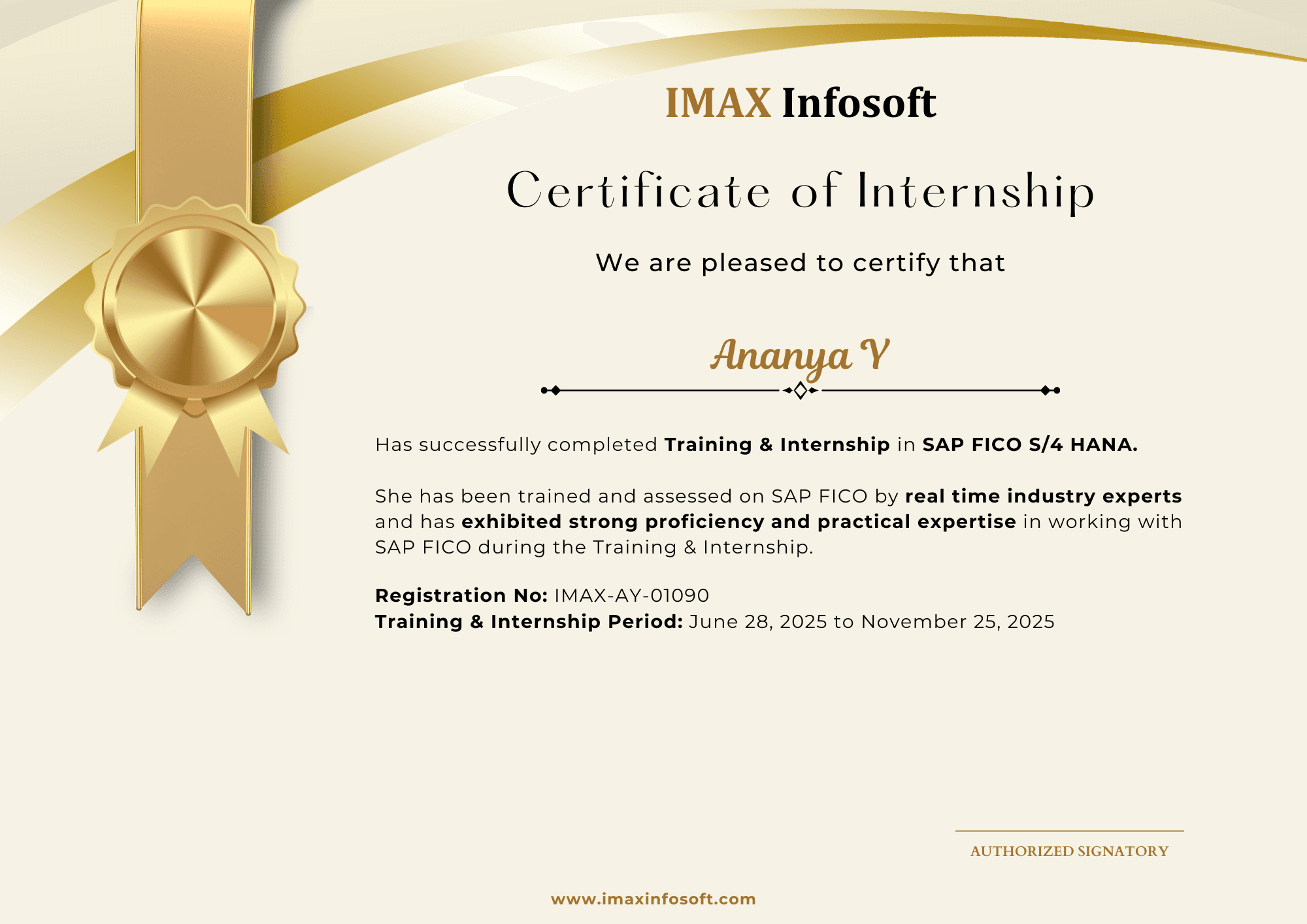
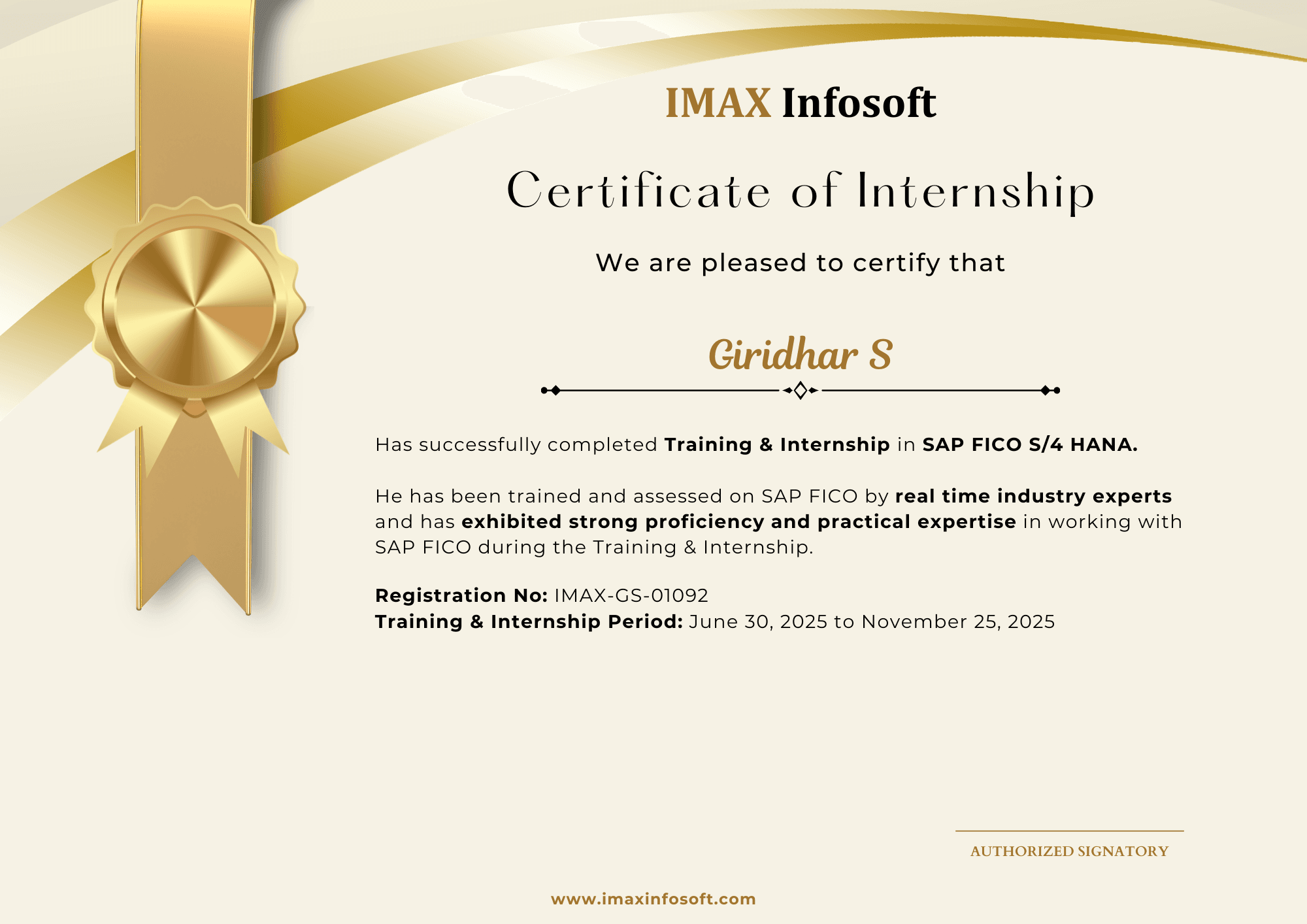
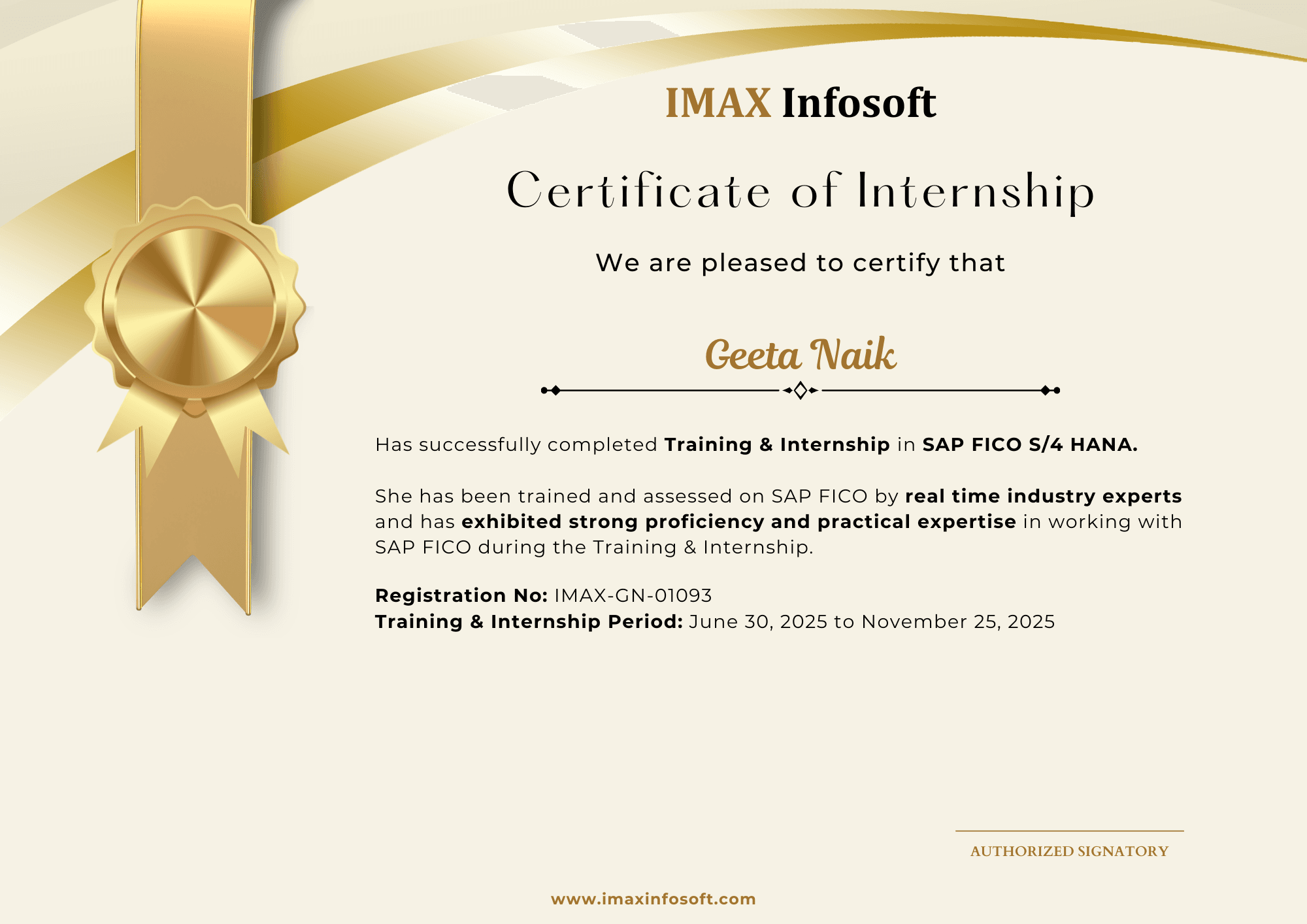
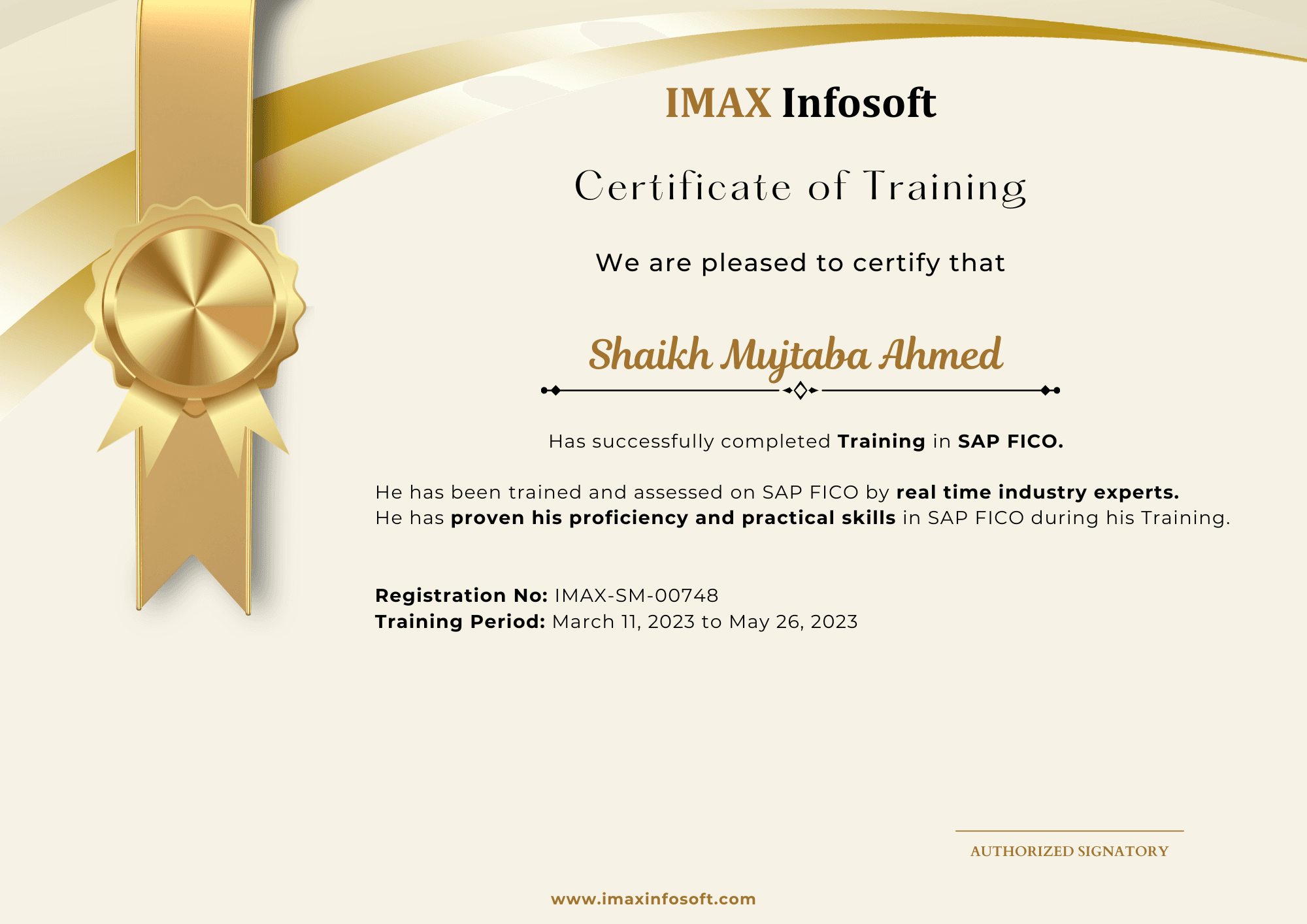
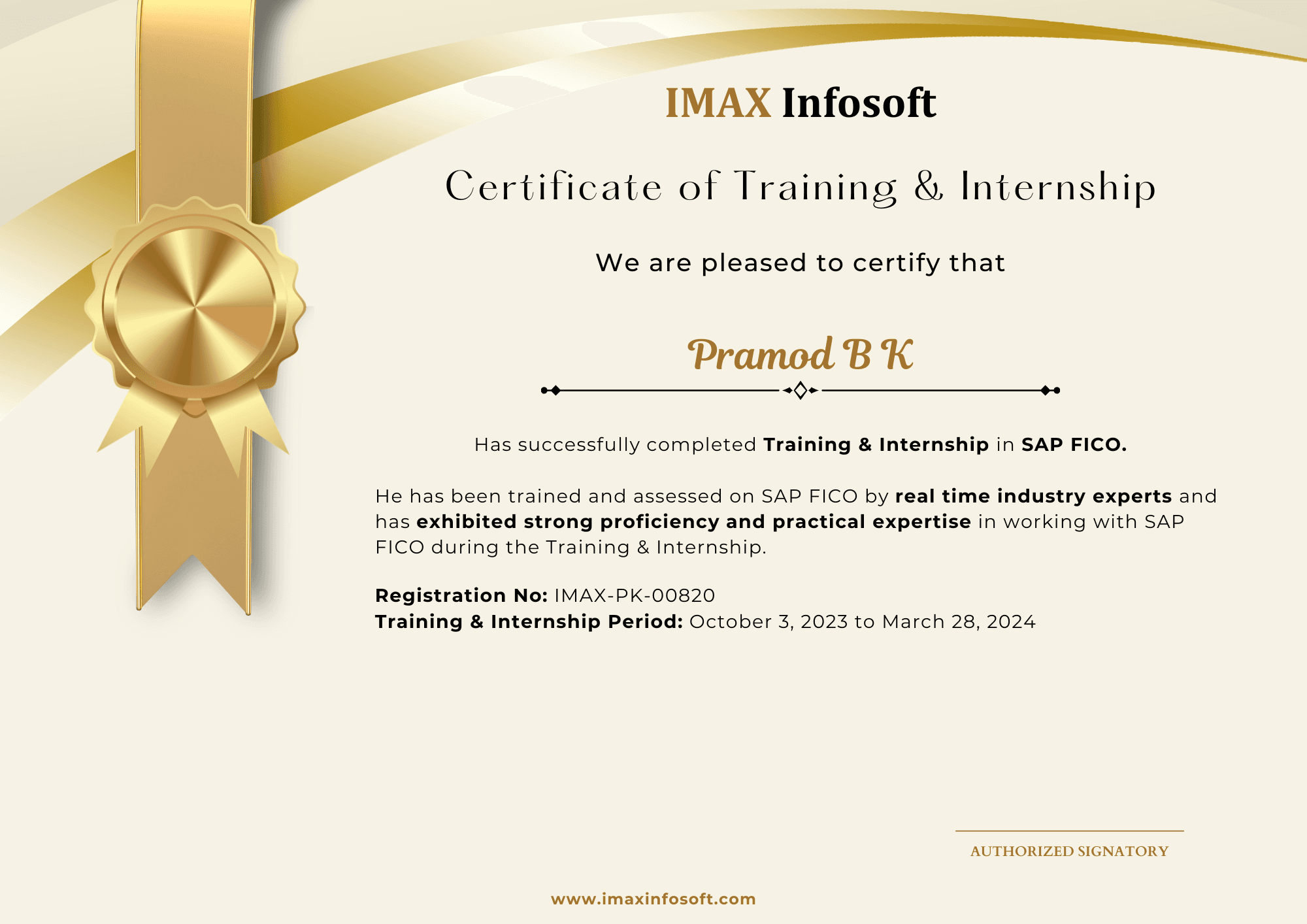
Completion certificates from the June 2026 and October 2025 batches give students a real preview of the outcome they receive after training and project work.

20

certificates shown

150–200

hiring tie-ups

4.8/5

Google rating

Certificates are issued by IMAX Infosoft after course completion.

June 2026

Most recent student certification batch.
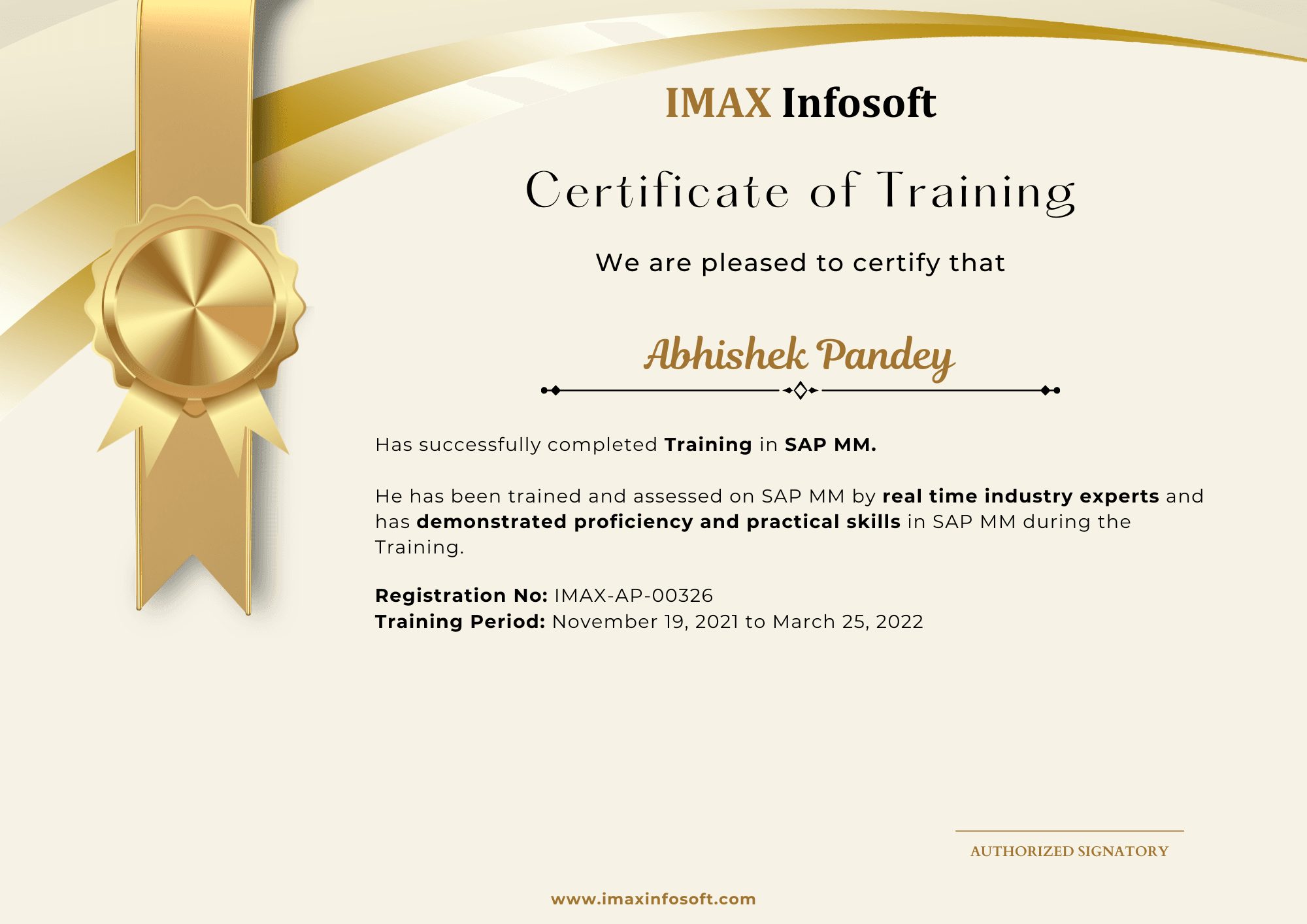
IMAX Infosoft completion certificate from the June 2026 batch, sample 1
IMAX Infosoft completion certificate from the June 2026 batch, sample 2
IMAX Infosoft completion certificate from the June 2026 batch, sample 3
IMAX Infosoft completion certificate from the June 2026 batch, sample 4
IMAX Infosoft completion certificate from the June 2026 batch, sample 5
IMAX Infosoft completion certificate from the June 2026 batch, sample 6
IMAX Infosoft completion certificate from the June 2026 batch, sample 7
IMAX Infosoft completion certificate from the June 2026 batch, sample 8
IMAX Infosoft completion certificate from the June 2026 batch, sample 9
IMAX Infosoft completion certificate from the June 2026 batch, sample 10

October 2025

Previous student certification batch.
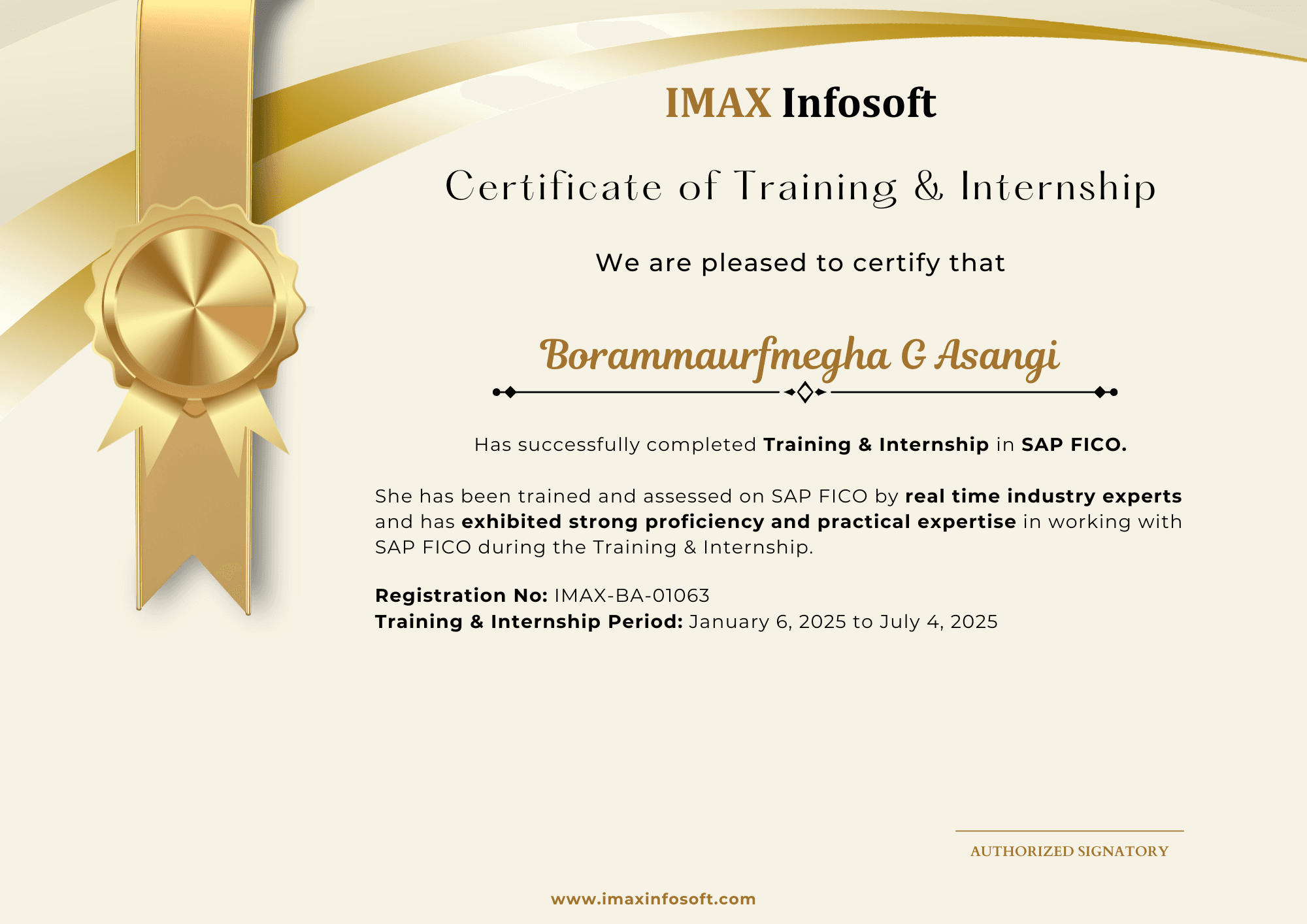
IMAX Infosoft completion certificate from the October 2025 batch, sample 1
IMAX Infosoft completion certificate from the October 2025 batch, sample 2
IMAX Infosoft completion certificate from the October 2025 batch, sample 3
IMAX Infosoft completion certificate from the October 2025 batch, sample 4
IMAX Infosoft completion certificate from the October 2025 batch, sample 5
IMAX Infosoft completion certificate from the October 2025 batch, sample 6
IMAX Infosoft completion certificate from the October 2025 batch, sample 7
IMAX Infosoft completion certificate from the October 2025 batch, sample 8
IMAX Infosoft completion certificate from the October 2025 batch, sample 9
IMAX Infosoft completion certificate from the October 2025 batch, sample 10
FAQs

Frequently asked questions

No. Tableau is a drag-and-drop tool. Basic data familiarity (Excel level) is sufficient to start.

Yes. The course covers all topics for the Tableau Desktop Specialist exam, with practice questions and mock tests.

Both are excellent. Tableau leads in visualisation depth; Power BI integrates better with Microsoft tools. We recommend learning both — the course touches Power BI as well.

Fees vary by batch type and mode. Call 93435 65658 or 80739 22743 for current pricing — EMI options also available.

Both. Attend in-person at our Vijayanagar or BTM Layout centres, or join live via Zoom. All sessions are recorded.

6 months of active placement support — referrals through our 150–200 hiring tie-ups, mock interviews, and dedicated HR round preparation.

Ready to start?

Talk to a counsellor about Tableau

Get the current fee, EMI options, the next batch date and an honest view of whether this module fits your background.

Vijayanagar

BTM Layout

Request a call back

One counsellor, one honest conversation.

+91
or
Enquire on WhatsApp

By submitting you agree to be contacted about IMAX Infosoft courses.

WhatsAppEnquire