IMAX Infosoft
What you get

Included with this course

Lifetime access to recorded sessions
Real MNC project datasets & case studies
Industry-recognised IMAX certificate
Placement cell access & mock interviews
Resume + LinkedIn profile building
Doubt-clearing sessions & mentorship
What you'll learn

Skills you walk away with

Read, manipulate, and output data using the DATA step
Use PROC SQL to query and join datasets
Write reusable SAS Macros for automation
Generate professional reports using ODS
Perform statistical analysis using SAS PROCs
Create graphs using SAS/GRAPH module
Import data from Excel, CSV, Oracle, Teradata
Clear SAS Base Programmer certification
Curriculum

6 modules, start to finish

  • SAS history, software overview & installation (9.2, 9.4)
  • DATA step programming basics
  • SAS window navigation & menu system
  • Reading raw data — LIST, COLUMN, FORMATTED, NAMED input
  • Importing from Excel, CSV, ODBC, Access
  • Creating temporary & permanent datasets
  • SET & MERGE statements for combining datasets
  • User-defined & system functions — character, numeric, date/time
  • Conditional assignments & IF-THEN-ELSE
  • Variable attribute modification
  • SAS arrays for efficient processing
  • Dataset sorting & library management
  • PROC PRINT, MEANS, FREQ, TABULATE, REPORT
  • Generating HTML, RTF, PDF, Excel & CSV outputs via ODS
  • PROC TEMPLATE for custom styling
  • Selective table display & formatting
  • Linked reports across multiple analyses
  • Error handling — syntax, logic & data errors
  • Bar charts — vertical & horizontal
  • Pie charts, histograms & box plots
  • Scatter plots — 2D & 3D
  • Probability plots
  • Color & image specification
  • Menu-driven graph creation
  • Descriptive statistics — central tendency & dispersion
  • Hypothesis testing — t-tests, ANOVA
  • Correlation & regression analysis
  • Logistic regression
  • Non-parametric tests
  • Interpretation of statistical output
  • Macro variable creation & %LET
  • Macro program definition (%MACRO / %MEND)
  • Positional & keyword parameters
  • Global vs local variables
  • PROC SQL — CREATE TABLE, SELECT, JOIN
  • Generating macro variables within SQL
Get the full syllabus & fees
Training structure

Two levels, one job-ready profile

Level 13 Months

Core Training

Instructor-led training across the full curriculum — concepts, tools and hands-on exercises on live systems, building from fundamentals to job-ready skill.

Level 21 Month

Project Internship

  • Real-time project on a live client scenario
  • Business scenarios mapped end-to-end
  • Ticket handling on an actual support queue
  • Documentation — specs, test scripts, handover
  • Interview preparation with mock rounds

Included with this course — no extra fee.

Tools & technologies

What you'll work with

SAS 9.4SAS Enterprise GuideSAS StudioBase SASSAS/STATSAS/GRAPHPROC SQL
Who should attend

Is this course right for you?

Pharma Professionals

Clinical data managers & biostatisticians working with trial data.

Banking & Insurance

Risk analysts & actuaries using SAS for regulatory reporting.

Statistics Graduates

MSc Statistics students targeting MNC analytics roles.

Healthcare Analytics

Professionals working with patient and claims data.

Student proof

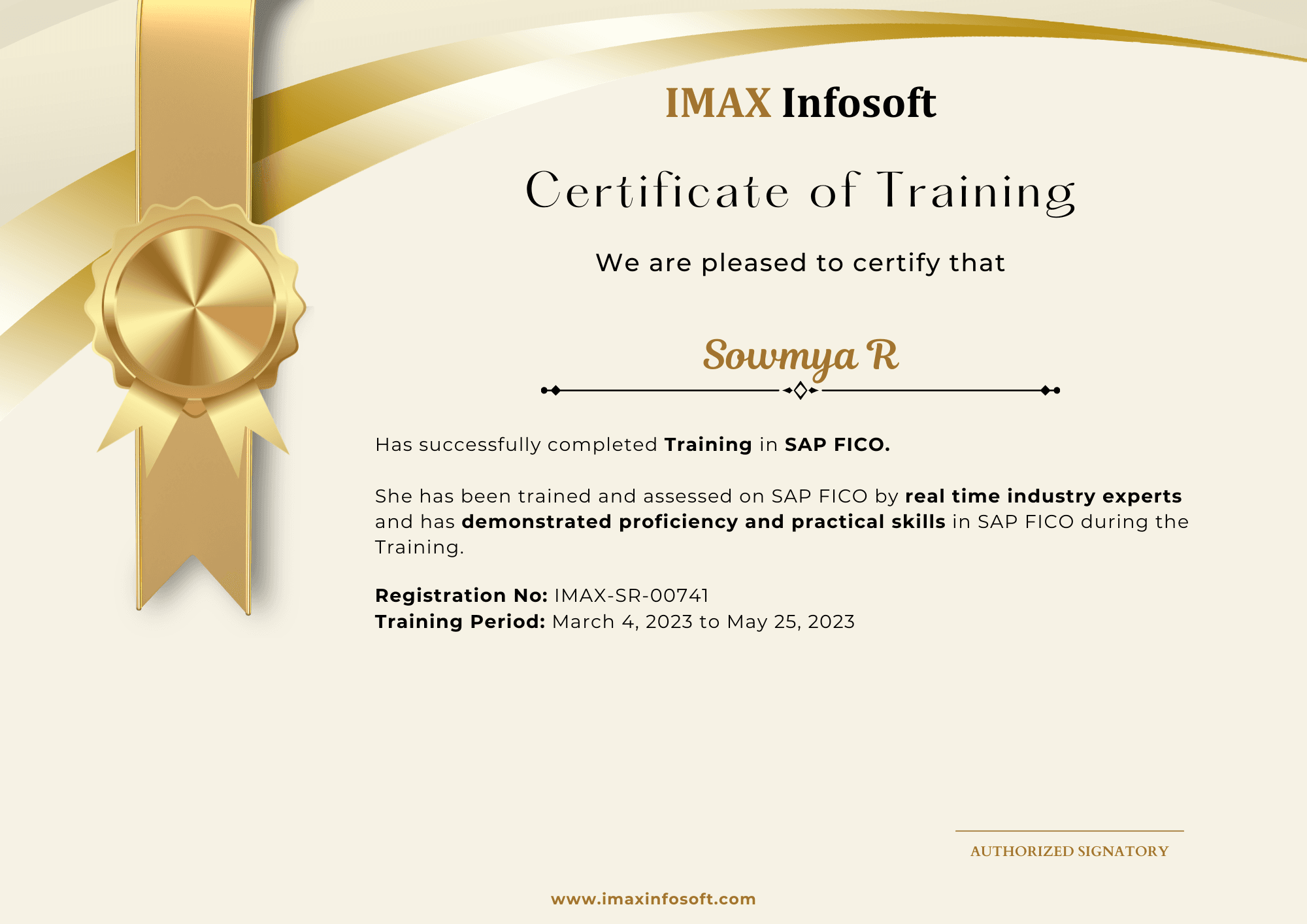
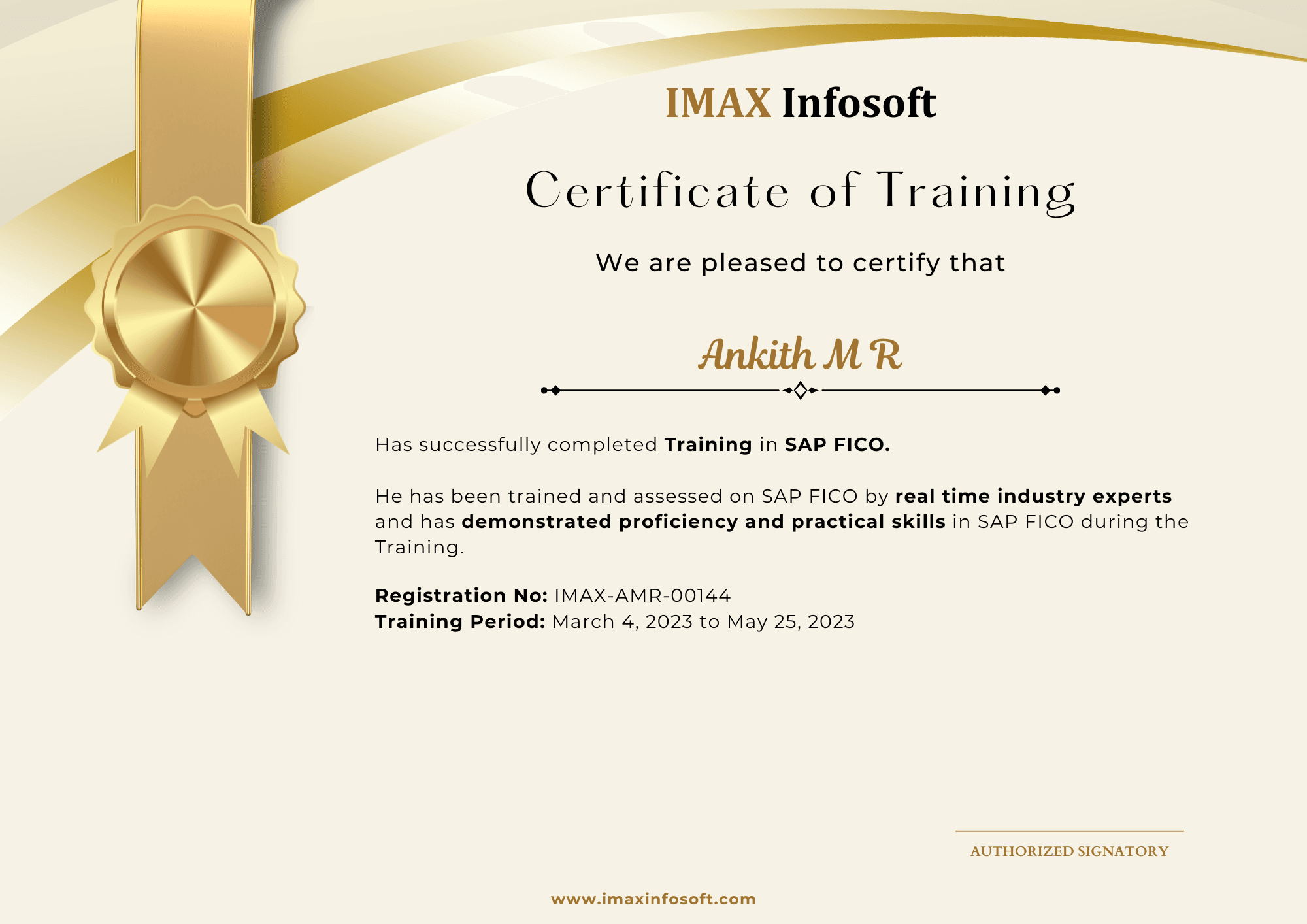
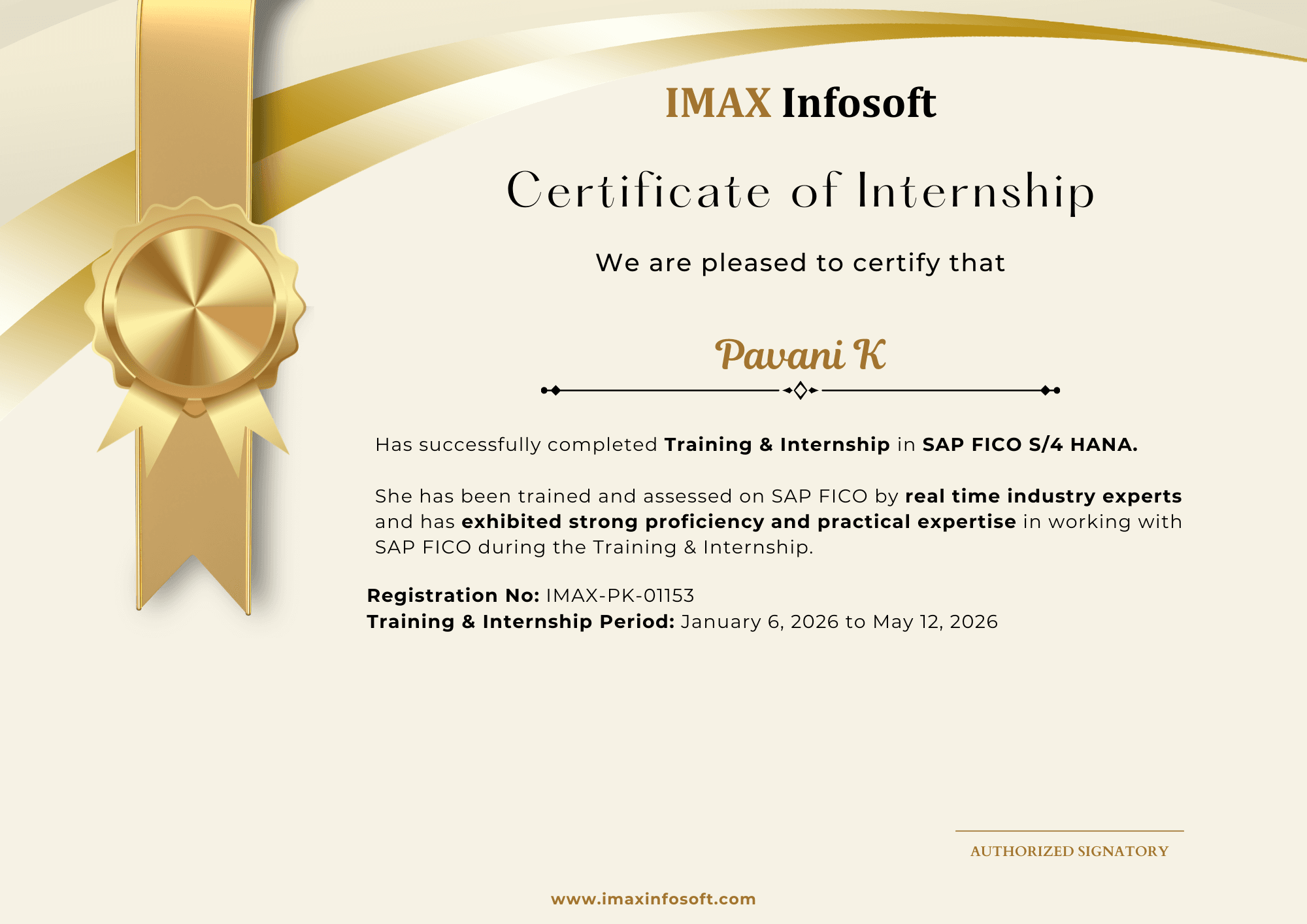
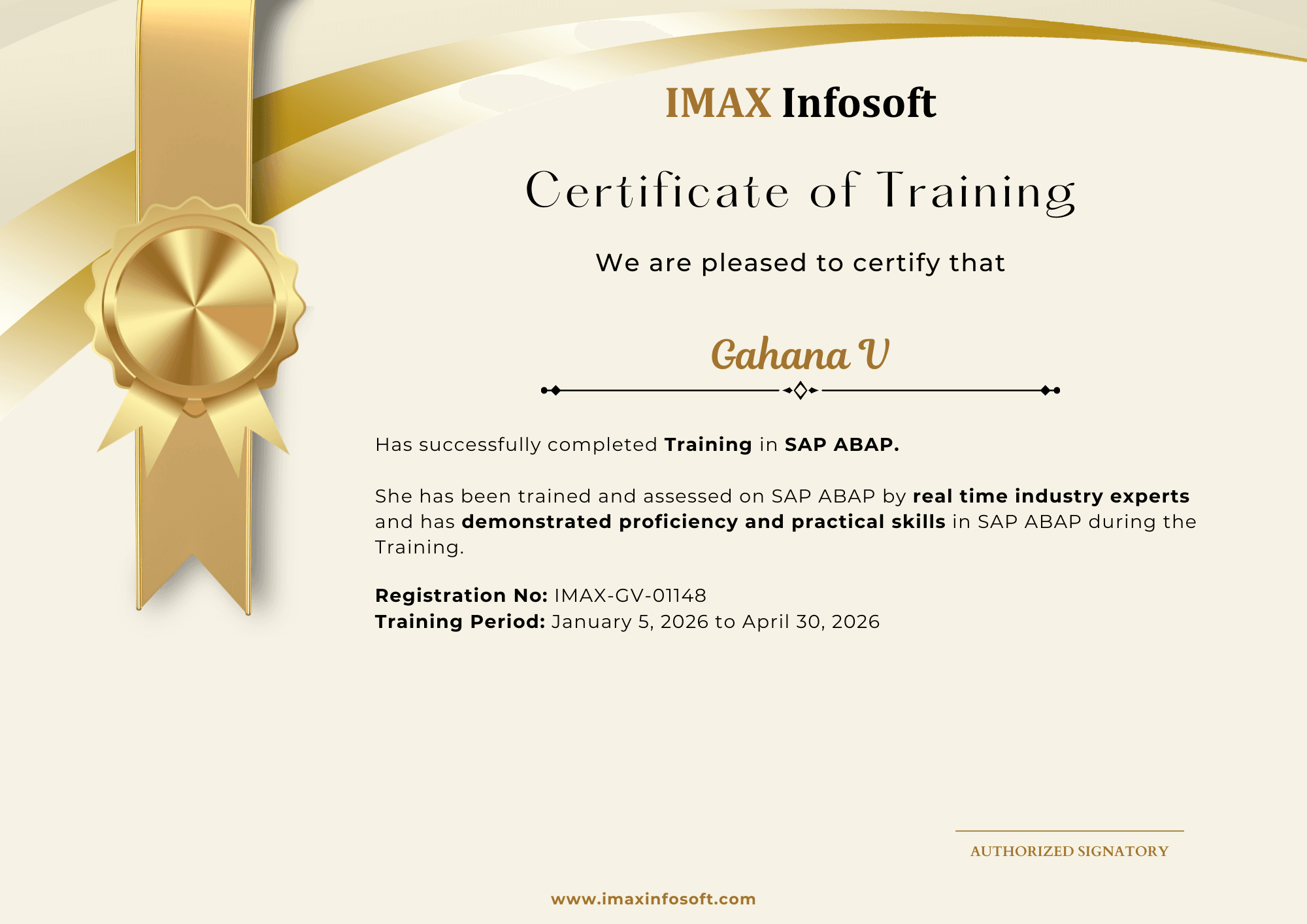
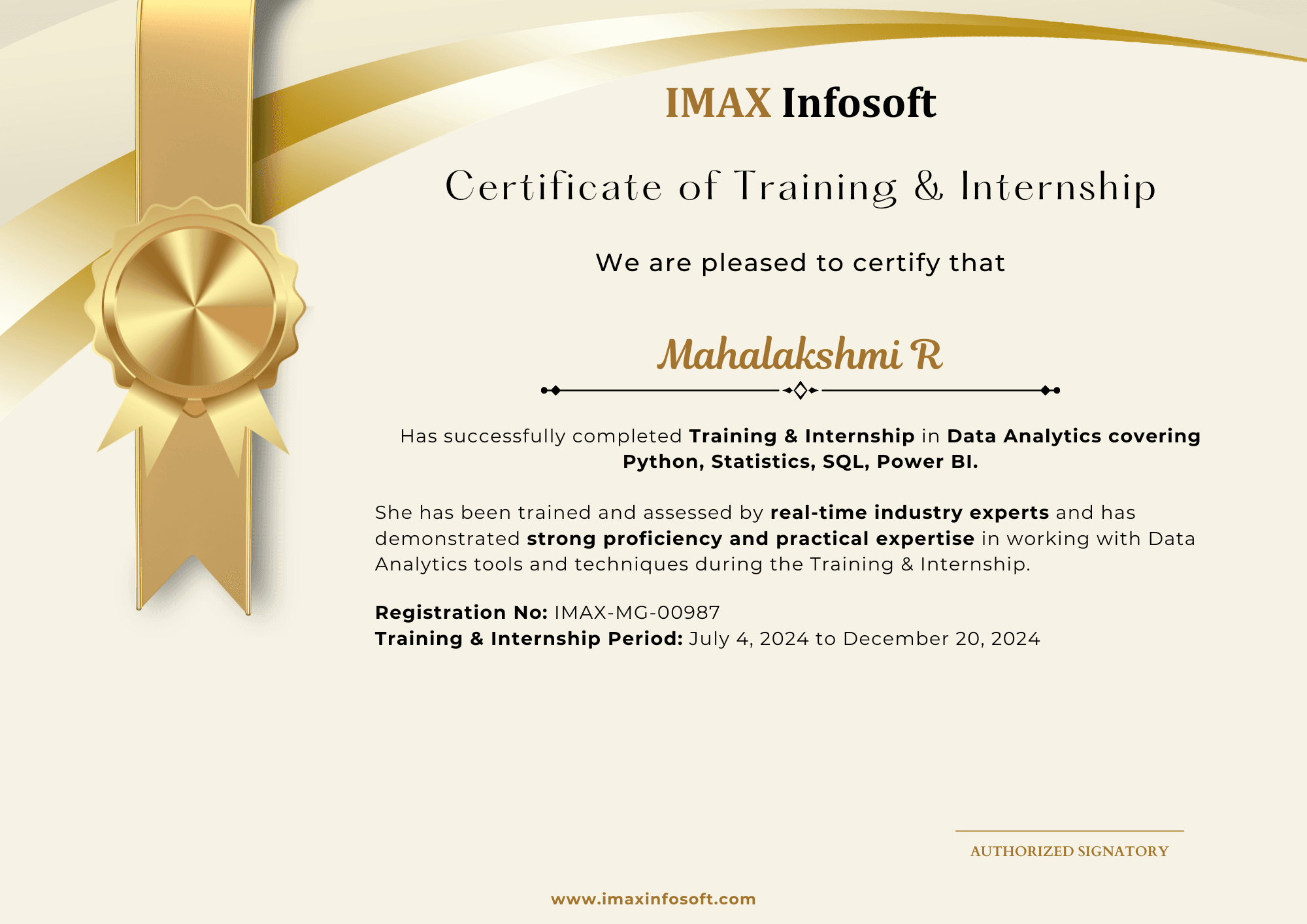
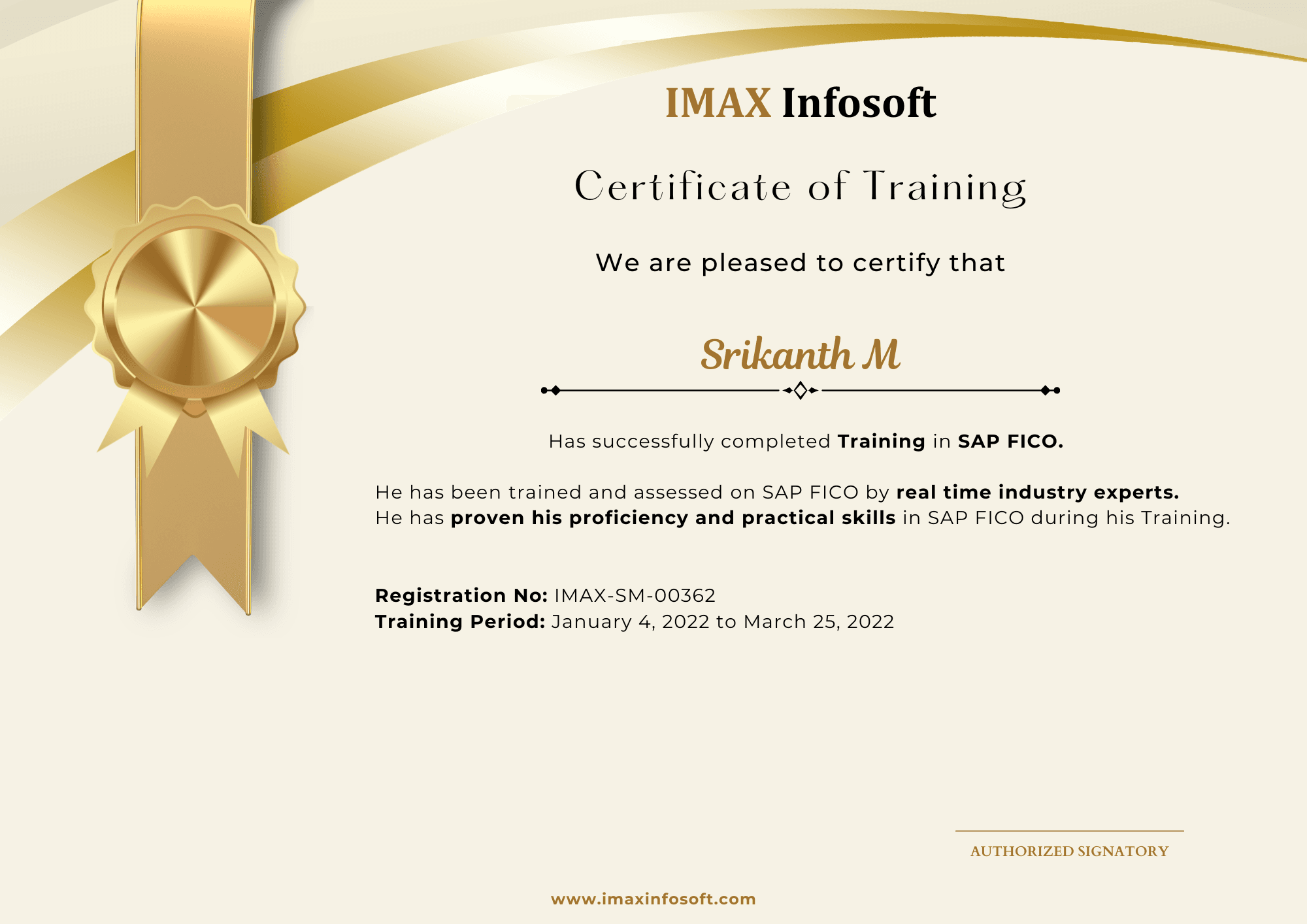
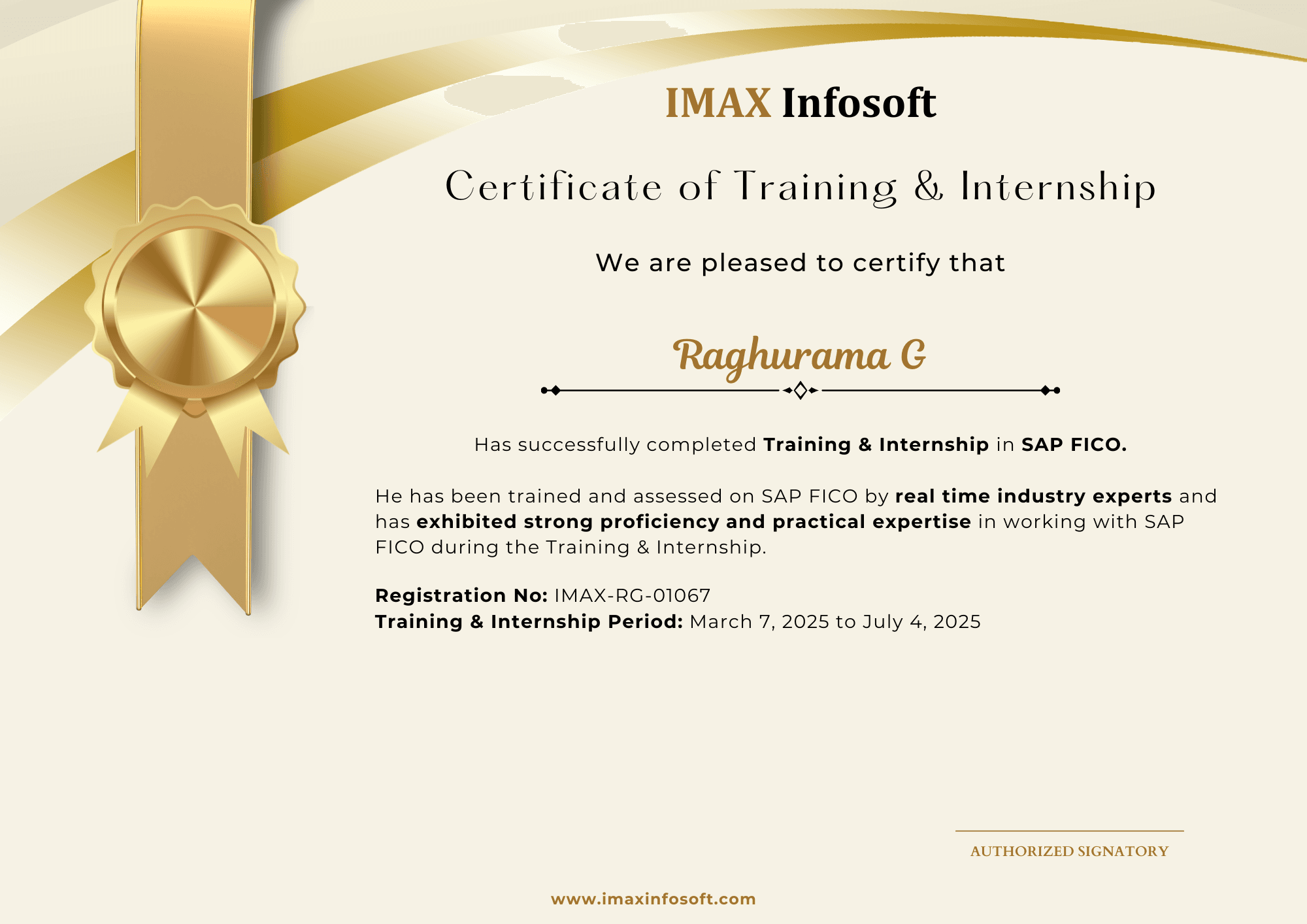
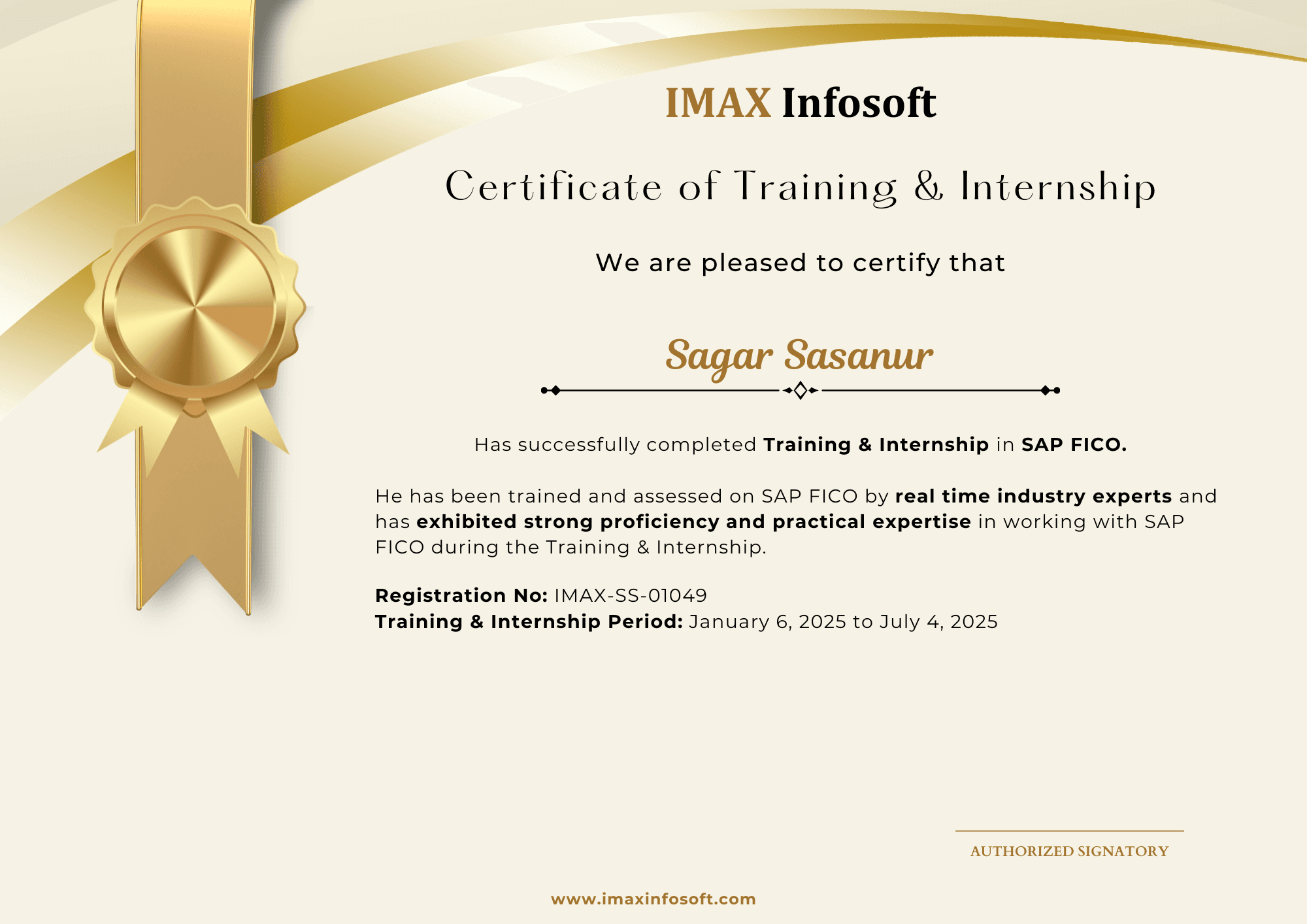
Recent certificates from IMAX batches

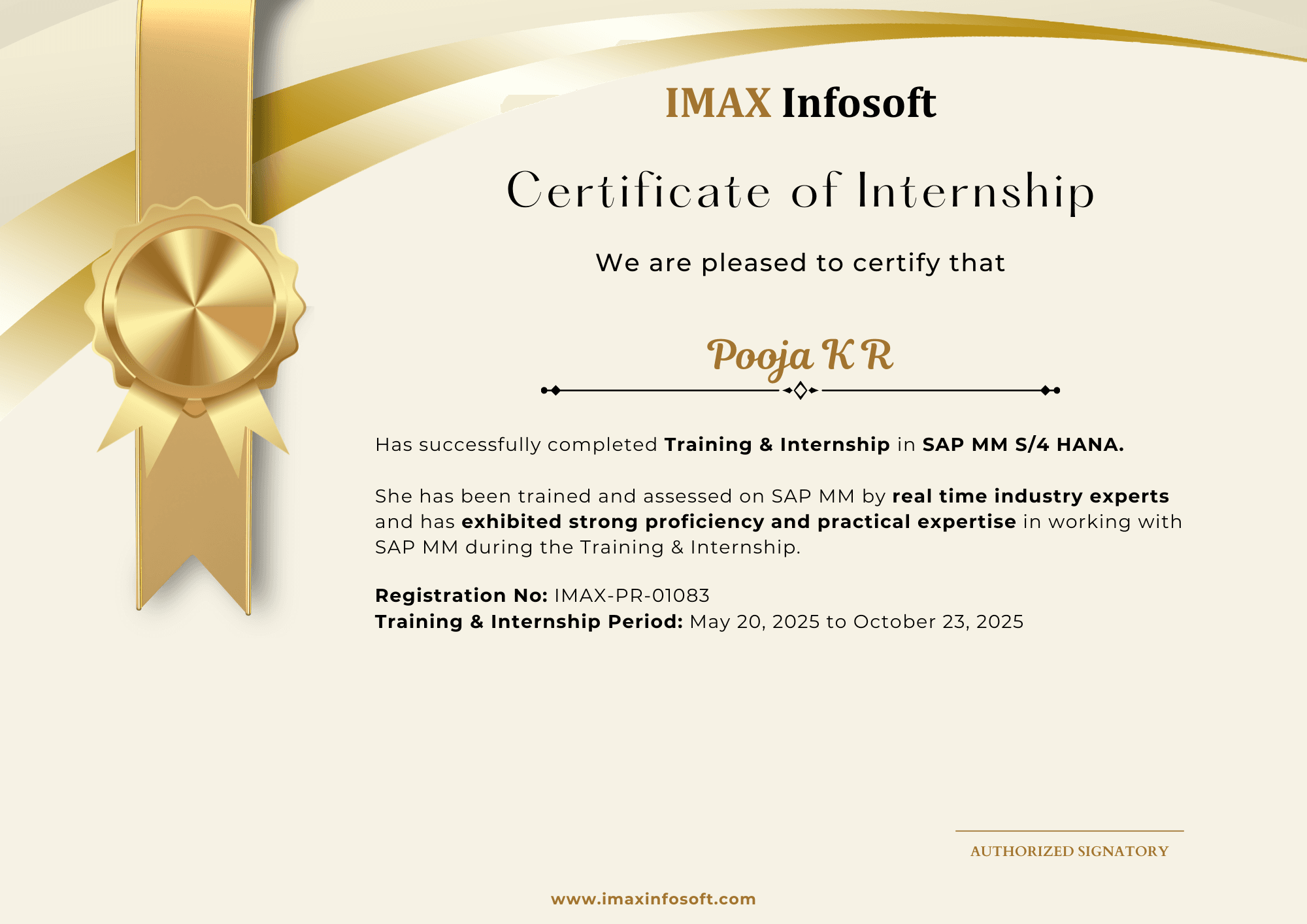
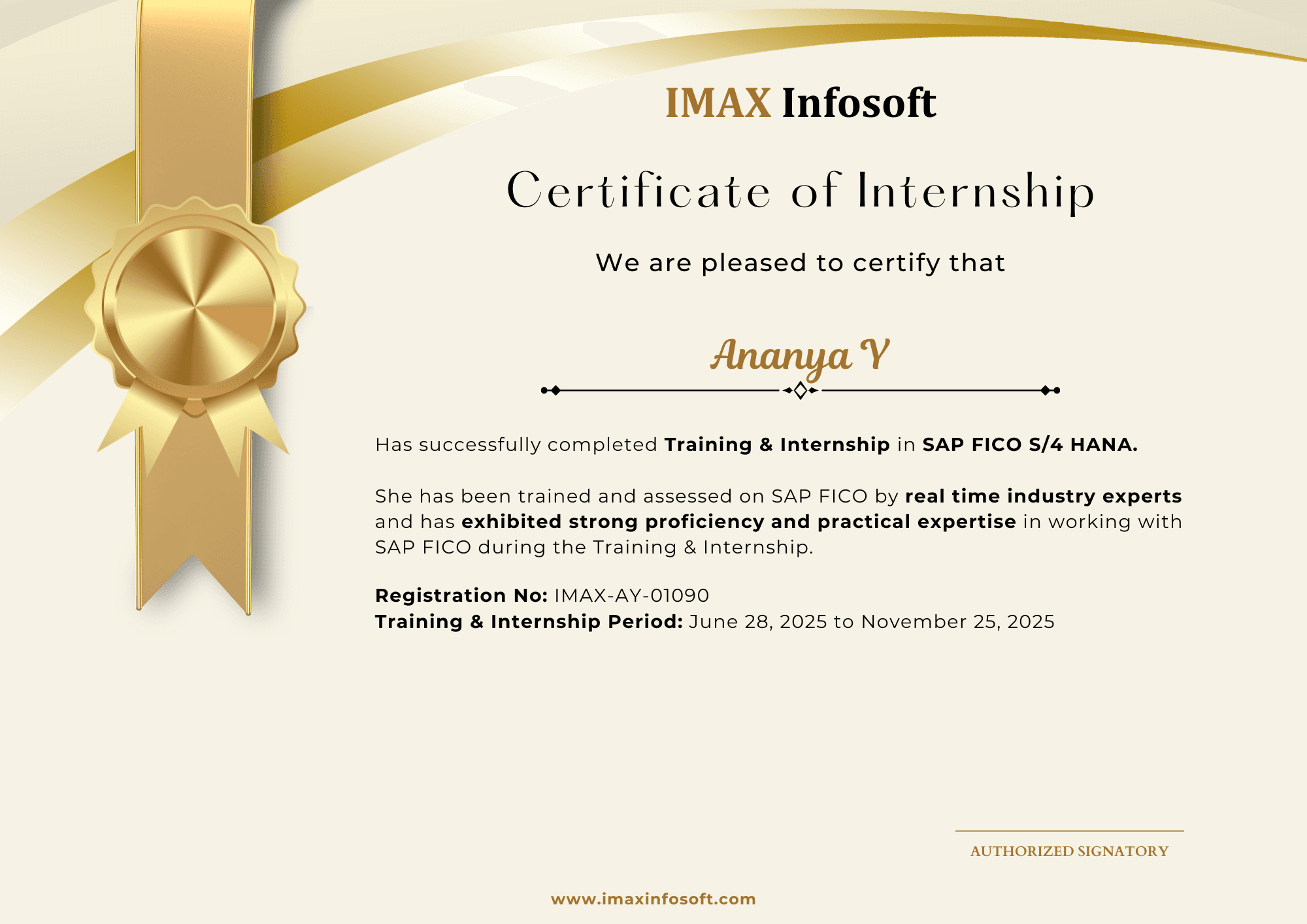
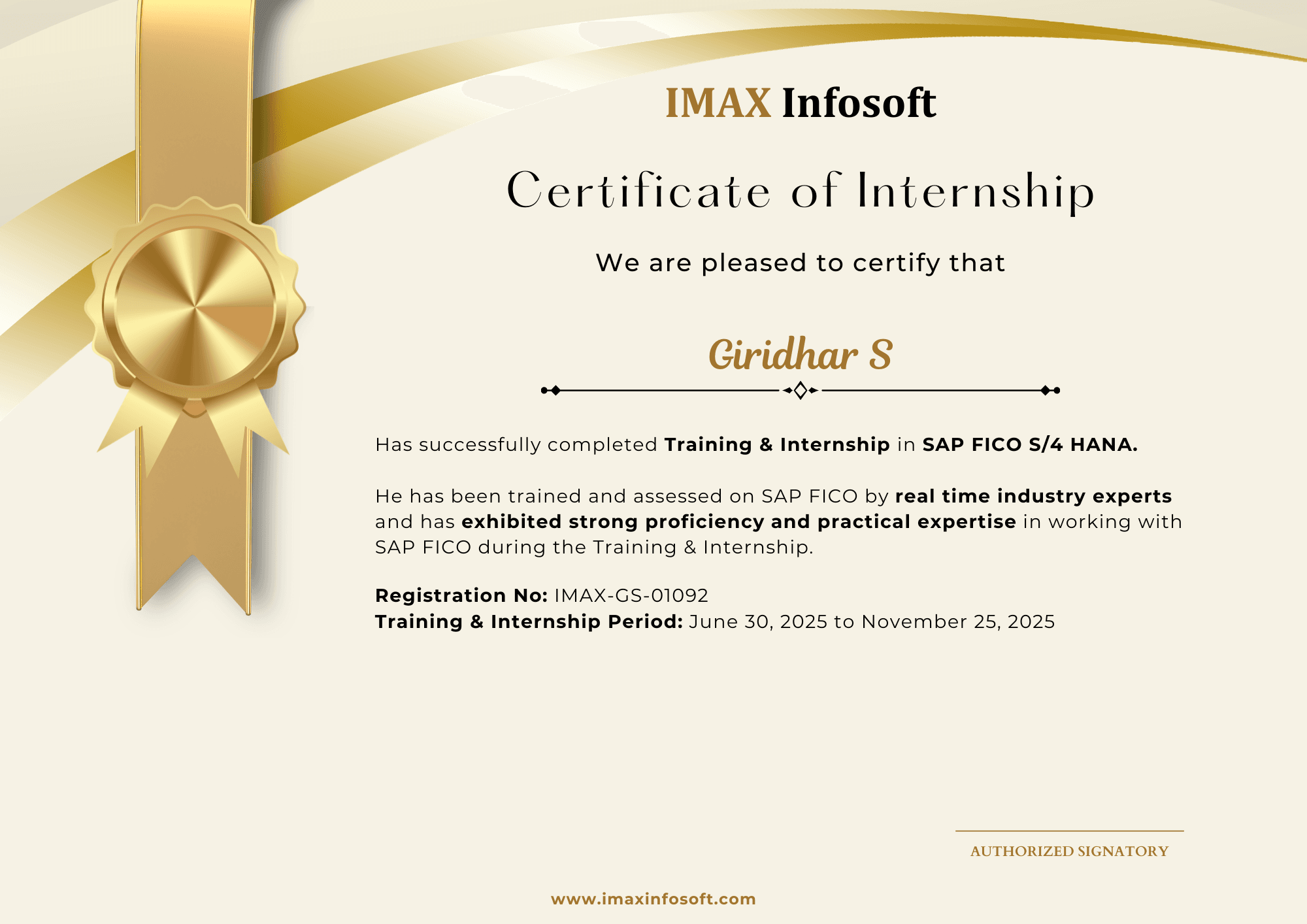
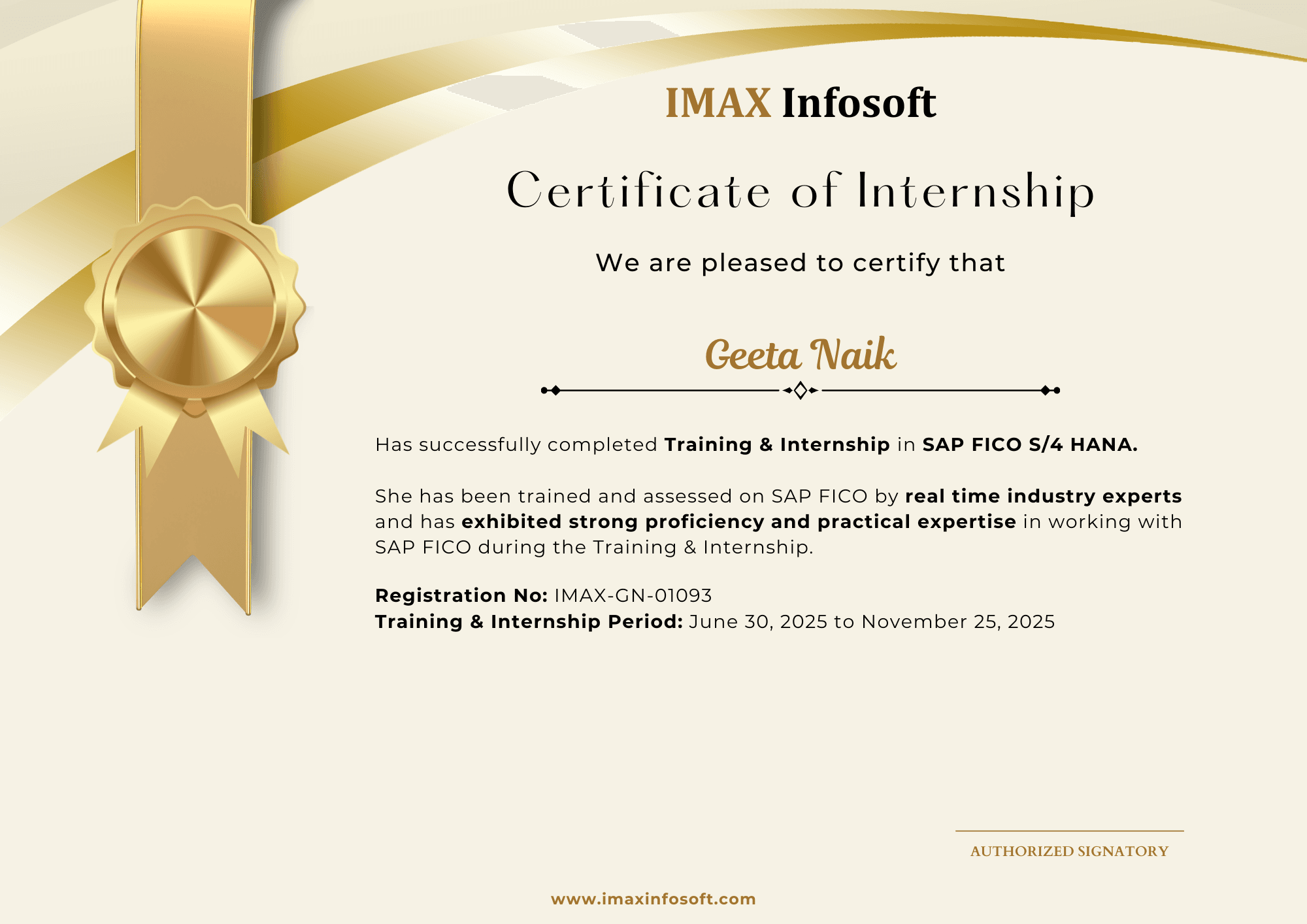
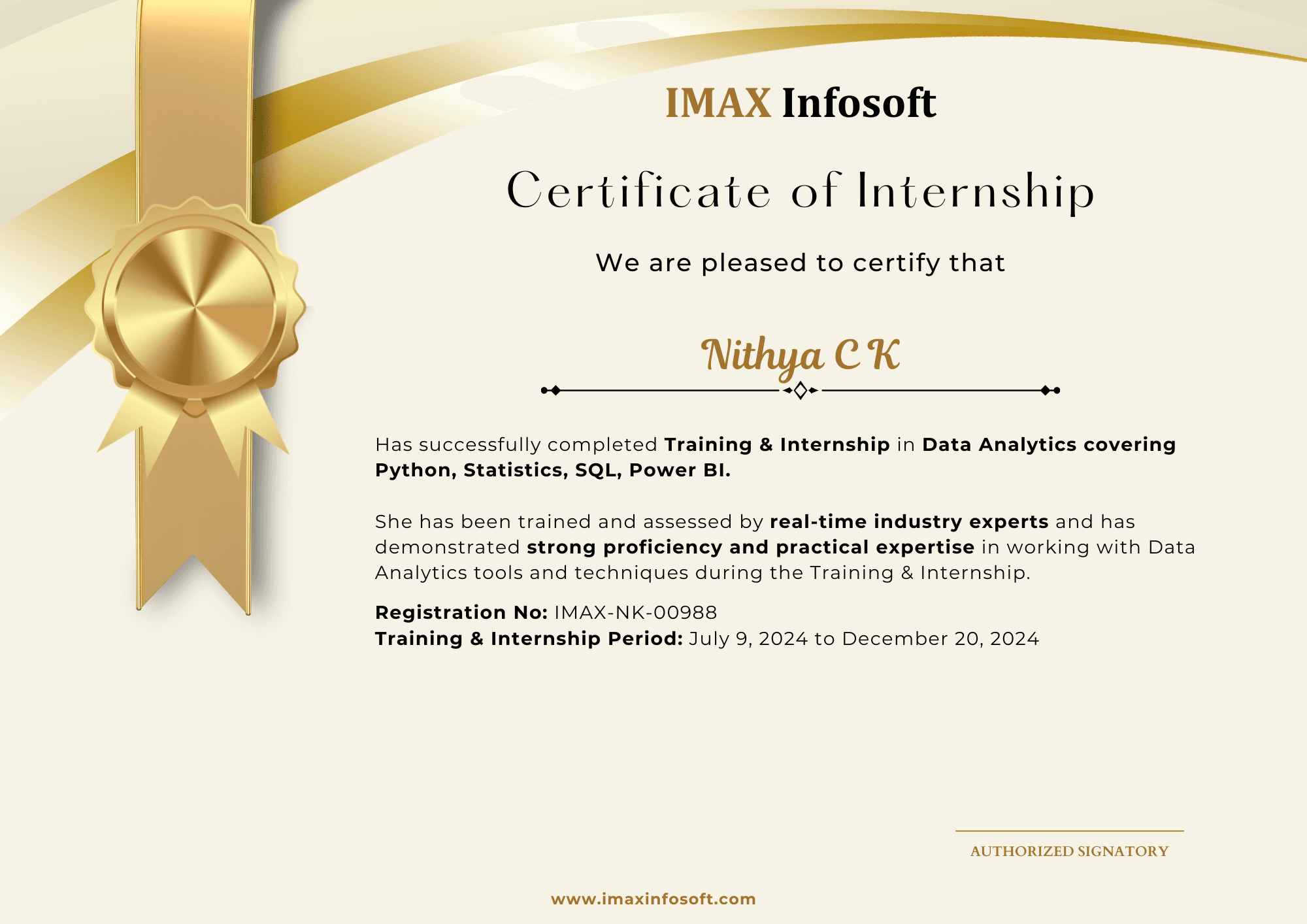
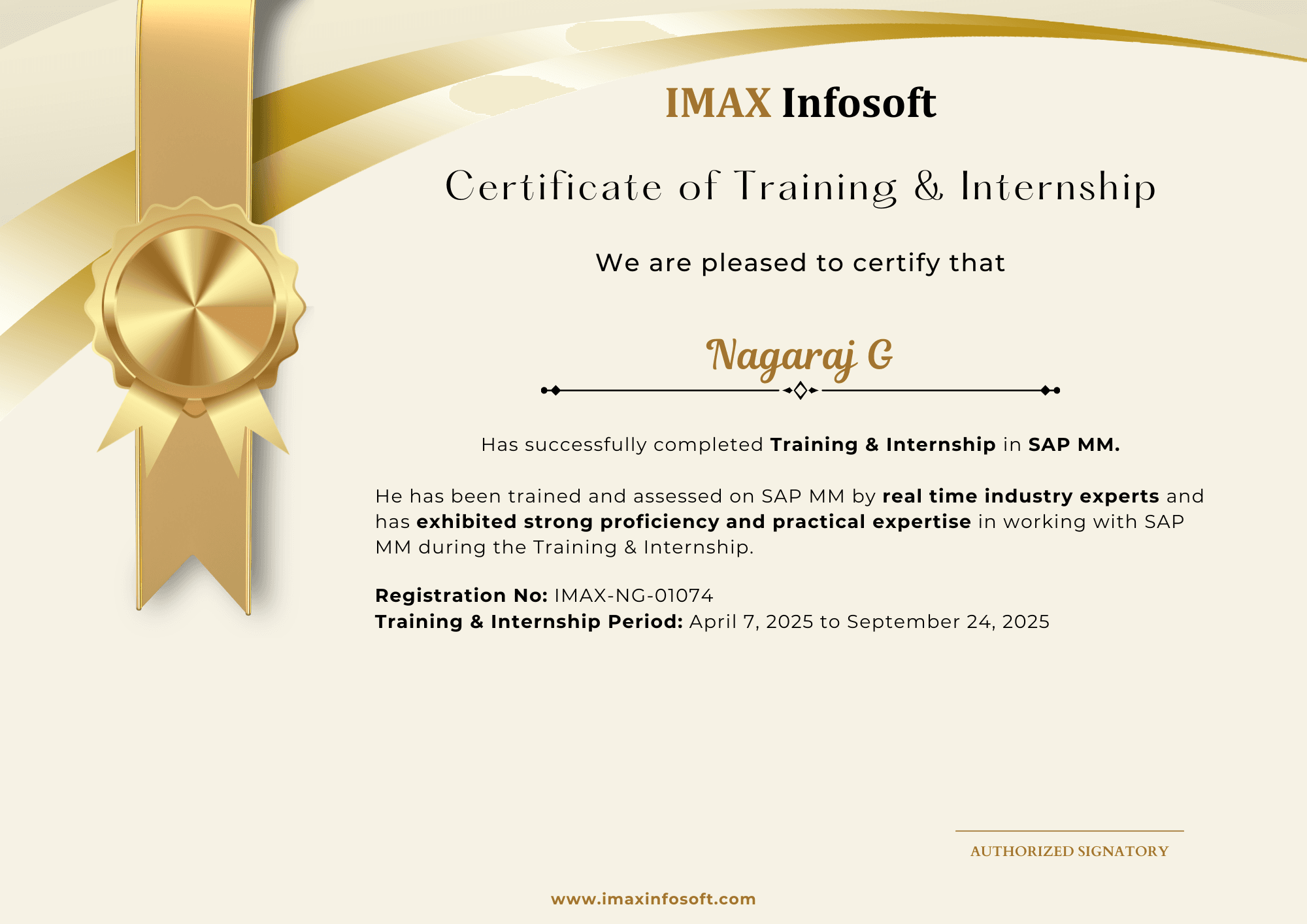
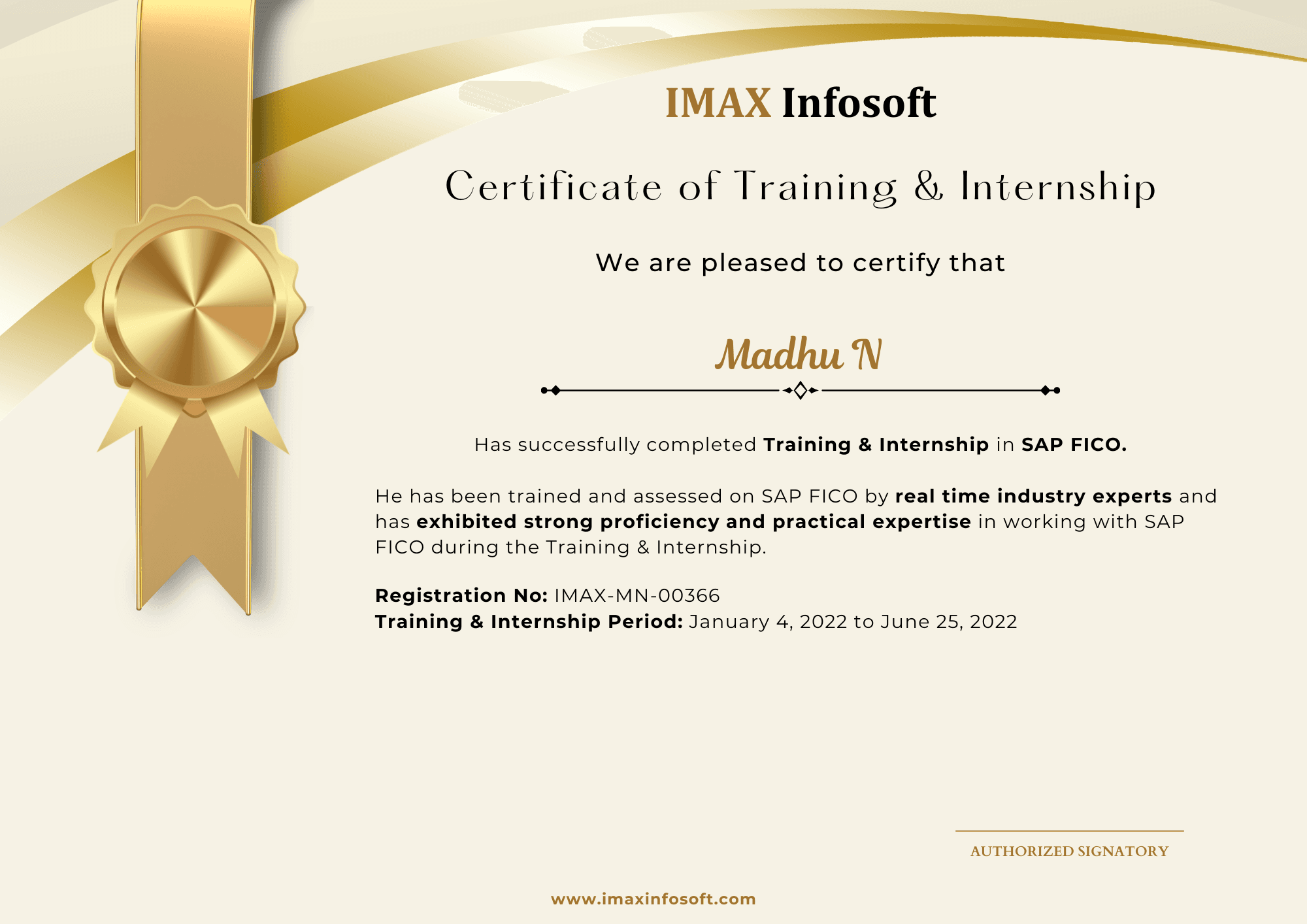
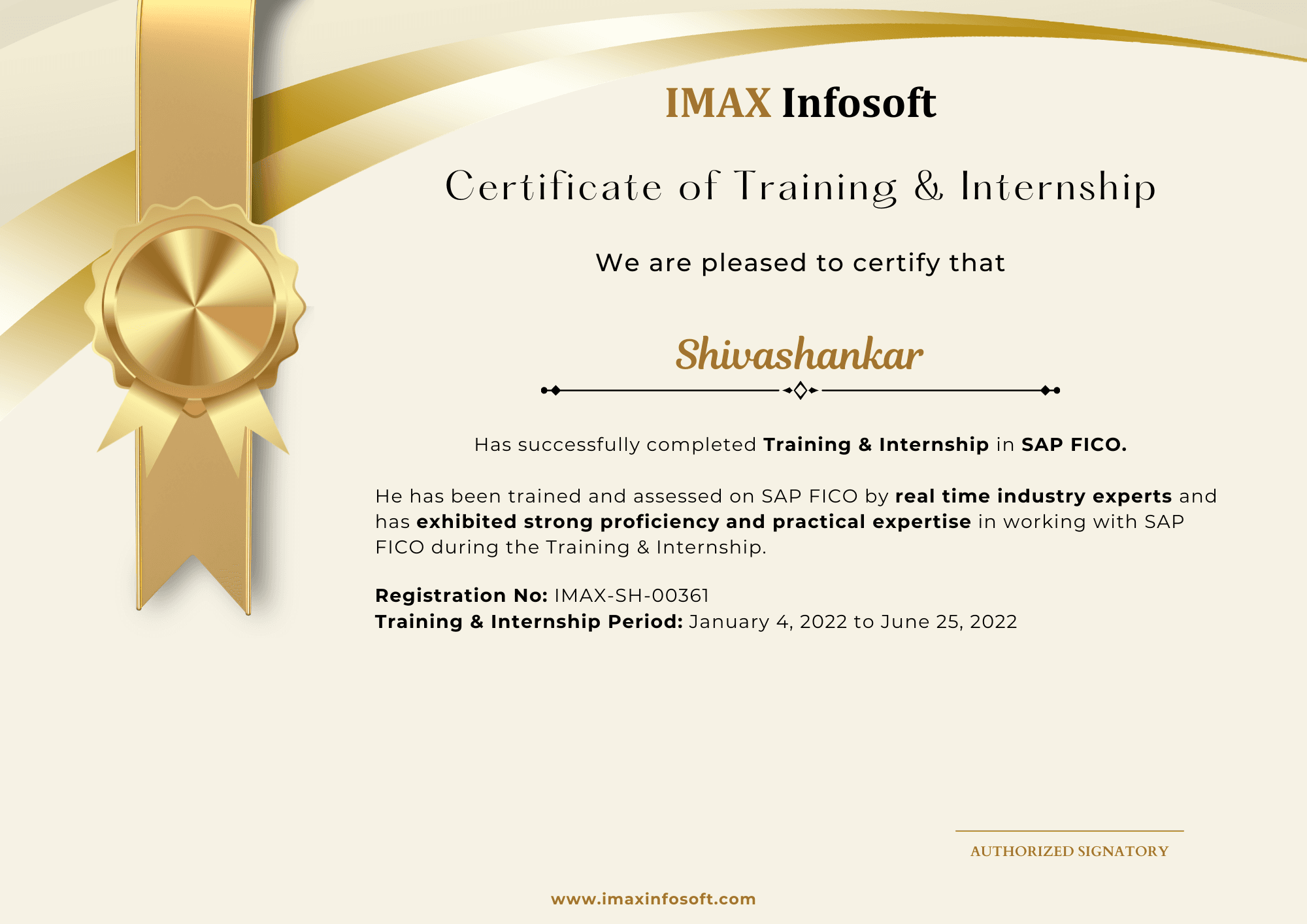
Completion certificates from the June 2026 and October 2025 batches give students a real preview of the outcome they receive after training and project work.

20

certificates shown

150–200

hiring tie-ups

4.8/5

Google rating

Certificates are issued by IMAX Infosoft after course completion.

June 2026

Most recent student certification batch.
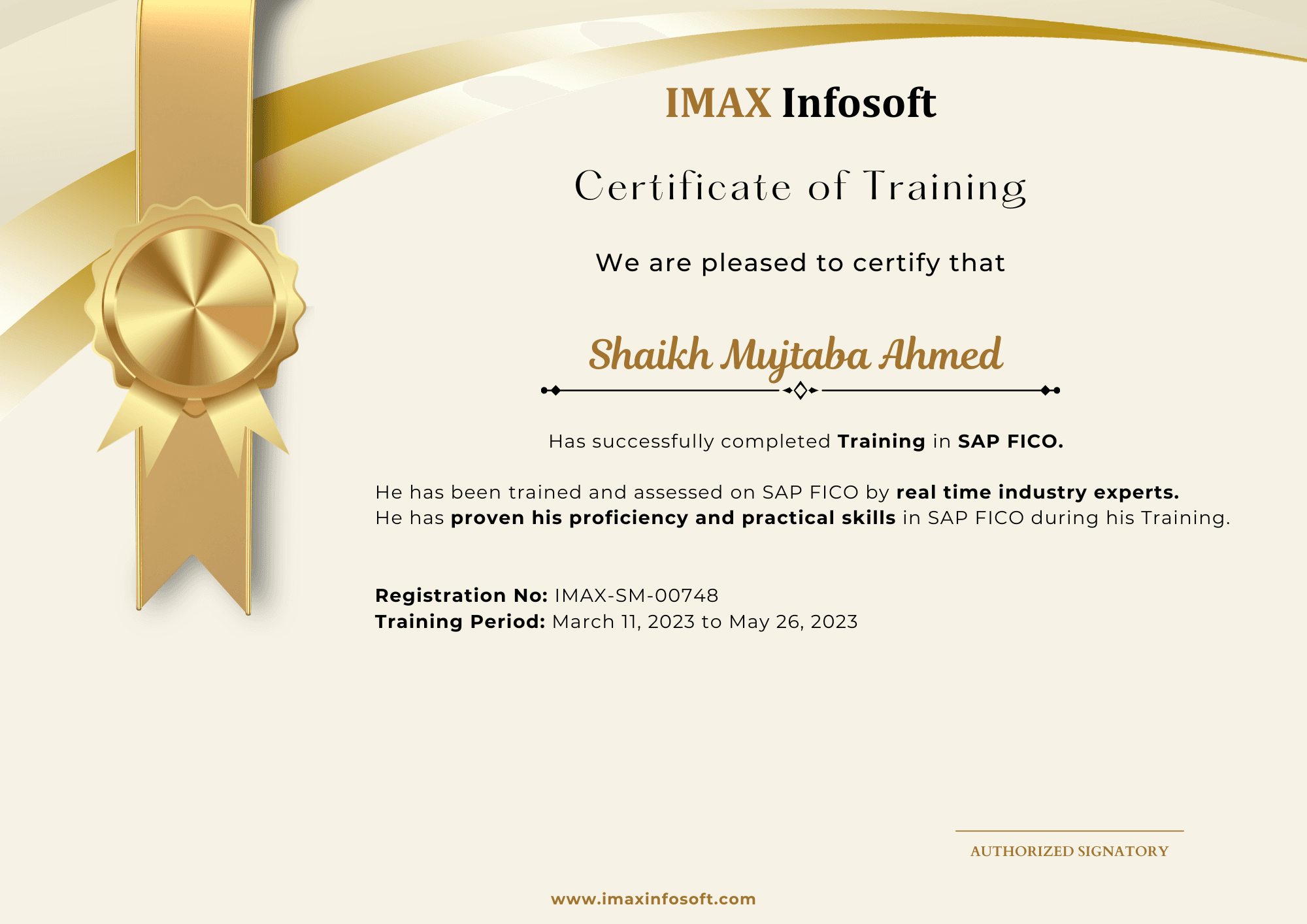
IMAX Infosoft completion certificate from the June 2026 batch, sample 1
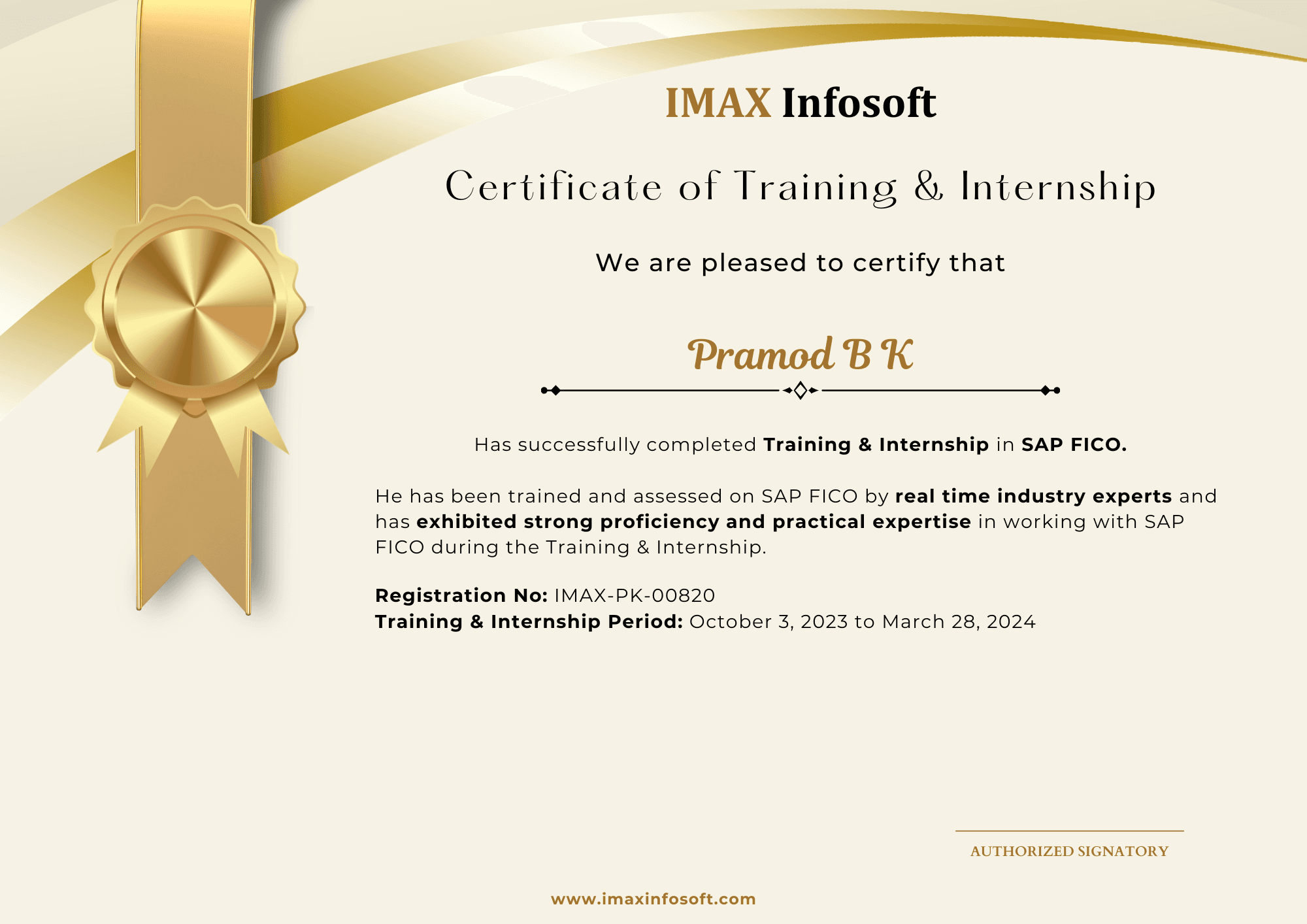
IMAX Infosoft completion certificate from the June 2026 batch, sample 2
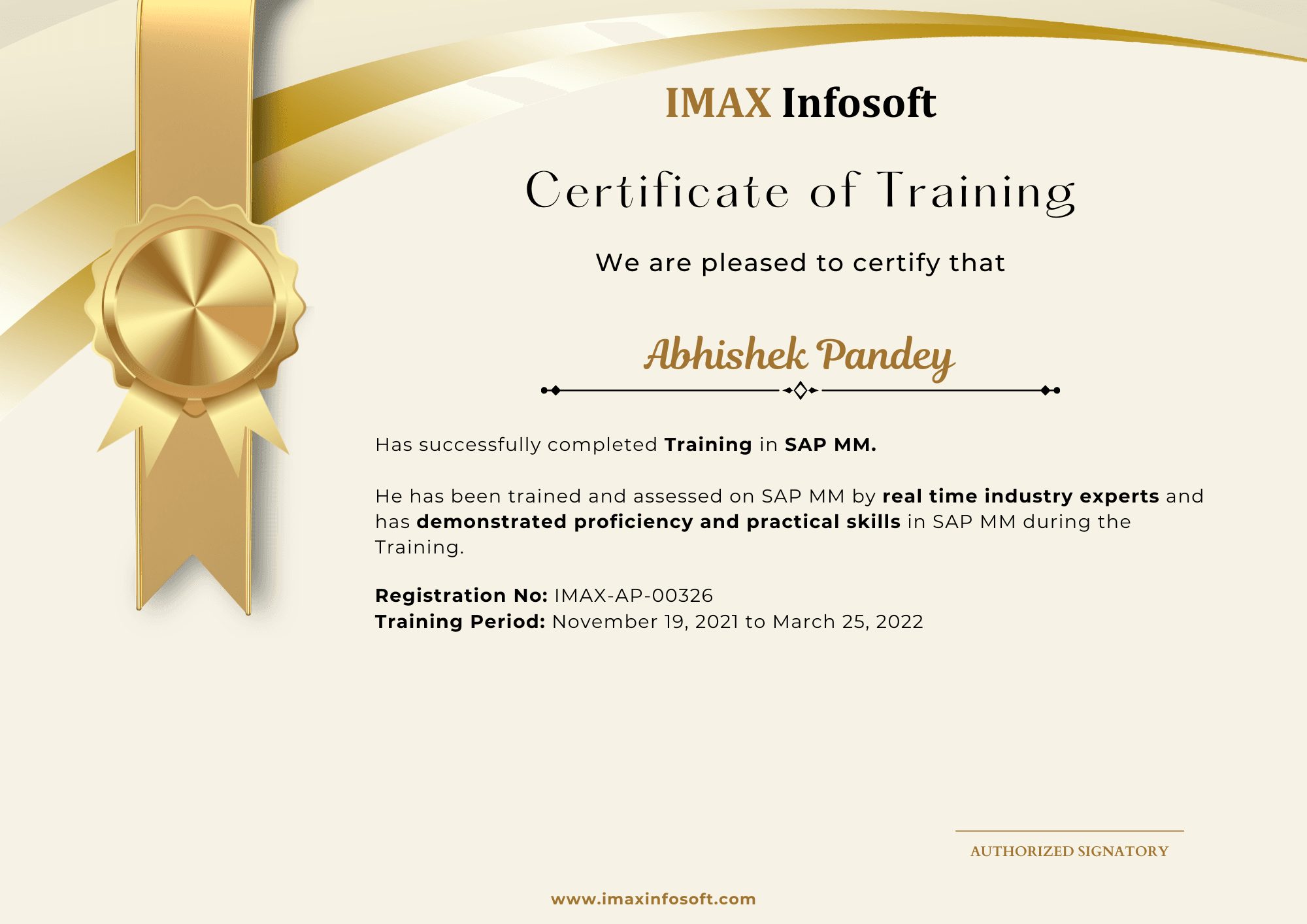
IMAX Infosoft completion certificate from the June 2026 batch, sample 3
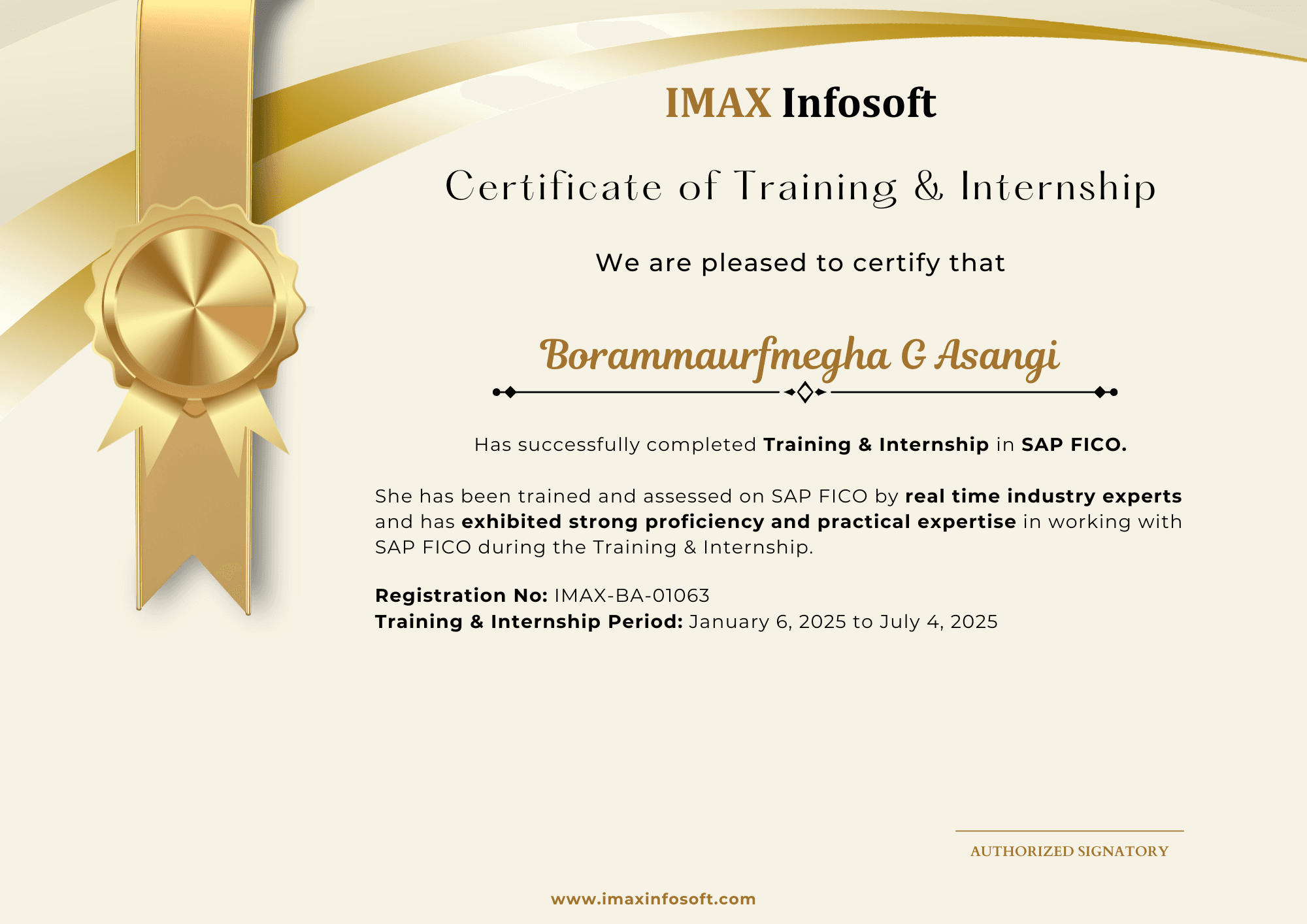
IMAX Infosoft completion certificate from the June 2026 batch, sample 4
IMAX Infosoft completion certificate from the June 2026 batch, sample 5
IMAX Infosoft completion certificate from the June 2026 batch, sample 6
IMAX Infosoft completion certificate from the June 2026 batch, sample 7
IMAX Infosoft completion certificate from the June 2026 batch, sample 8
IMAX Infosoft completion certificate from the June 2026 batch, sample 9
IMAX Infosoft completion certificate from the June 2026 batch, sample 10

October 2025

Previous student certification batch.
IMAX Infosoft completion certificate from the October 2025 batch, sample 1
IMAX Infosoft completion certificate from the October 2025 batch, sample 2
IMAX Infosoft completion certificate from the October 2025 batch, sample 3
IMAX Infosoft completion certificate from the October 2025 batch, sample 4
IMAX Infosoft completion certificate from the October 2025 batch, sample 5
IMAX Infosoft completion certificate from the October 2025 batch, sample 6
IMAX Infosoft completion certificate from the October 2025 batch, sample 7
IMAX Infosoft completion certificate from the October 2025 batch, sample 8
IMAX Infosoft completion certificate from the October 2025 batch, sample 9
IMAX Infosoft completion certificate from the October 2025 batch, sample 10
FAQs

Frequently asked questions

Absolutely. SAS remains mandatory in pharma (FDA compliance), banking (Basel regulations), and government analytics. It's not going away.

Yes. The curriculum fully covers the SAS Base Programmer exam syllabus. We provide practice questions and mock tests.

SAS is proprietary, highly regulated, and dominant in pharma/banking. R and Python are open-source and broader. For regulated industries, SAS is essential.

Fees vary by batch type and mode. Call 93435 65658 or 80739 22743 for current pricing — EMI options also available.

Both. Attend in-person at our Vijayanagar or BTM Layout centres, or join live via Zoom. All sessions are recorded.

6 months of active placement support — referrals through our 150–200 hiring tie-ups, mock interviews, and dedicated HR round preparation.
Ready to start?

Talk to a counsellor about SAS Programming

Get the current fee, EMI options, the next batch date and an honest view of whether this module fits your background.

Vijayanagar

BTM Layout

Request a call back

One counsellor, one honest conversation.

+91
or
Enquire on WhatsApp

By submitting you agree to be contacted about IMAX Infosoft courses.

WhatsAppEnquire